Runware is a pay as you go AI image API with FLUX and thousands of community checkpoints. Add a key and SCM generates article images for a fraction of a cent each.
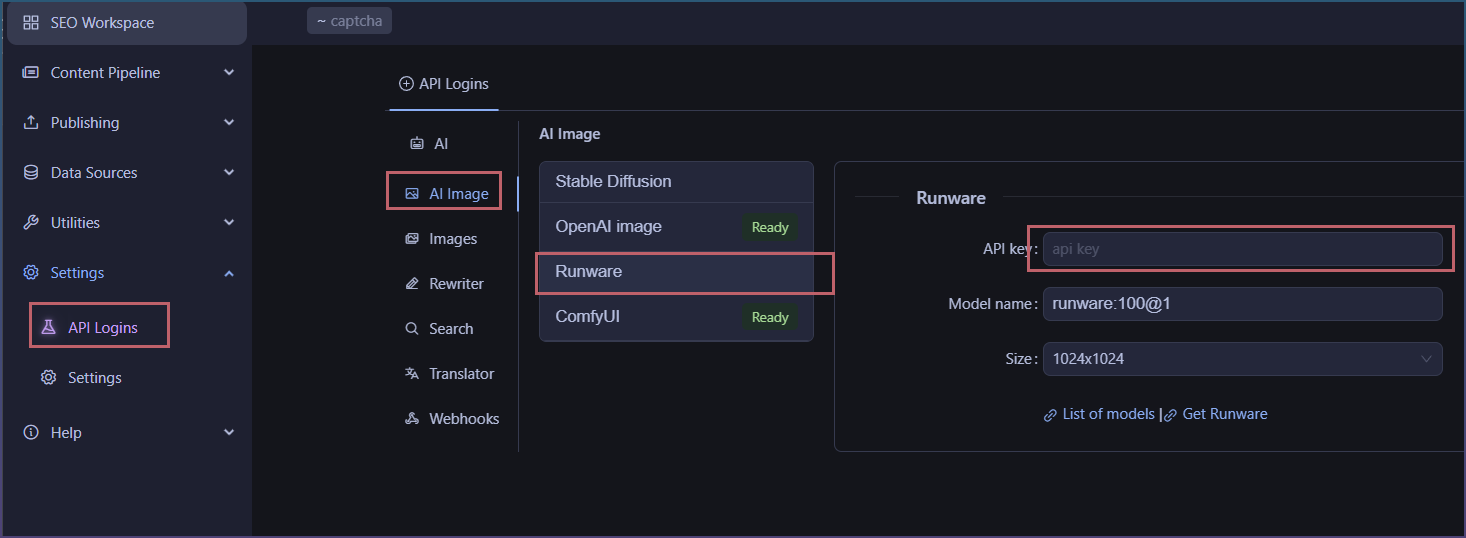
Setup takes a minute: open Settings, API Logins, AI Image, Runware, then paste your API key. Type part of a model name and hit refresh model list to pull the matching models straight from your account, pick one, pick a size, done. Then choose Runware as the image AI on any article or page that generates images.
Sizes run from 512x512 up to 1536x1024, and up to 20 images per request.
Can be used as an image generation source.
How to setup Runware
Add your API key
Generate images from image tool
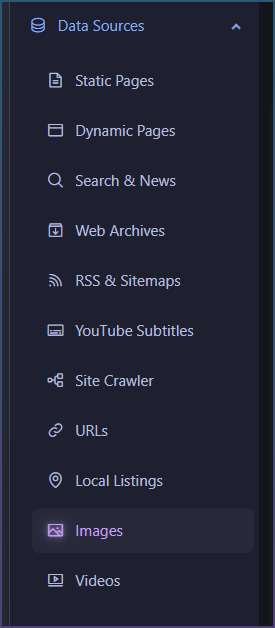
SCM has an image tool for you to send queries and generate images.
Data sources > images
Select Runware from AI image dropdown
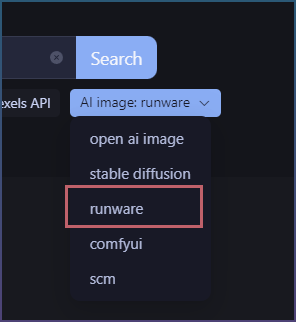
Once its enabled you can generate images

Auto generate Runware images for bulk content
You can use it as an image source when using the page pipeline tool.
Inserts > image
Select runware
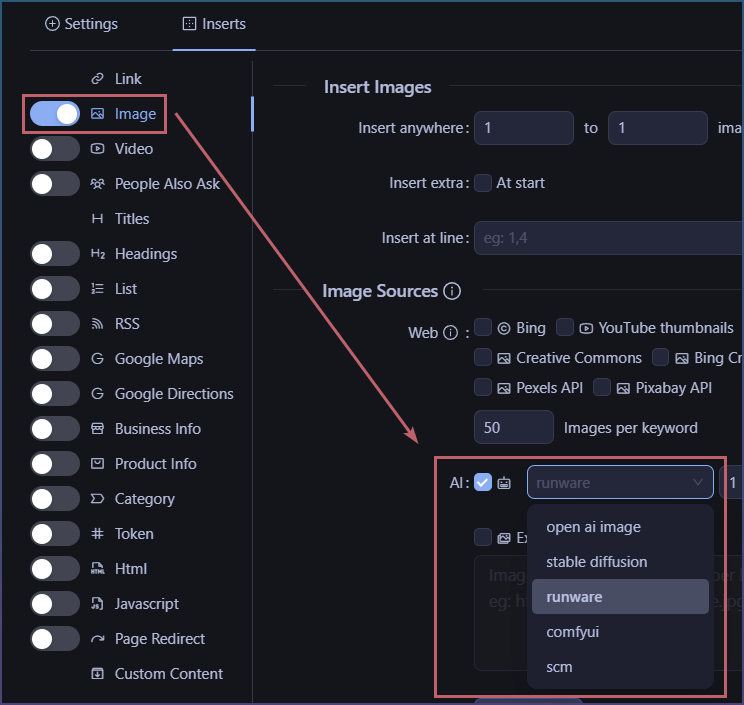
Now image generation will use Runware.