This guide shows how to connect a Pixabay API key to SEO Content Machine, then use it to find images for image scraping and article creation.
Want to use Pixabay API images inside SEO Content Machine?
Start SEO Content Machine free trial
You can use the Pixabay API to get free unlimited access to images.
To access this image source you need to signup for an API key.
Get free Pixabay API key
Go to
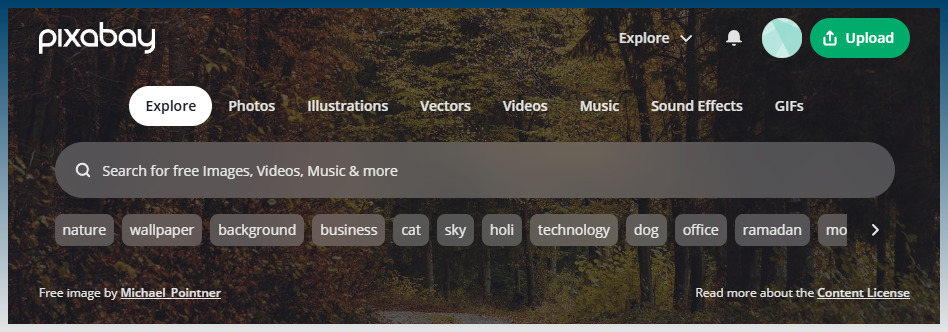
Signup for a free account.
Find your free API key here:
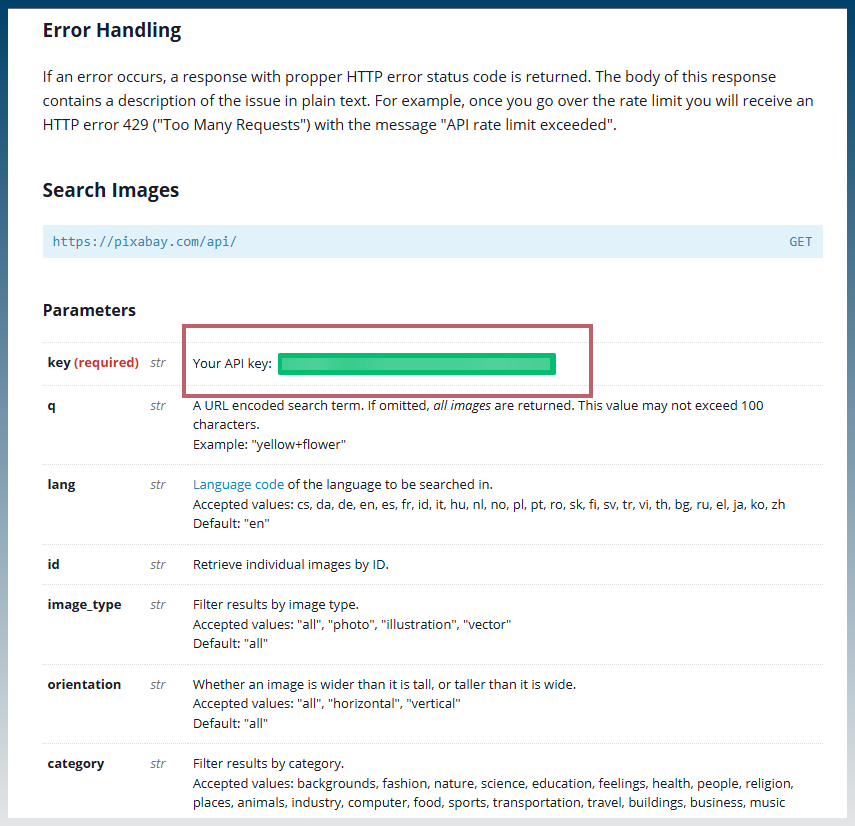
Copy this API key to your clipboard
Paste Pixabay API key into SCM API logins
Navigate to the API logins menu.
Find the Other menu option and scroll to Pixabay.
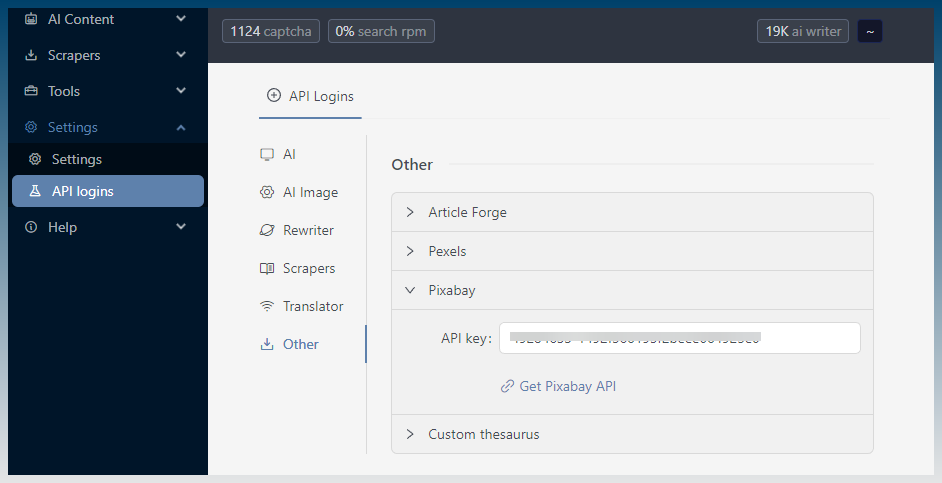
Paste in your API key.
Use the Pixabay API key to find images in the image scrape
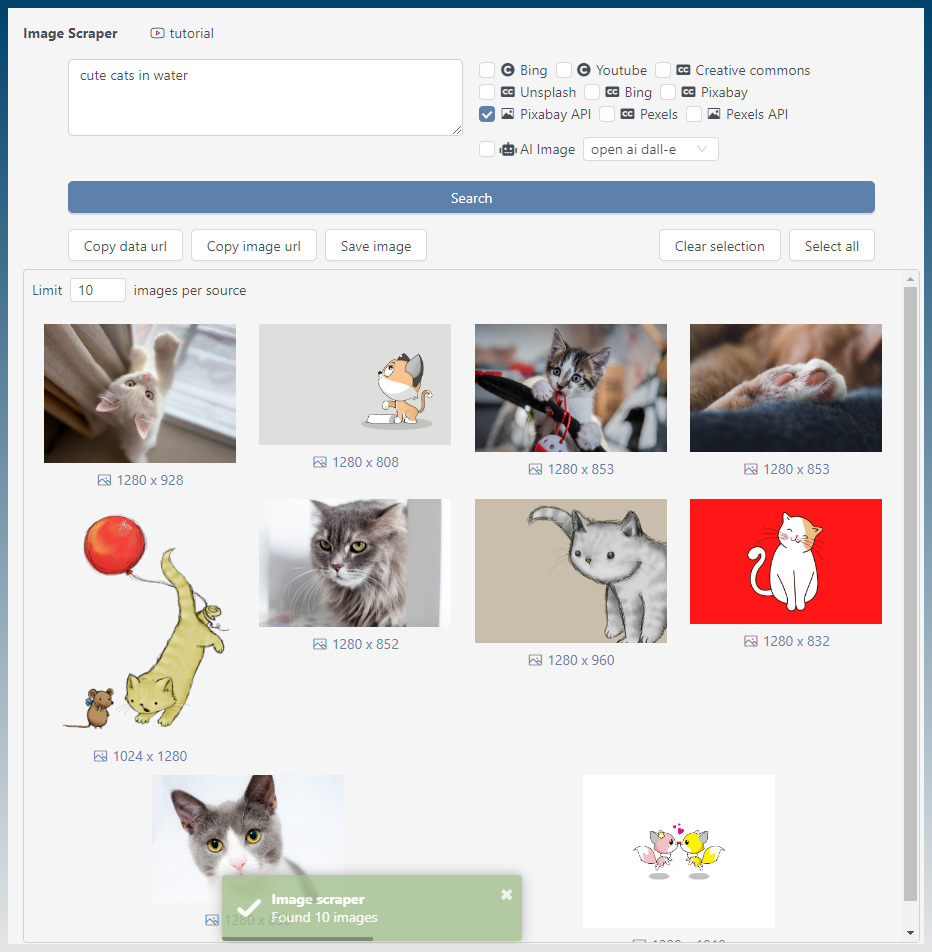
The image scraper tool allows you to get instant access to images from the Pixabay API.
Just check the Pixabay API check box.
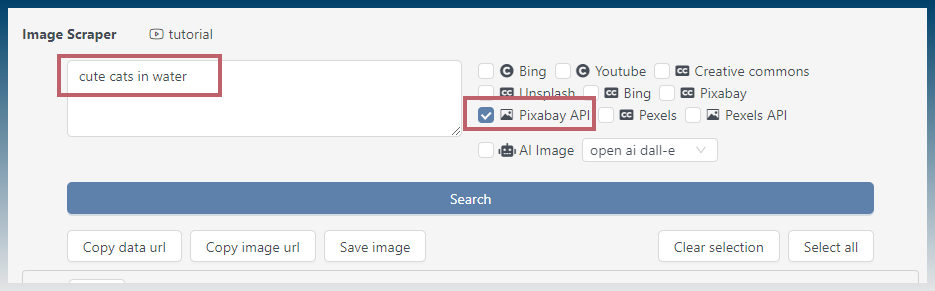
Enter a search term and click search…
All images from Pixabay API are listed below.
Use the Pixabay API to find images to insert into the article creator
You can also use the Pixabay API in an automated fashion inside the article creator.
Navigate to the inserts > images section.
Check the Pixabay API checkbox.
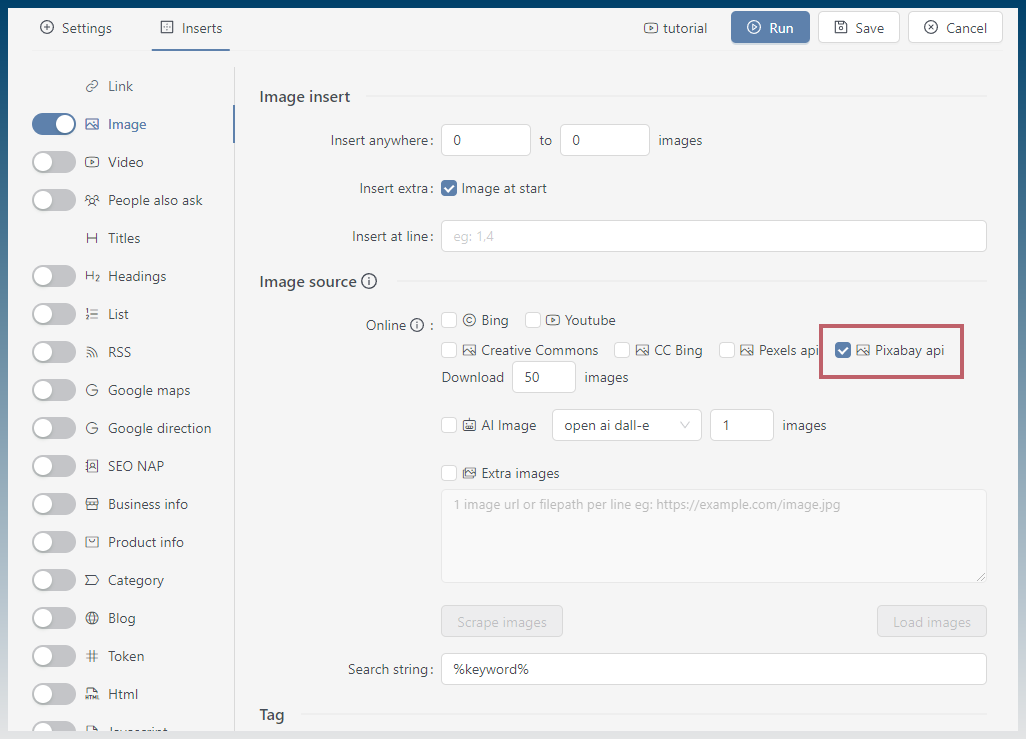
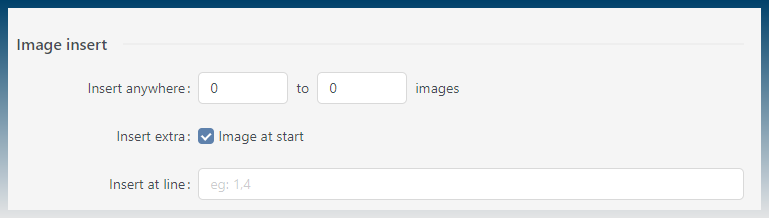
Select the number of images to insert.
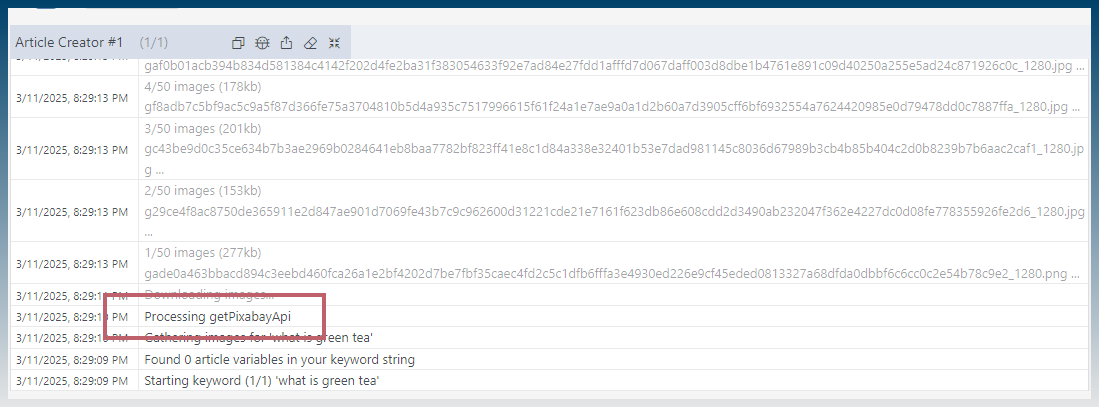
When you run the article creator, you can check the log to see it working.
Other image sources
While we here, SCM has other image sources you can use as well.
- Bing
- Bing CC
- Youtube
- Creative commons
- Unsplash
- Pixabay
- Pixabay API
- Pexels
- Pexels API
- AI Image
Most of the time, the normal image sources are enough.
Use the API options if normal scraping stops working, or if you want something more stable.
You can also use AI Image if you want to generate images instead of scraping them.
Want to automate articles with images, AI content and scraping tools?
Start SEO Content Machine free trial