ChatGPT Plus and Pro do not include API credits, but SCM can sign in to your subscription through Codex. Connect the account once and generate articles with no per token bill.
Why use this?
The biggest reason is cost.
- ChatGPT Plus is the subscription most people already pay for, so this is usually the cheapest model access you have sitting unused
- Metered API billing has no ceiling. A subscription does, so a runaway job costs you nothing extra
- Nothing to manage after setup. One browser login, no keys to rotate, no usage dashboard to watch
- Access to frontier models like gpt-5.6, the same models Codex uses
- No credit balance to top up, so no job dies halfway because credits ran out
Requires a paid ChatGPT Plus or Pro plan. A free ChatGPT account will not work.
Not the same as the Open AI tab, which takes an OpenAI API key and bills per token. This one uses your subscription.
Where
Codex:
https://chatgpt.com/
How to connect Codex
Settings > API Logins > Codex
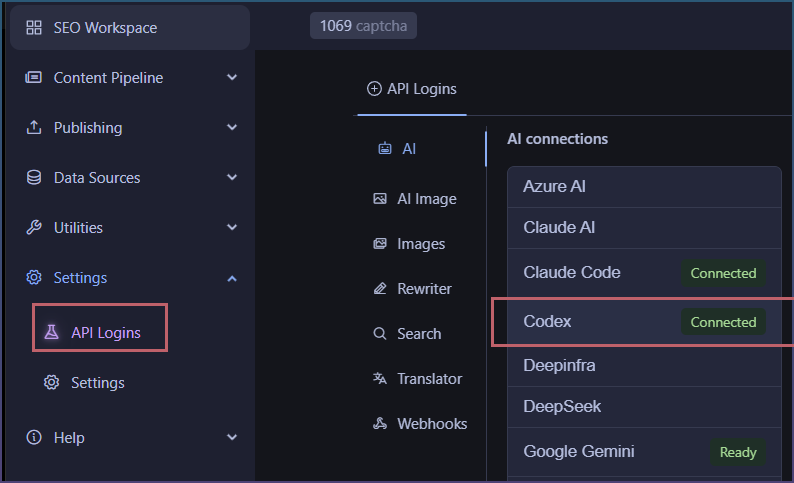
Click connect
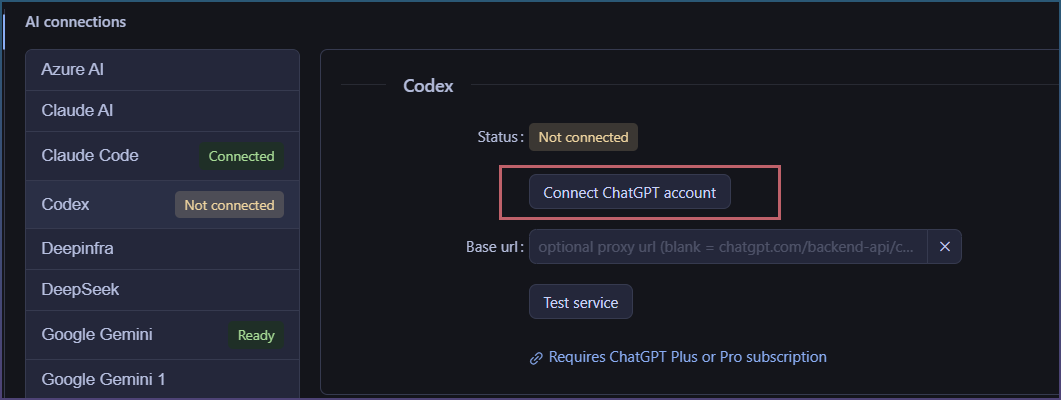
You will need to login on the browser.
Eventually you get here.

Back to SCM, connection is automatic
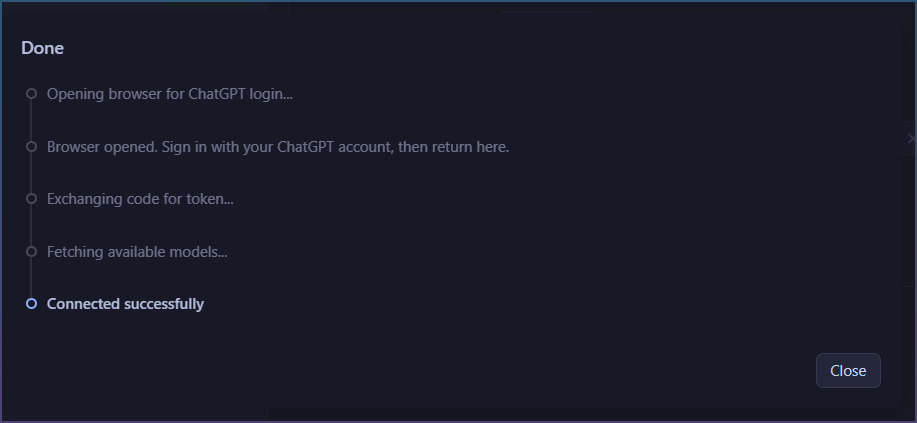
Connect status

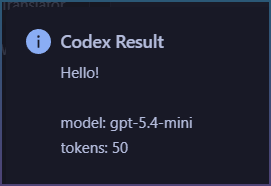
Test it

Test results
How to use Codex in SEO Workspaces
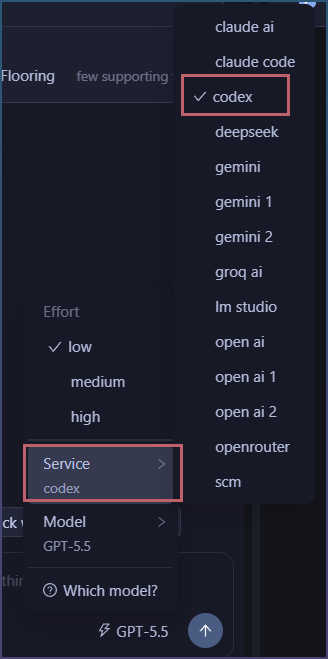
In a workspace, service > codex
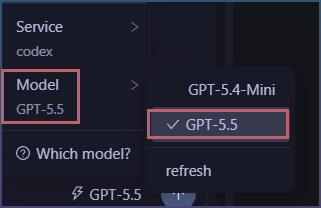
Then select model
All done!
Want to try this with your own ChatGPT subscription?
Start SEO Content Machine free trial
How to use Codex to generate articles
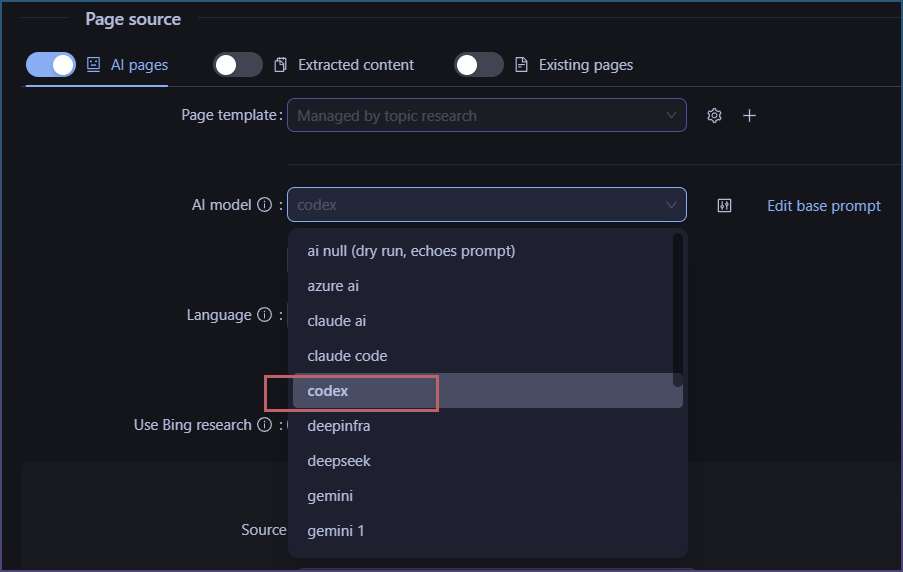
Codex can also be selected in Page pipeline.
Find and select Codex
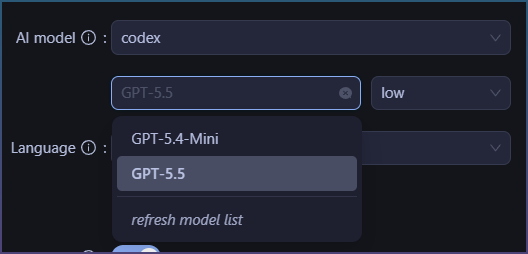
Select model
Now you are ready to use Codex for all features in SCM.