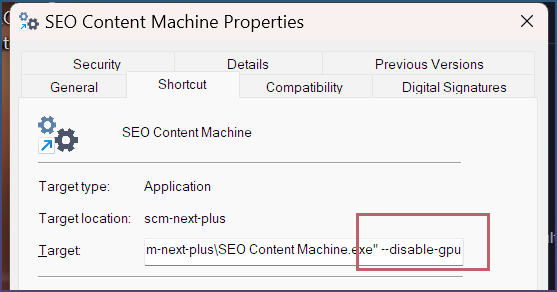
I am facing problem with SEO content machine, it is not opening regularly at all. I have tried updating it to latest versions several times. But still it is not opening at all. Whenever I click on it, it won’t open at all and doesn’t show up in task manager either.
I used codex app to fix SEO content machine, it took a long time and created vbs script to run the SEO content machine, but with every update, this VBS script it lost and I have to ask chatgpt app (codex) to fix it again and it will create VBS script everytime.
I can’t reinstall Windows and also want to take backup of SCM. Previously, I lost one of my major content project under SCM during these fixes.
I want to run it normal application but not sure how to do it, I have stopped using ChatGPT app too, because it kept running instances of its app in background which was consuming too much resources of Windows.
Can you guide me how to run it like normal app? If it can’t be run, I want to take backup of all products before re-installing Windows.
 How to retrieve Electron Crashpad files