As an alternative to running LLMs on your desktop you can sign up to Groq AI for fast API calls.
If you don’t have a beefy PC + GPU combo, Groq AI is a good option for running hosted AI models from inside SCM.
Advantages
- You can get started with a free API key.
- Groq AI inference times are very fast.
- You can use current hosted models without running them on your PC.
- Good option if local AI models are too slow for your machine.
Disadvantage
- Low rate limits. You wont be able to run more than 1 AI thread
- Rate limit wait times can be long. SCM is able to wait between calls to maximize throughput though
Want to use Groq AI inside SEO Content Machine?
Get Groq
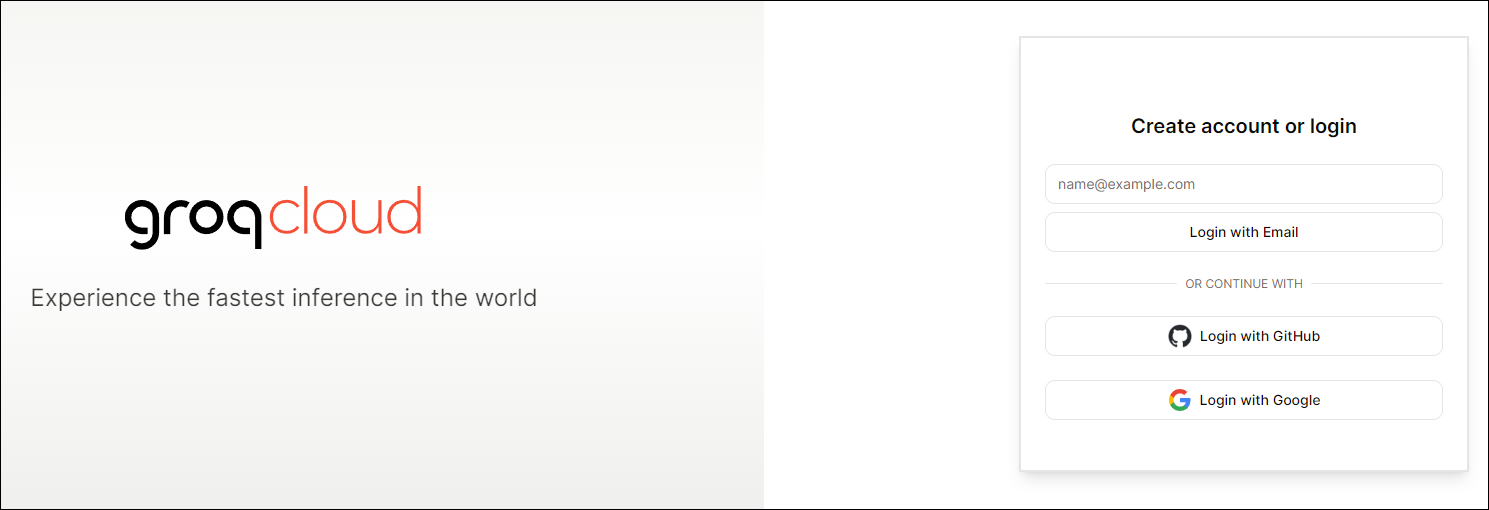
Create a free account
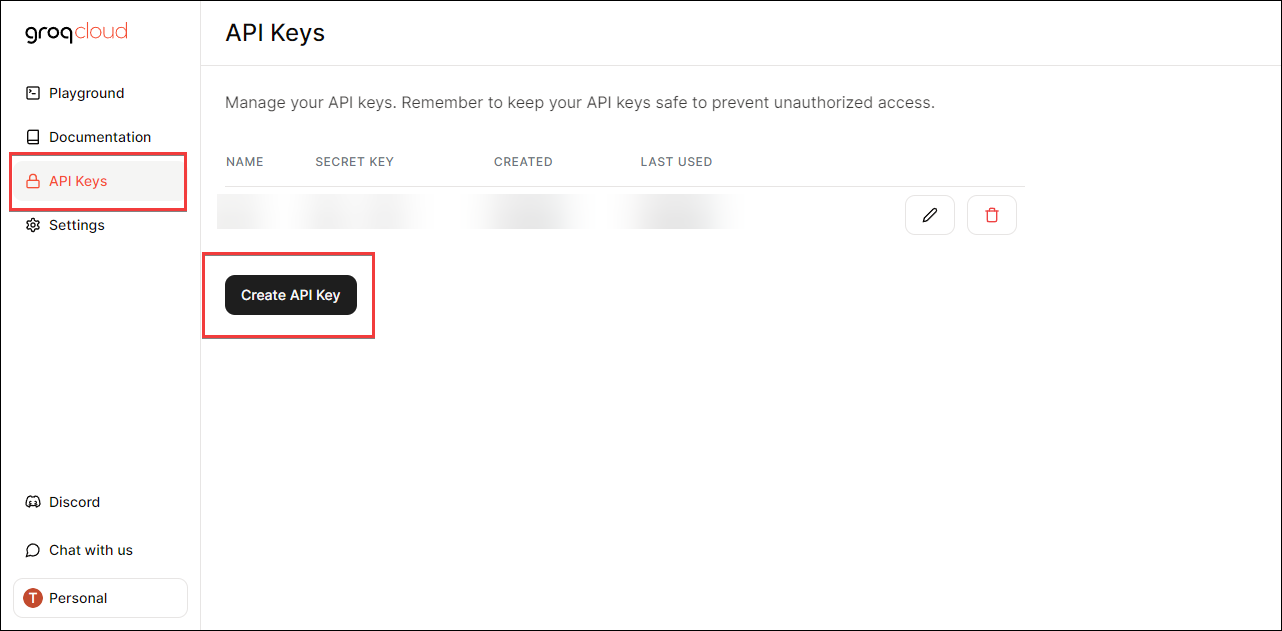
Get your API key
Click the create api key button
Paste key into SCM
API logins
Find Groq AI
Paste in API key
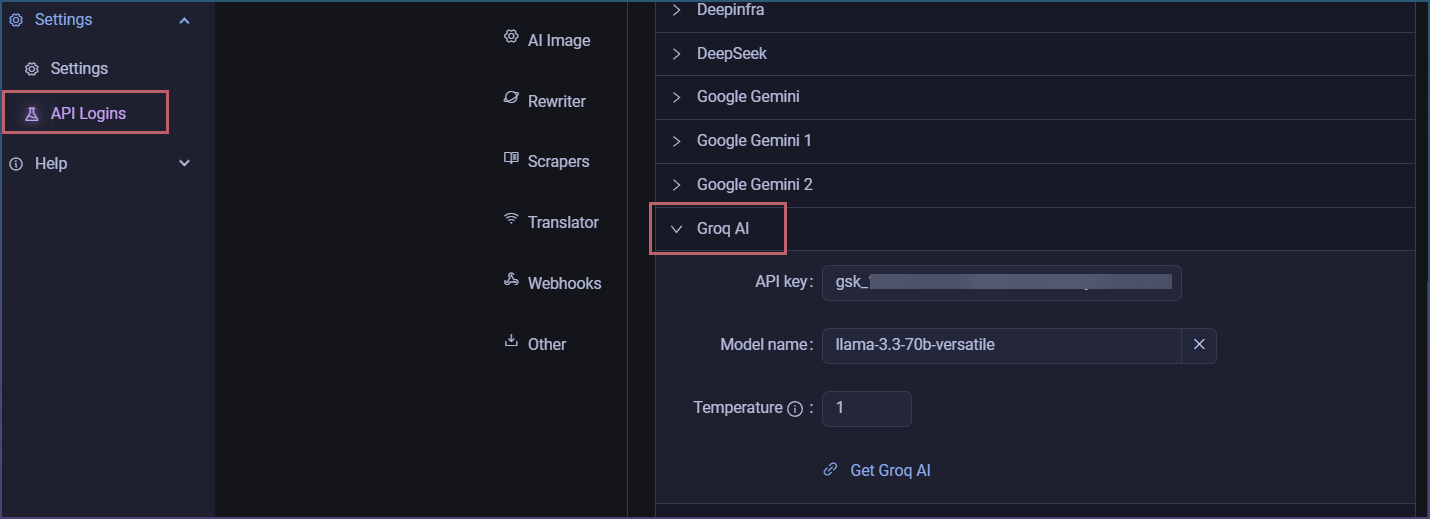
Select model
Model names can change. At the time of writing, a good model to try is:
llama-3.3-70b-versatile
For a faster/lighter option, try:
llama-3.1-8b-instant
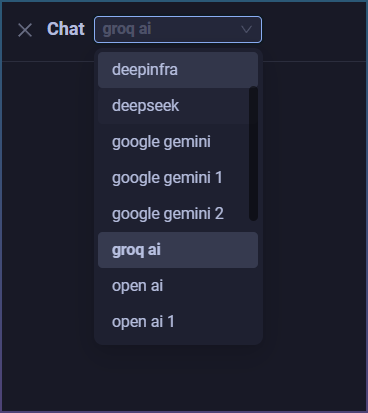
Test
Open AI chat

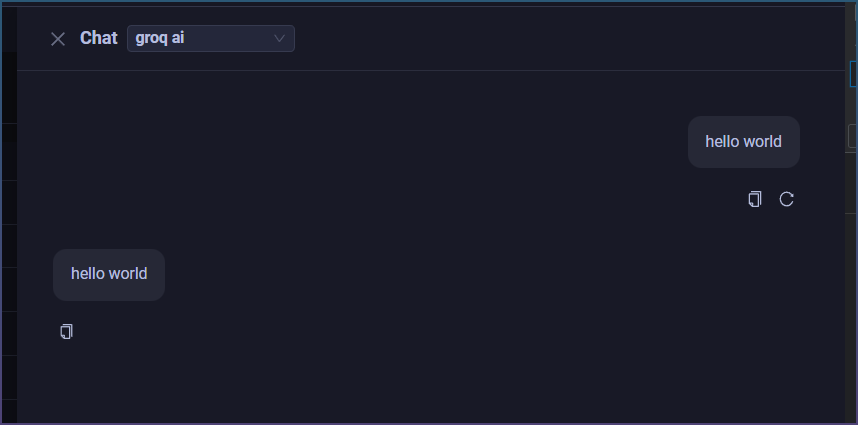
Verify
SCM can use Groq, Perplexity, OpenAI-compatible APIs, local models and more.>