You can create content for import into GSA SER using the Page Pipeline Task.
SCM can create both GSA SER project data (you import) and html articles
You must do a manual import from text files.
Option 1: Create project + articles from scraped content
Under extracted pages, create > gsa ser

This will use content extracted from the SERPs to generate both GSA SER project file and html articles.
Option 2: Create project + articles from AI generation
You can also use AI to generate project and articles.
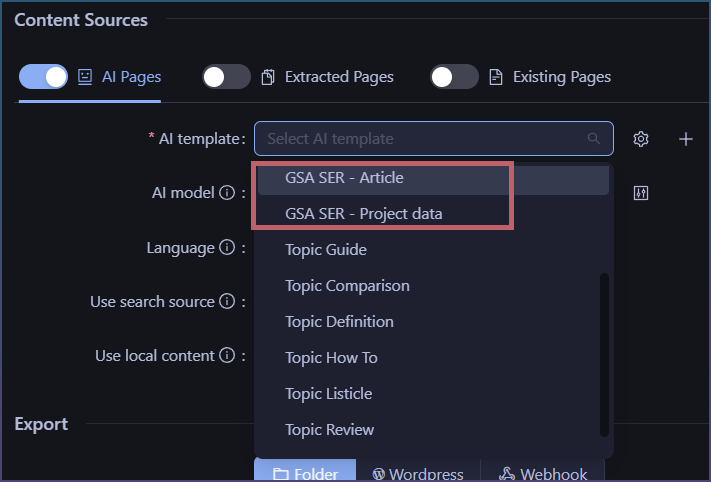
Click dropdown and select both GSA SER Article and Project data
Check the article count settings.
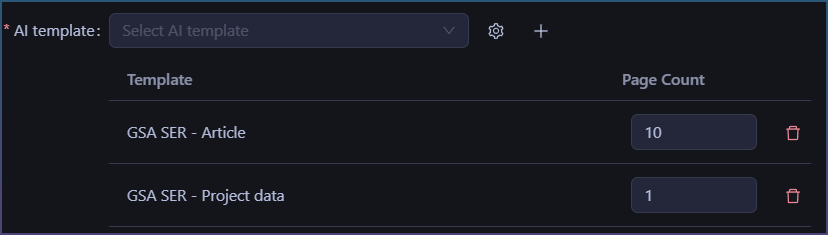
For GSA SER articles you can create as many as you want.
For GSA SER project data, you only need 1.
How to import into GSA SER
Project data
Inside GSA SER > Tools
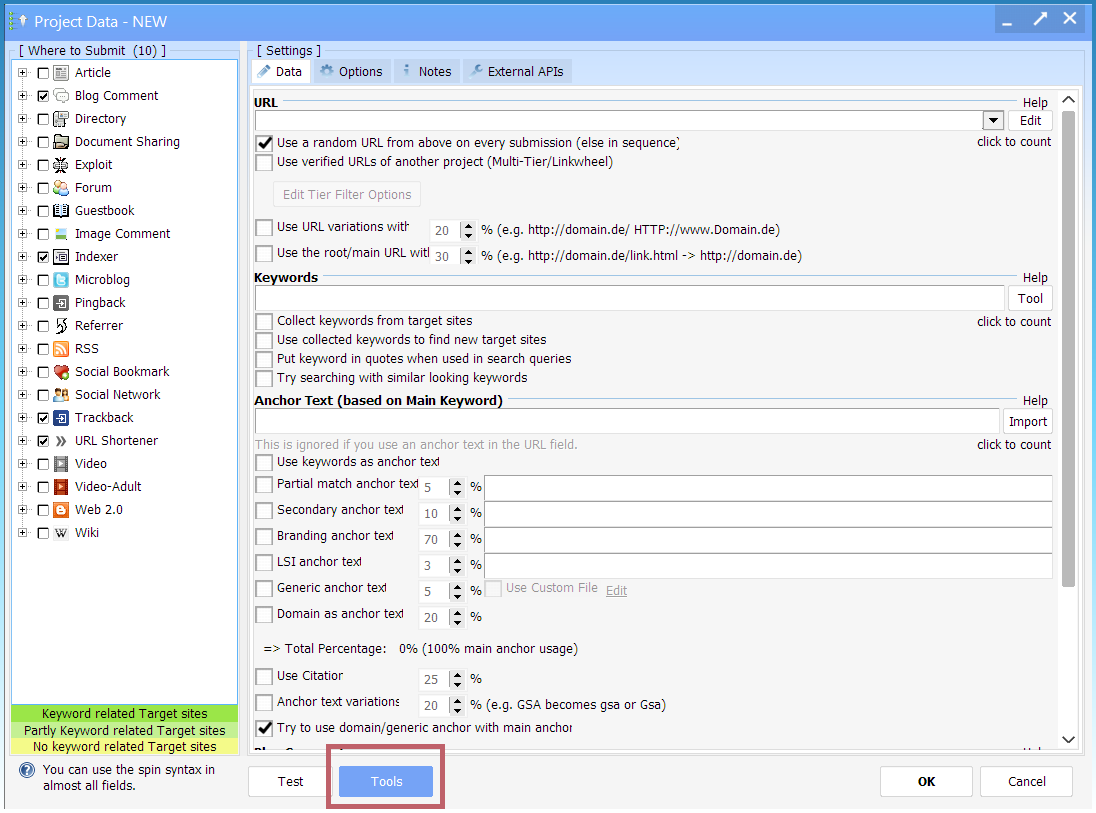
Auto Fill > Use SEO Content Machine >Import
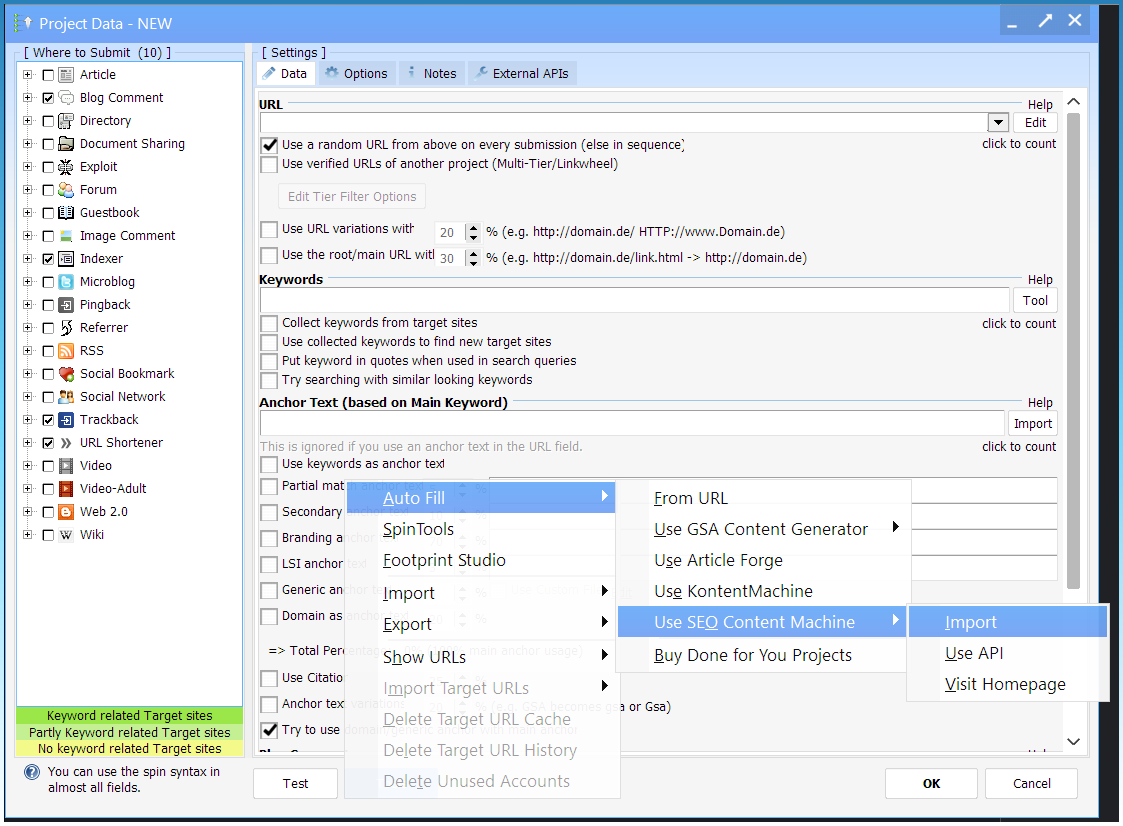
Ignore ‘Use Api’ as it does not work!
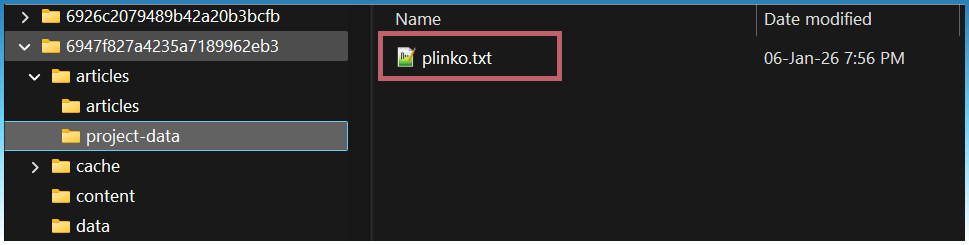
Select file from project data folder
Confirm fields
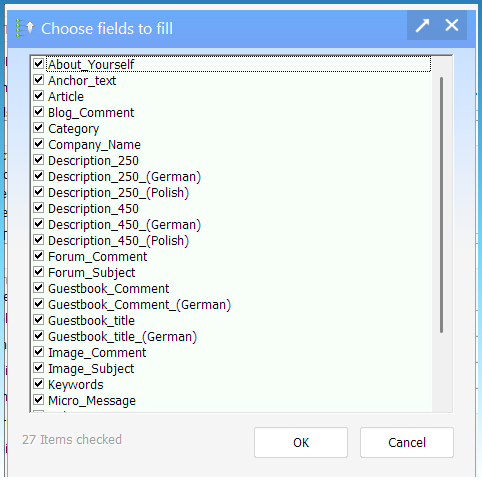
This will import and fill the project data.
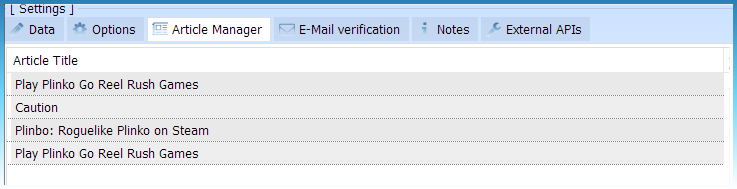
Article Manager
You can also import extra articles.
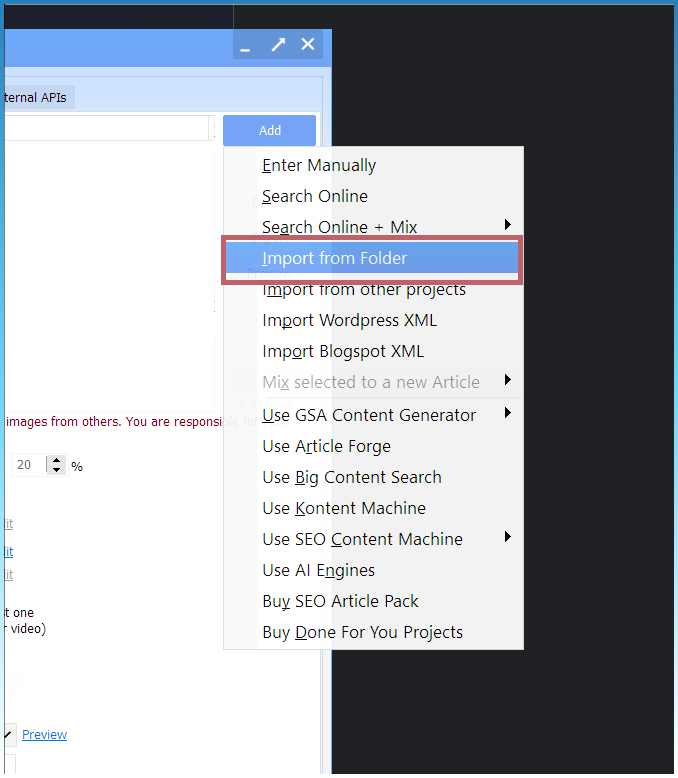
Article Manager > Add
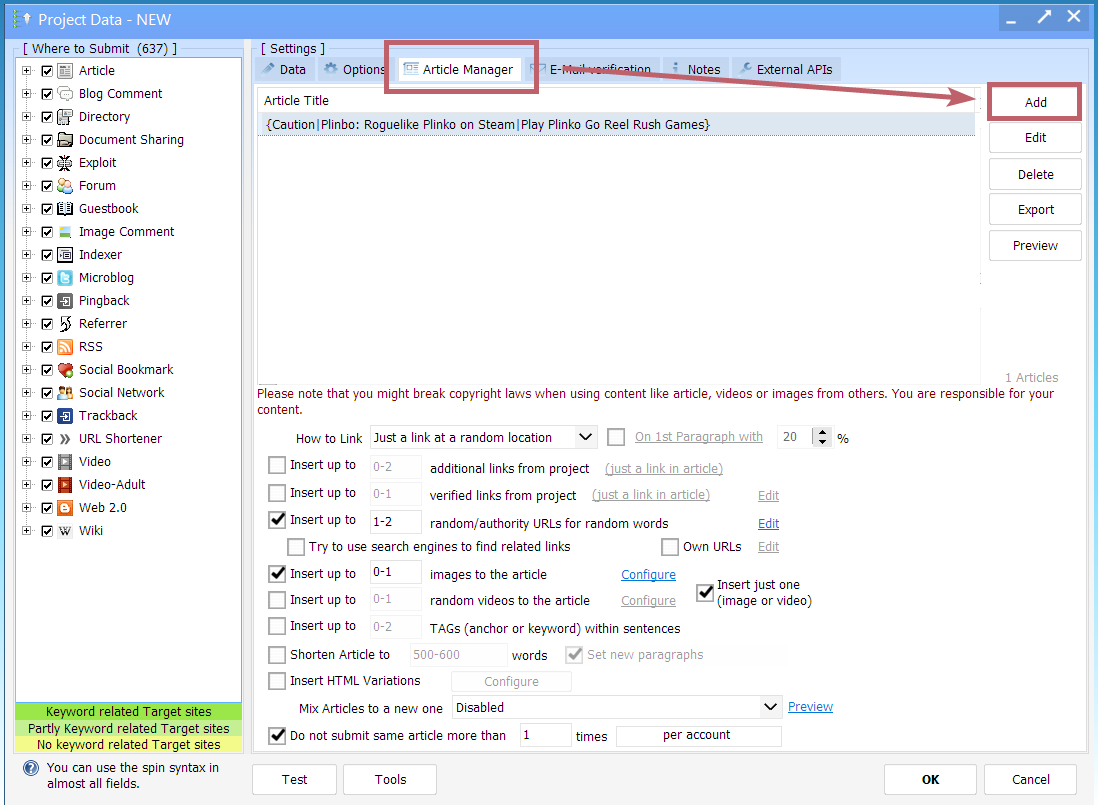
Import from folder
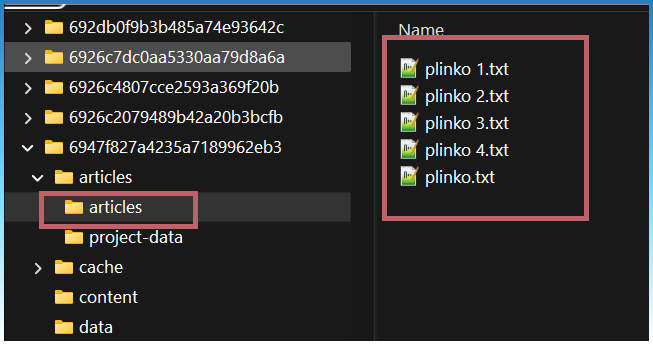
Point to output article folder
Titles from tags

Articles added