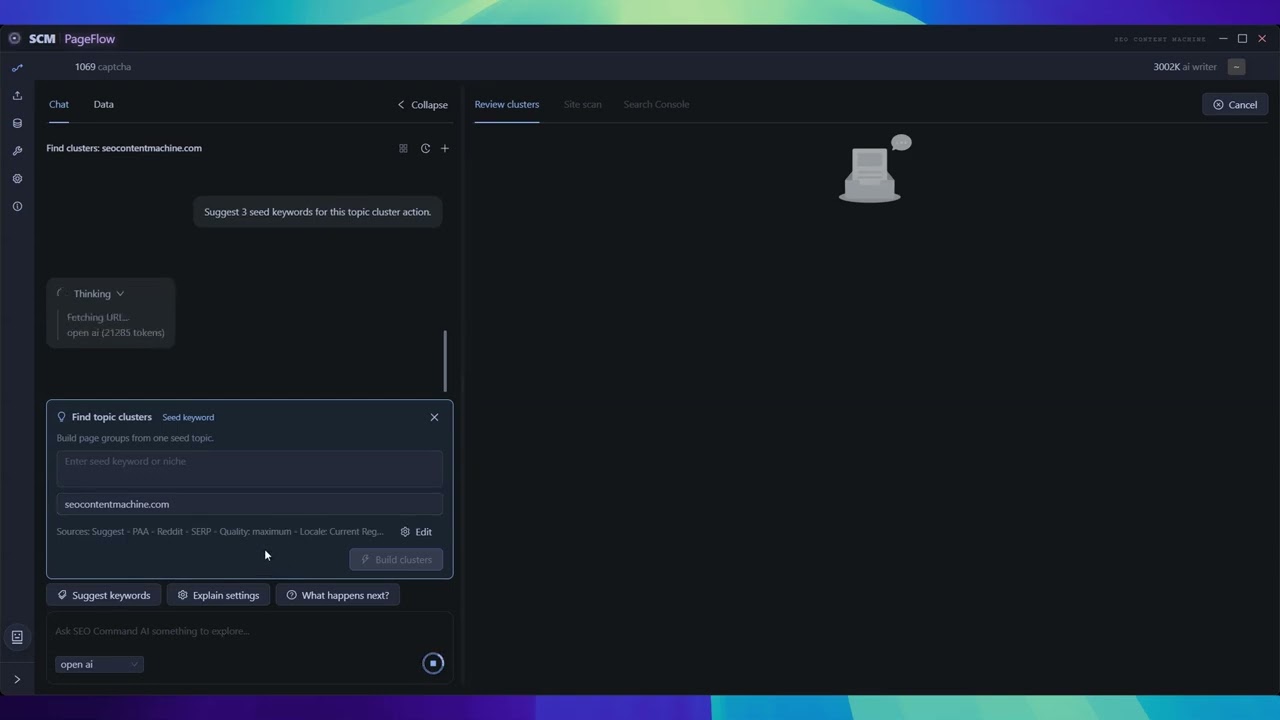
The Agent SEO workflow I wish existed (So I'm building it)

Current state of things:

  • We have topic clustering, but no real repeatable system. Also not very actionable as I start adding new data connectors
  • After I added the extra data connectors, Site data (crawl results, GSC rankings) sits in silos, disconnected from content planning

The problem

  • Keyword tools give flat lists, no context about what a site already ranks for
  • GSC data and site audits live in separate tools, forcing manual cross-referencing
  • No feedback loop between “what I have” and “what to build next”

The what to do now?

  • If you are not a SEO strategist, its hard to know how to stitch data sources together
  • Running a site scan, importing GSC, and building clusters requires 3 different tools and expertise
  • Every project starts from scratch. No guided workflow, no memory of where you left off

The idea

New system approach

  • AI-guided workflow with a finite state machine, the system knows what data you have and what to do next
  • Three data layers combined: site crawl + GSC rankings + autocomplete/SERP expansion

This is important

Chat-driven interface: AI suggests next action based on actual project state, not generic advice

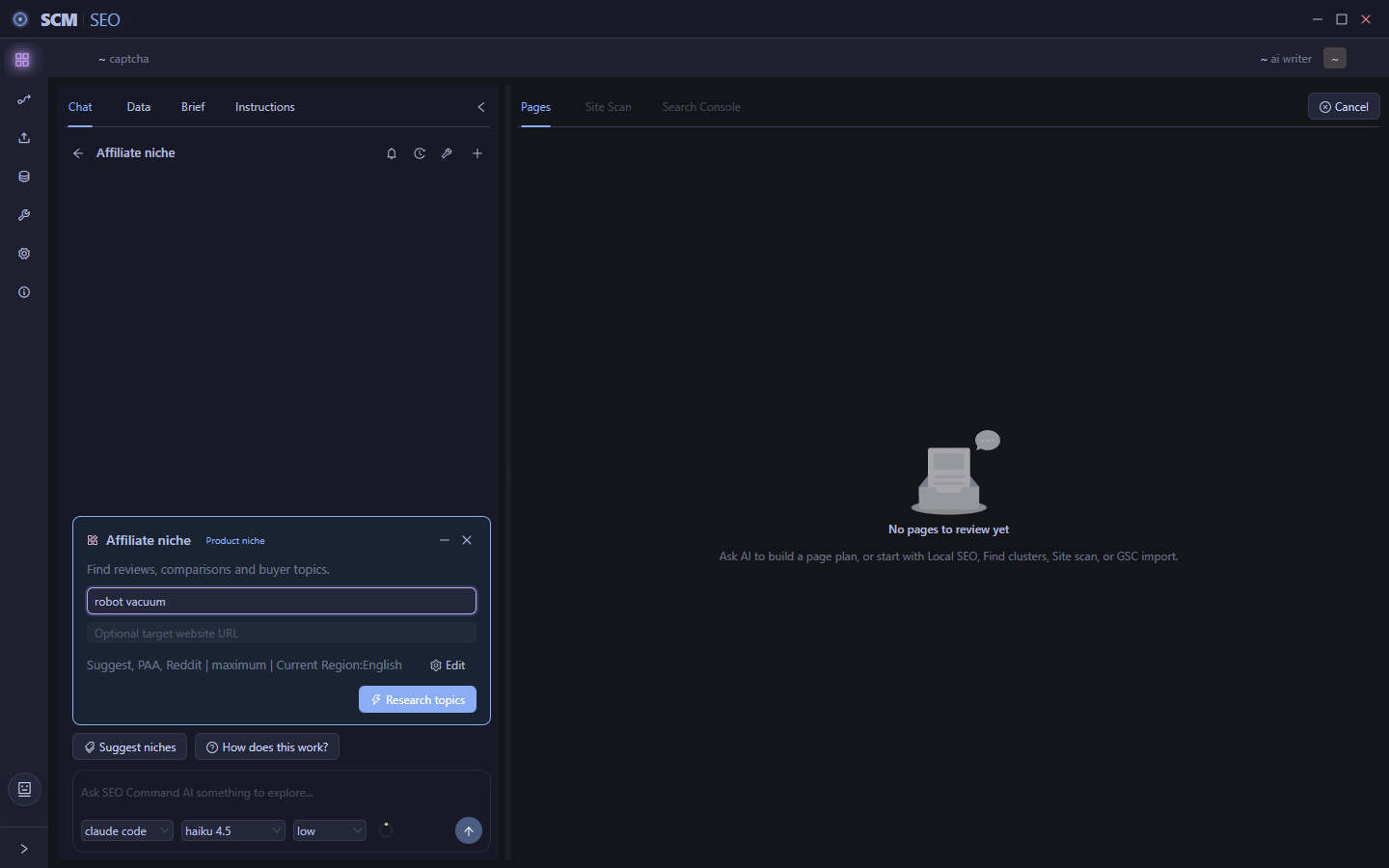
The problem with SCM UI is that its all buttons and labels, its hard to know ‘what to press next’ or how does this help?

But we can combine AI to sit on top of it.

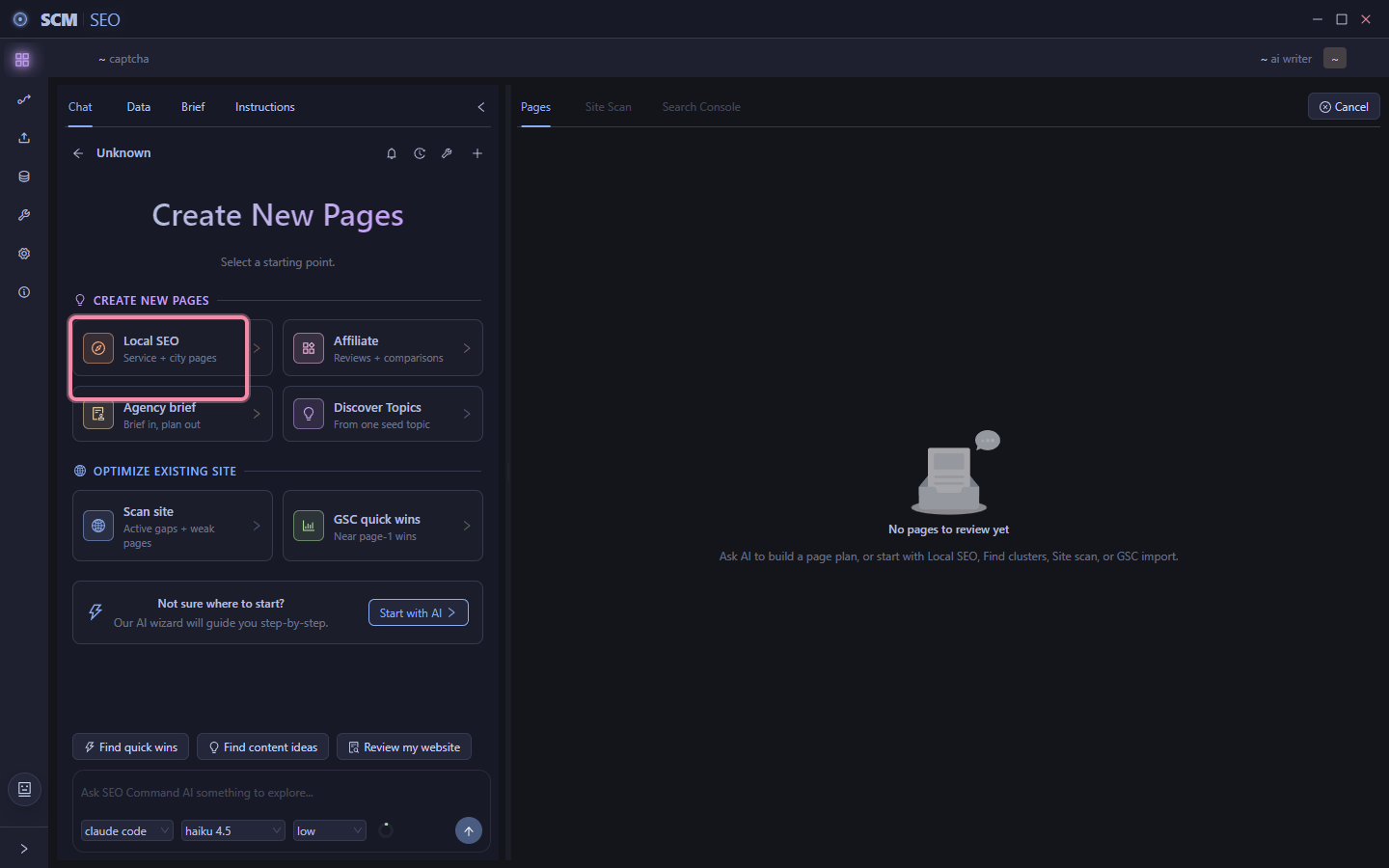
An AI first driven user experience

This is easy to figure out where you should start.
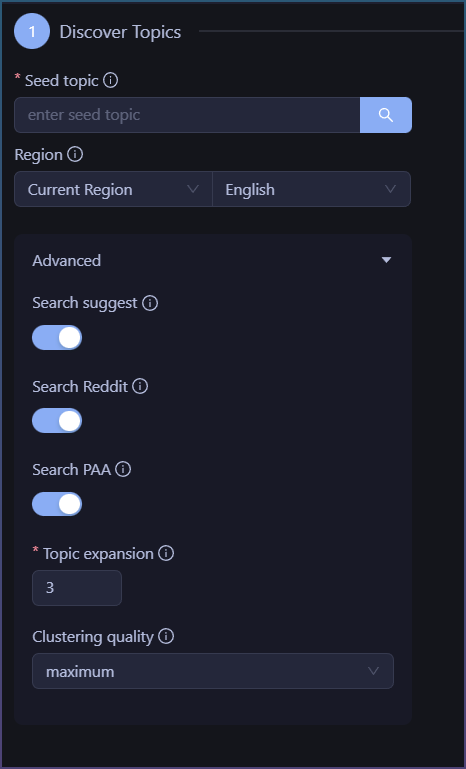
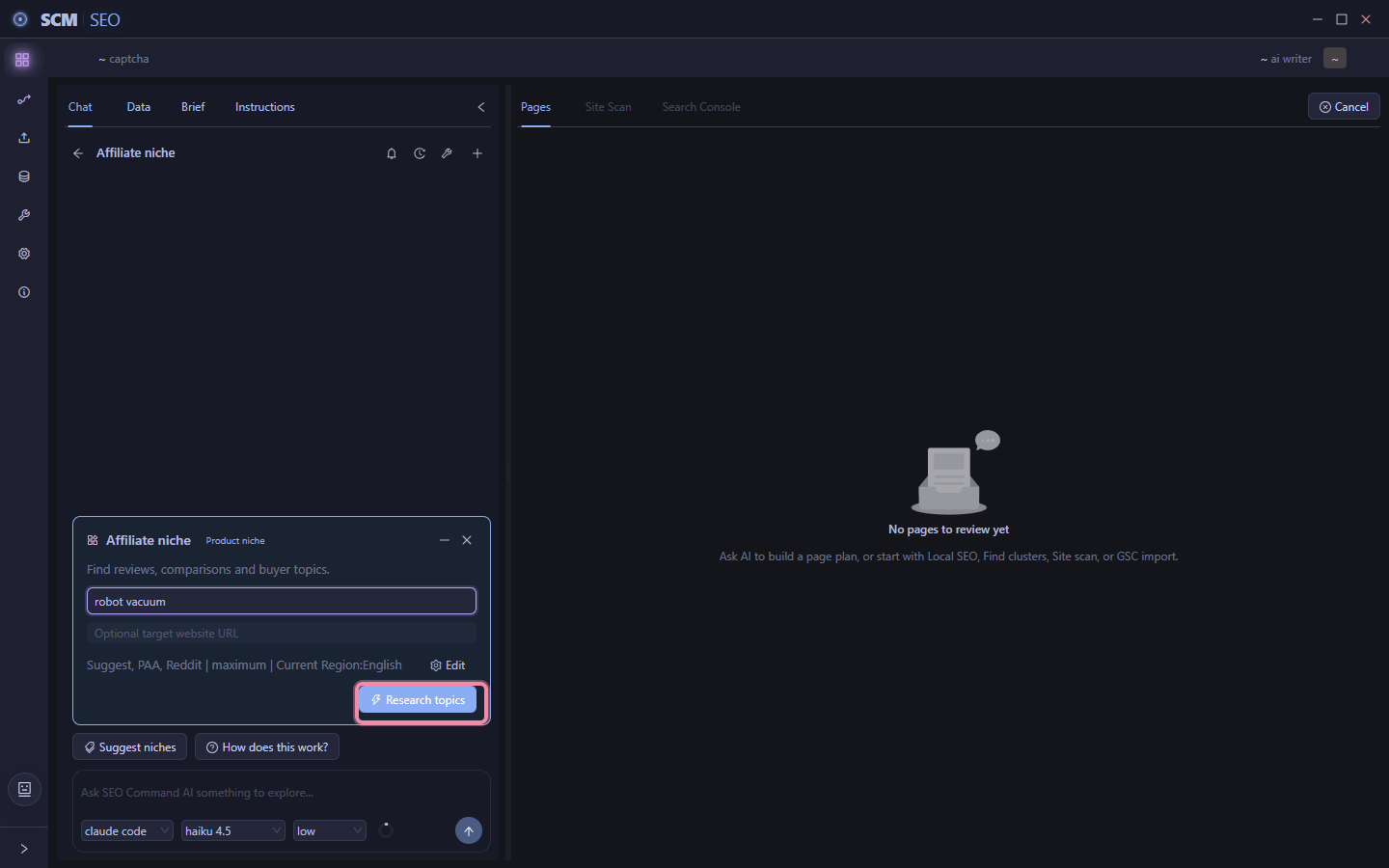
Just input a word and press the button.

The bigger problem is it doesn’t tell you WHY you should do that.

The problem is compounded when later I add new tools like gsc import, site scan.

The question then becomes which tool should I use?

Which unless you are a seasoned seo pro, you probably don’t know where to start at.


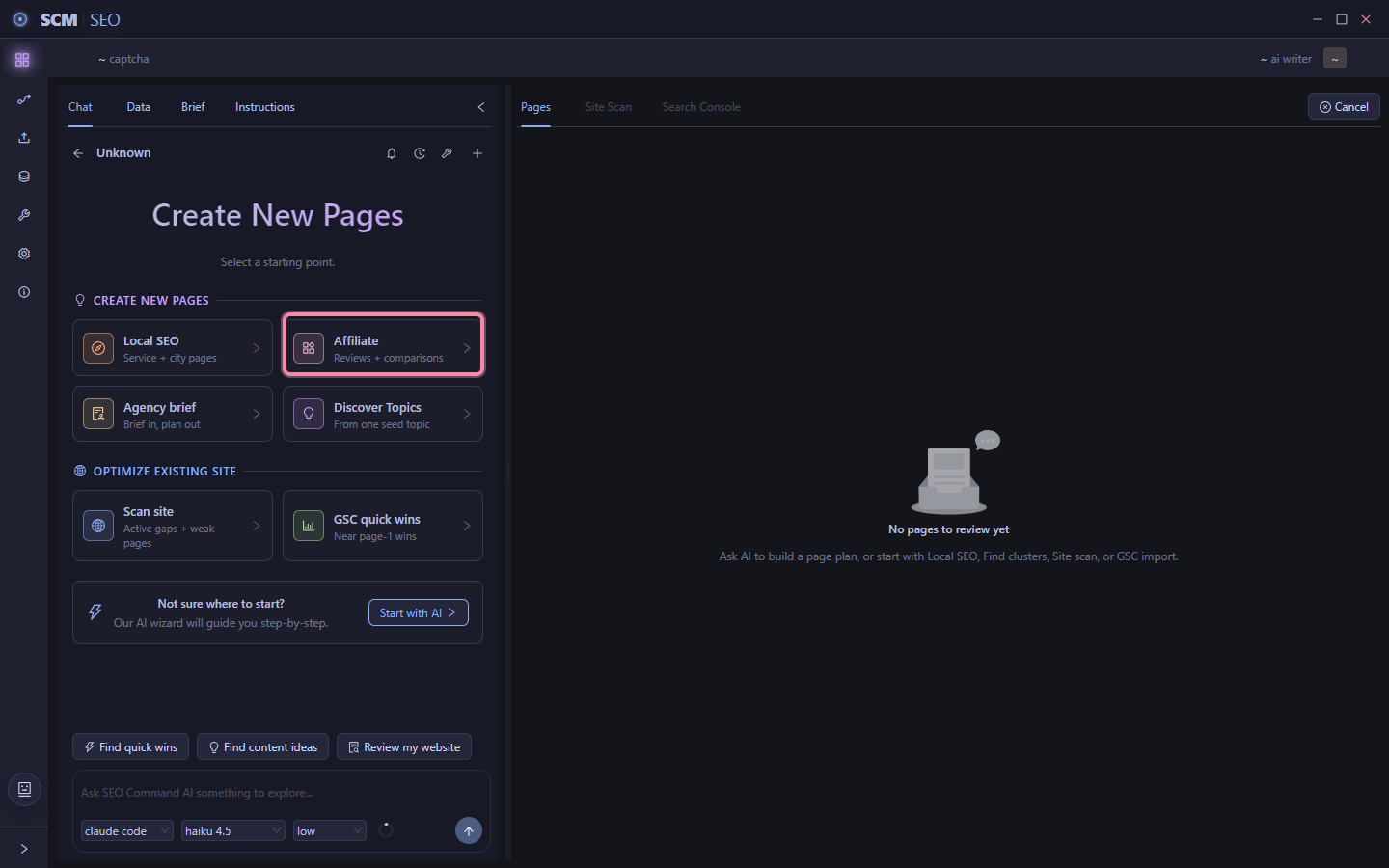
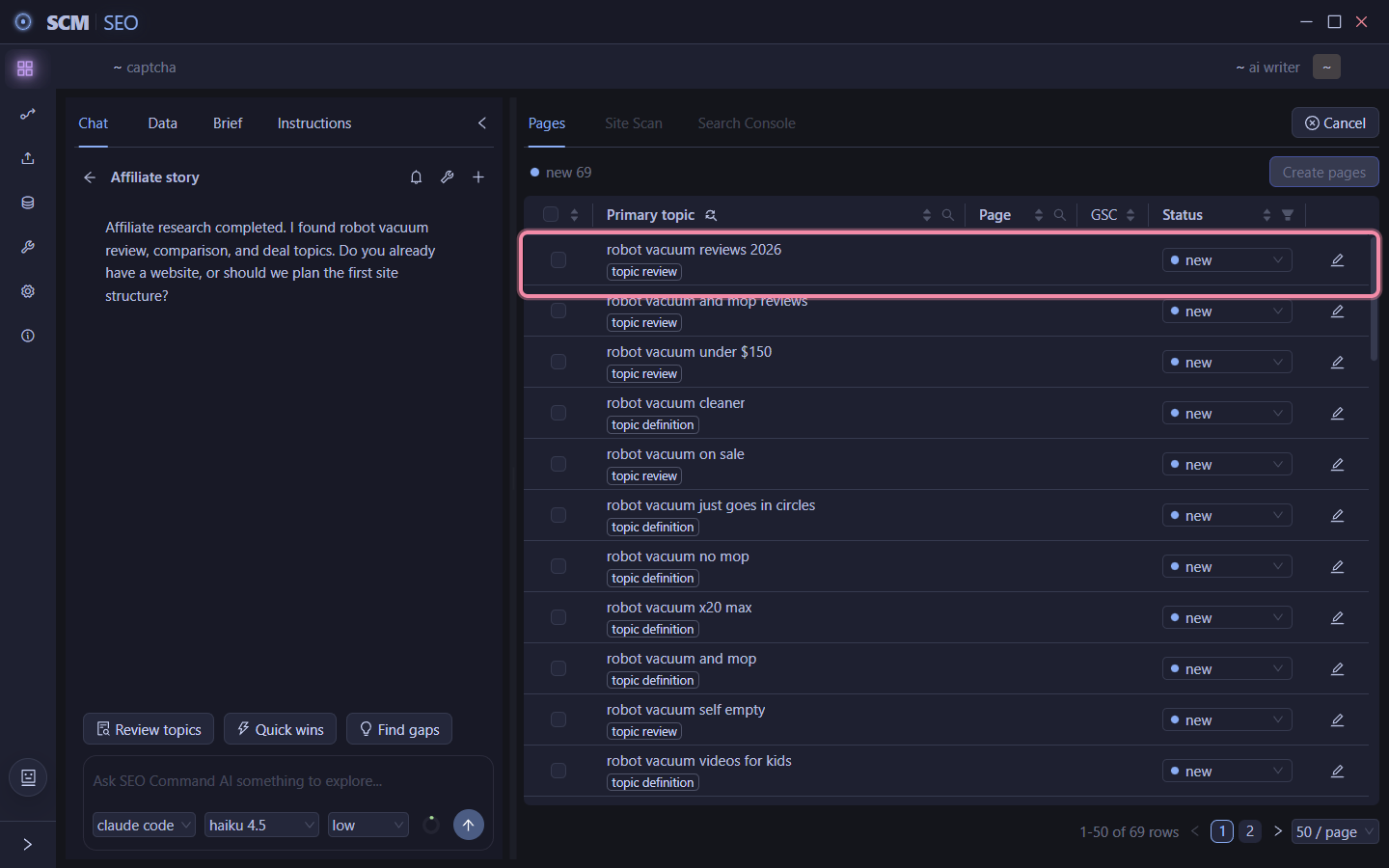
Now we have this:
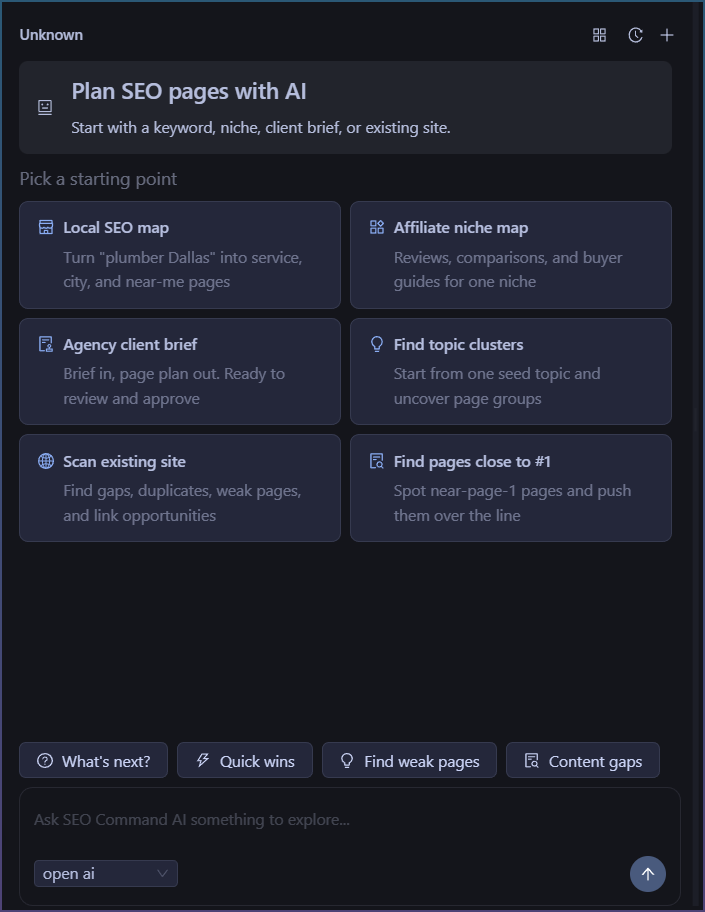
You don’'t need to know upfront the UI, you start with your desired goal!

Future implications

  • AI first driven UI, with all data in one pool, it is very easy now to get real insights by asking AI.
  • The chat window means you can ask it to ‘suggest keywords’ and it can do it properly without guessing as you tell it your website etc
  • Turn 3 large data dumps of topic clusters + gsc data + site scan data into actual actionable advice by having an LLM read all the data and synthesize it for you into action plans.

This is a completely different UX model to what we ever had in SCM.

Although there has been an AI chat window always, it was a go at it yourself tool.

But now we marry AI chat + site data, so you can finally ask it real questions like ‘what is #1 traffic page for this month’

Even if you are not an seo expert, the tool will guide and hold your hand. Best of all it can give you actionable advice.

This also isn’t a one and done ai writing tool, the chat has memory and you can ask it multiple follow up questions and it remembers.

If you have played with agentic coding tools, this is future of this tool, plan, write, call scm tools, all with normal written language.

Even now it is capable of fetching pages, doing searches and using a Web browser but I imagine a future where the llm can start calling scm tools like WordPress poster to upload and event edit content.
3 Likes

This looks great…thank you !!!

1 Like

As I started working more on this, I realized that the basic AI + Data integration although nice, was lacking.

Specifically, I realized I wanted the AI to do more than a 1 shot piece of advice.

What I started with

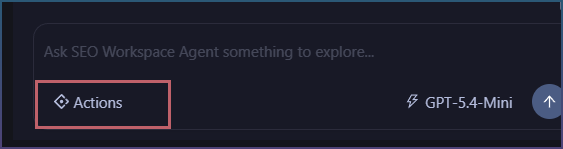
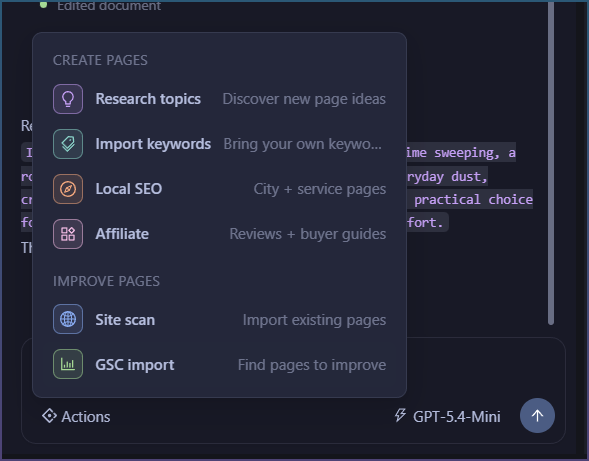
The AI can suggest actions to bring information into the workspace.

Ie, Click ‘‘help me’’ and AI says, to get started try GSC Import or Cluster Tool.

So its like a really smart workflow wizard! Nice, but it stops there.

Then I realized what I wanted was something … Agentic. Ie it can shuffle me through the process and tell me why along the way.

What its turning into

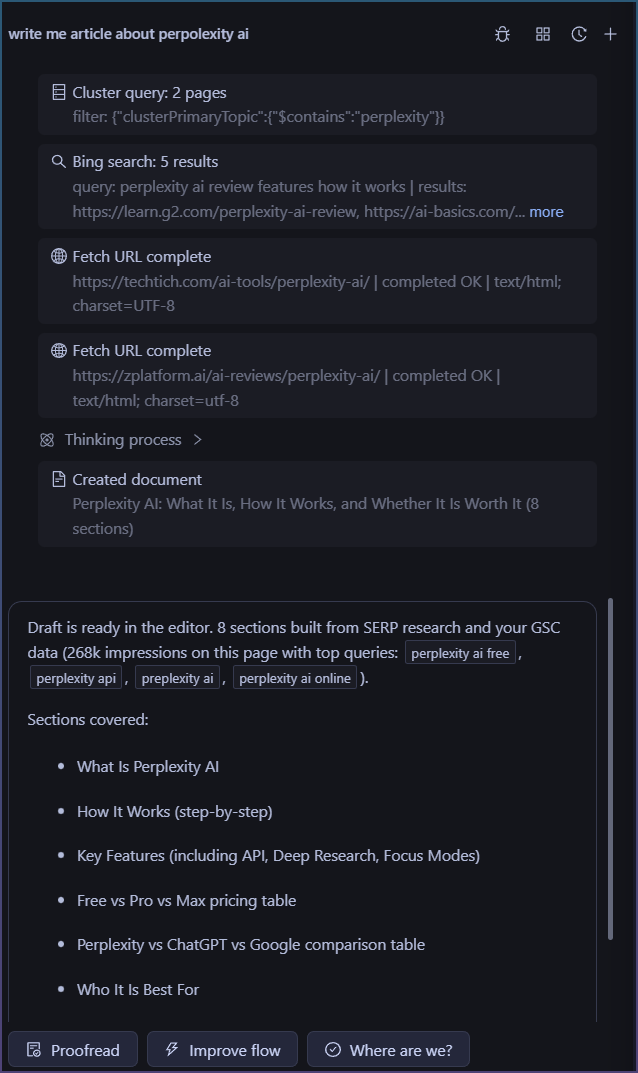
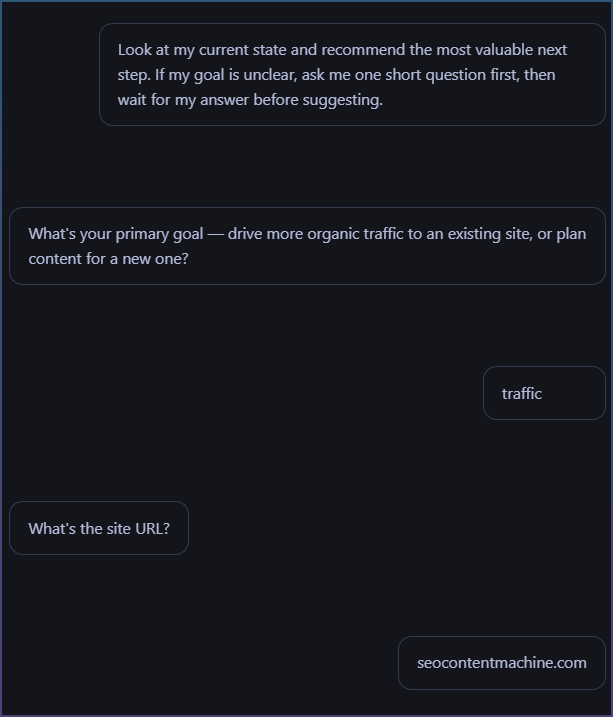
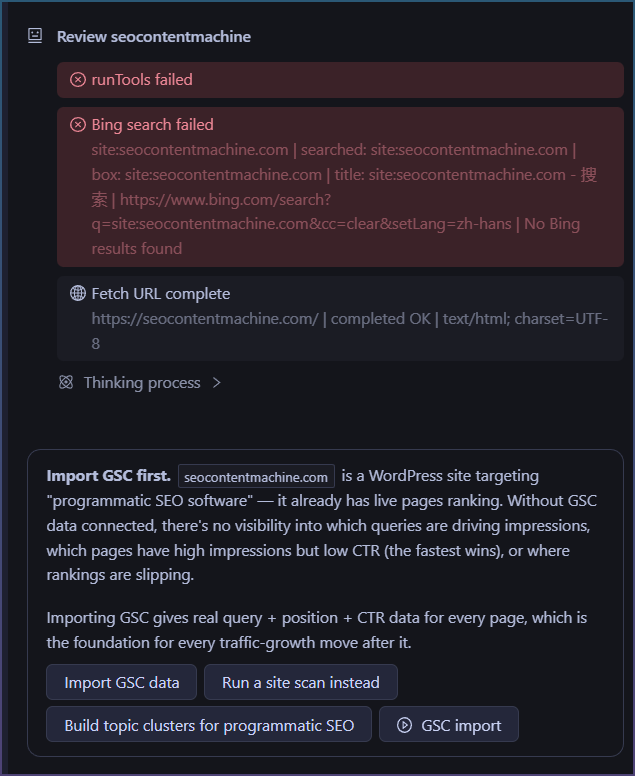
So after more tweaking the AI now does this.

So its able to query me on my site and my goals.

Then it actual goes online and fetches my site and then tells me what to do!

Notice I didn’t have to tell it first.

It also didn’t try to give me generic SEO advice, about importing GSC etc.

It took my info, then ran tools to give me a reasoned answer.

Then the most cool part.

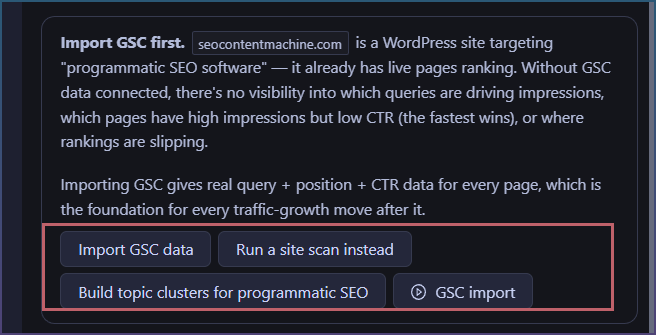
Importing GSC gives real query + position + CTR data for every page, which is the foundation for every traffic-growth move after it.

Oh so it explains WHY I need to do what I want.

Why its different?

So previous, the AI was there to shuffle tools to you.

Import GSC, or run this Topic Cluster tool to get started.

But now the AI can reason, grab info it requires and then give you the next steps.

Notice how after the AI reply, it gives you next actions?

You just click on it. You don’t need to ask it.

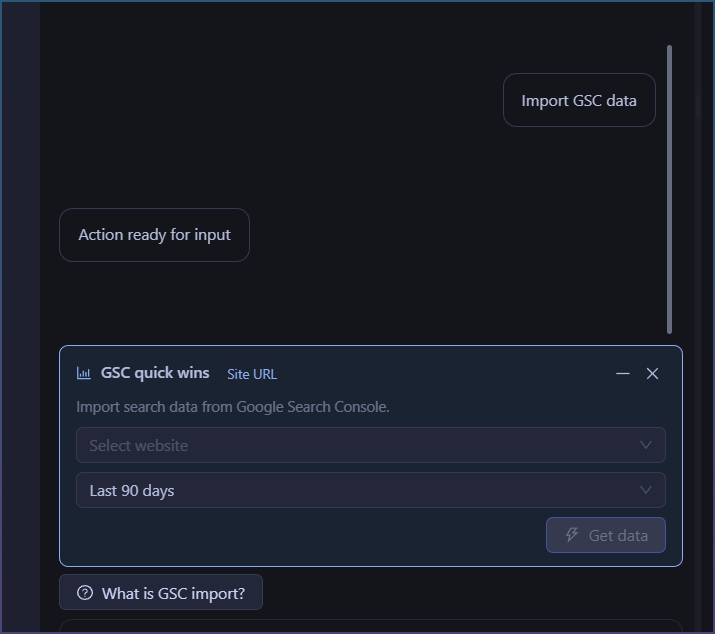
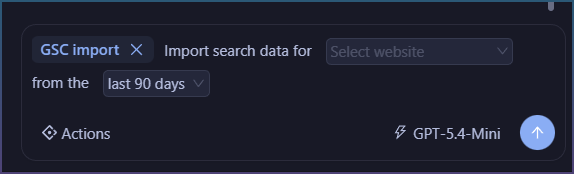
If I click '‘Import GSC data’ …

It now opens the correct action form.

What happens after I run the action?

Check it out!

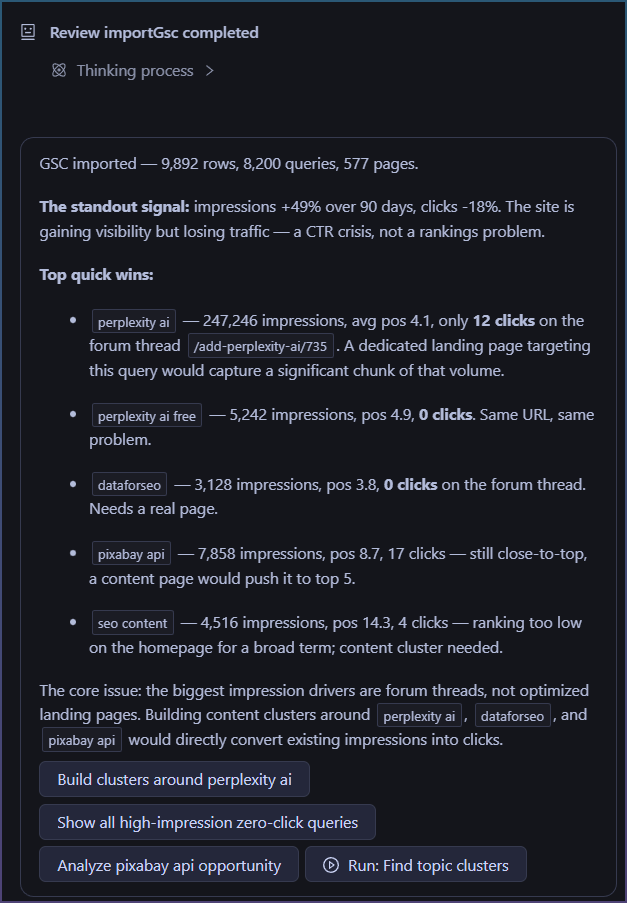
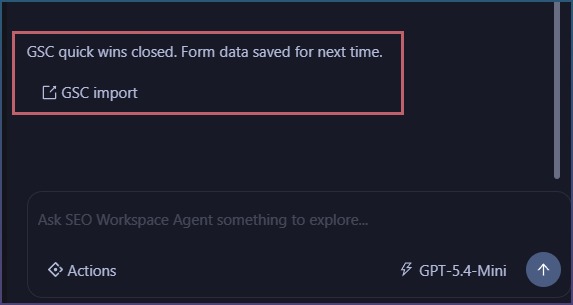
The AI responds automatically after the GSC import.

  • It tells me basic import stats
  • Already suggesting quick wins!
  • Then gives advice at the bottom.
  • Then gives you the NEXT steps to take. This is powerful. Do I want to start with ''building clusters around perplexity ai?"

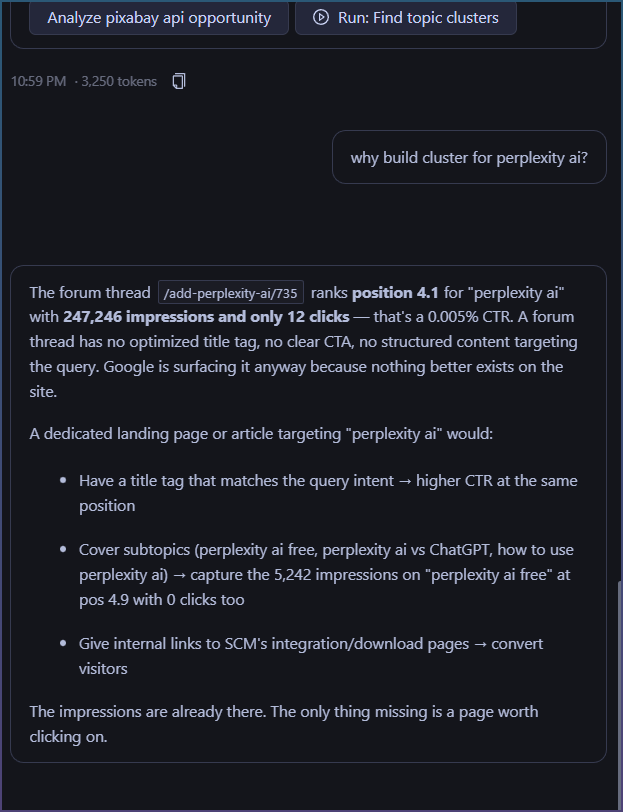
Now this is more than basic AI report, blip bloop. Its actions you can take.

If you want to know why, you can ask it too.

Did you notice something?

Most AI tools are, send message => AI answers
Next message AI forgot what you asked, starts new.

Here the AI has memory "“context” and you can continue with basic queries.

What is next?

So the build was basic AI over reporting, now its transforming into AI + Tools + Memory, so this thing can actually do some real step by step work with you.

The power isn’t that the AI can write suggestions for you, rather its that the process is wrapped in 1 workflow.

During the whole exchange, I didn’t have to open my browser and copy paste html data for it, I didnt have to export and paste in GSC page data, I didn’t even have to think about “what the AI needs” to work.

One workflow. No copy-paste. The AI gets what it needs.

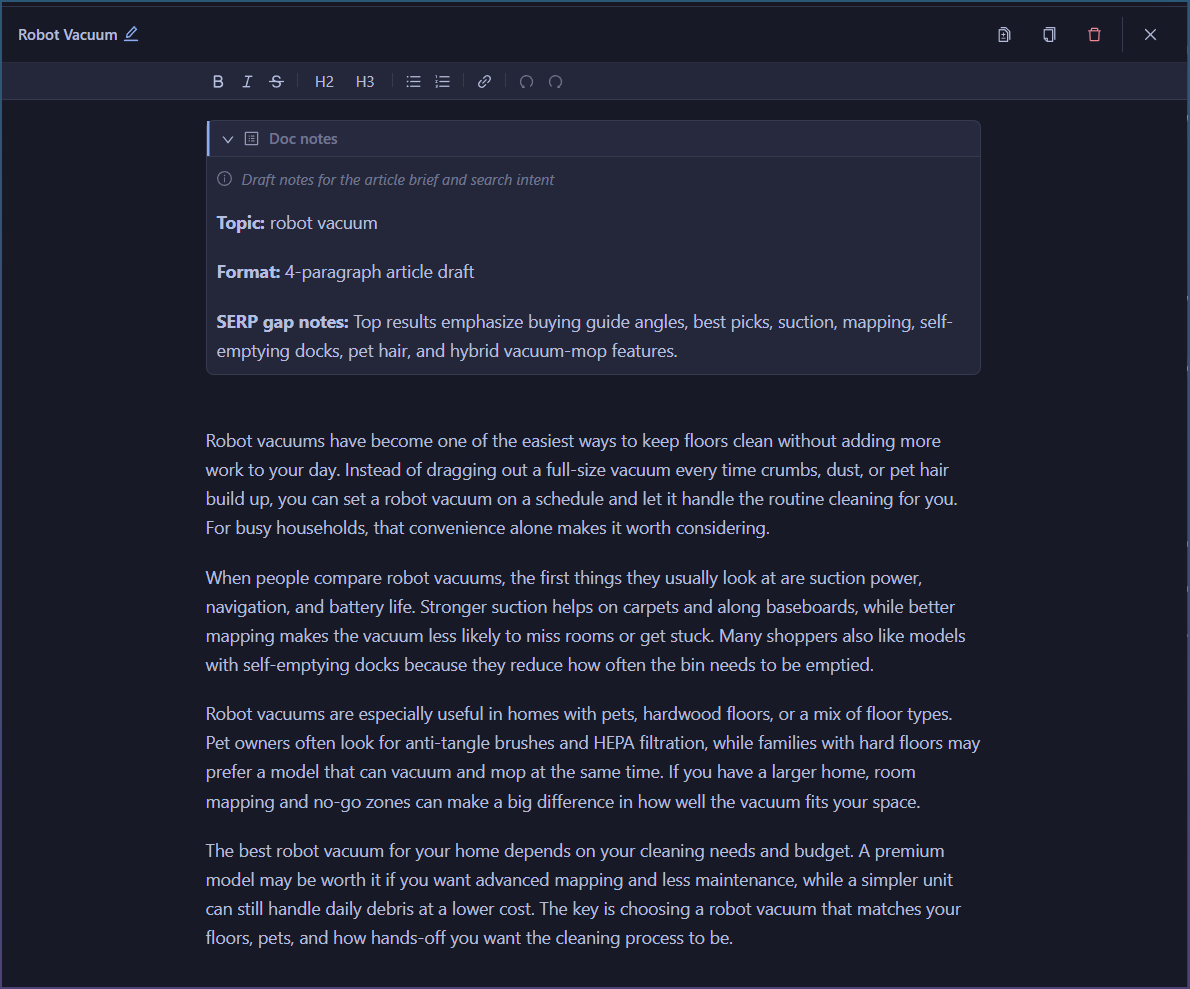
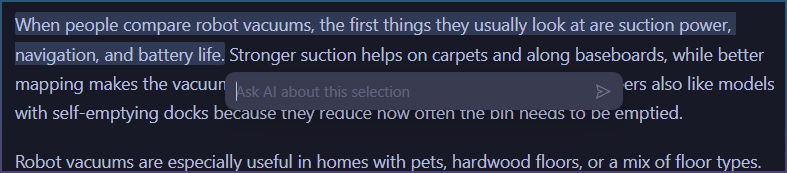
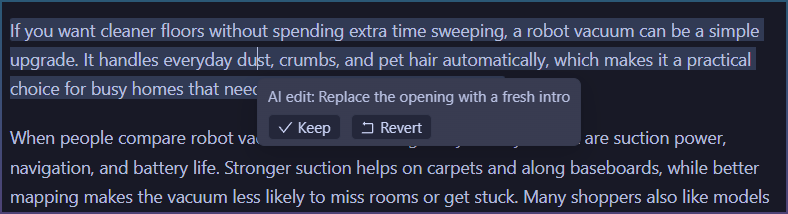
Now I am testing this workflow out more, finding gaps and moving onto a kind of collaborative doc editing for when you ask “write me an article” or “suggest edits to my current page”

Coming next…

Something interesting I ran into while working the SEO Agent.

The Agent was missing some data to draft article.

It replied with.

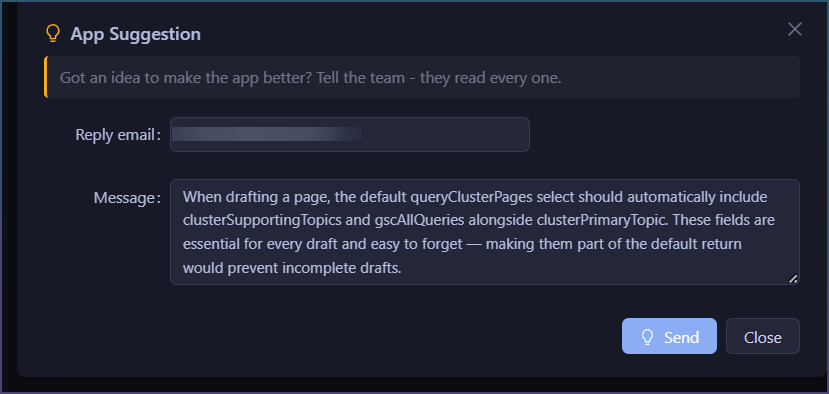
The cleanest fix is a tool-level default: add clusterSupportingTopics and gscAllQueries to the default select fields returned by queryClusterPages when no select is specified. That way the data is always in the response without anyone needing to remember to ask for it.

Want me to flag that as a product suggestion to the SCM team?

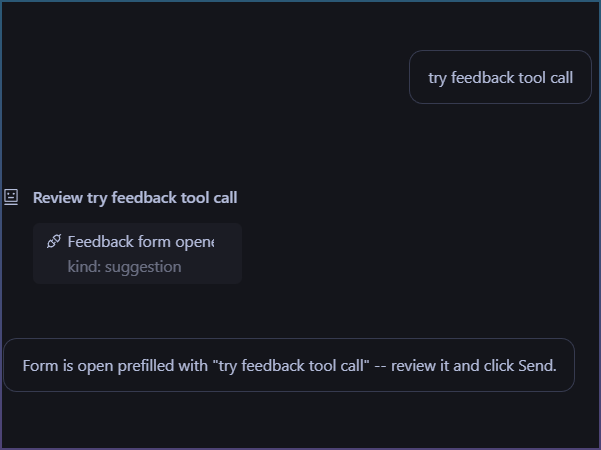
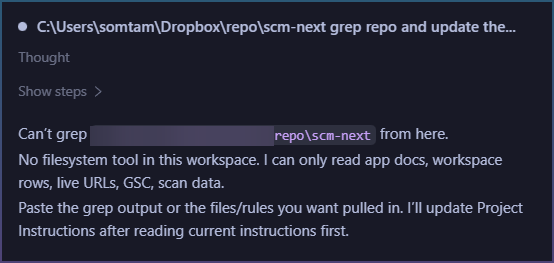
I then realized, the agent doesn’'t actually have a way to send product suggestions.

So I added it!

That is the interesting thing about working with LLM, you can ask it to sort of debug itself when something doesn’t work.

Why it takes so long to build an SEO Agentic system

Its been almost a week and I haven’t shipped any code yet.

Most of it is due to scope creep, you just find something new that can be done better once you have the tool in your hand.

Eg, I designed topic cluster and stuck AI chat to it. But discovered you need to give AI access to information on the table for basic reporting and advice. Then I realized, actually it needs tool access like fetch your page urls or opening search browser so it can give even BETTER advice.

However this is what I learned.

The LLM you use is not the real secret to it working.

In fact you can substitute it with any decent AI model.

The problem is the tools, data and workflow you design around it that makes the system work well or not.

Problem 1 - Data sync

Data sync, it takes some trial and error to decide what the AI can see and what you can see.

Ditto if you let the user change the data, then want the AI to read those changes.

But double the work now if you want the AI to read and write the data, and the user to do the same and have it all in sync, without the UI going stale or the AI context going stale.

Typical issue.

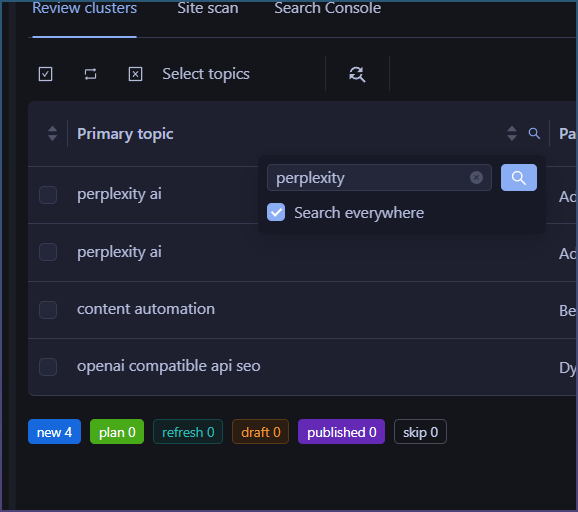
I filter table to show perplexity rows.

But then AI didn’t have access to filters and rows, so it doesn’t know what I see.

So I can’t ask it ‘give me advice on the rows in see in cluster table’

Then later, if you want to ask AI to ‘show me rows with pexels as a topic’ you need to give it same tools to be able to do that.

Seems basic, but keeping things in sync is a pitfall.

Problem 2 - Tool growth.

The more useful you want the AI to be, the more actions and tools you need to give it.

Basic stuff like searching the web and fetching urls

Why?

If you ask it to ‘draft an article about xxx’’

Instead of relying on AI own training data and making stuff up, we give it tools.

Ideally the AI does something like this:

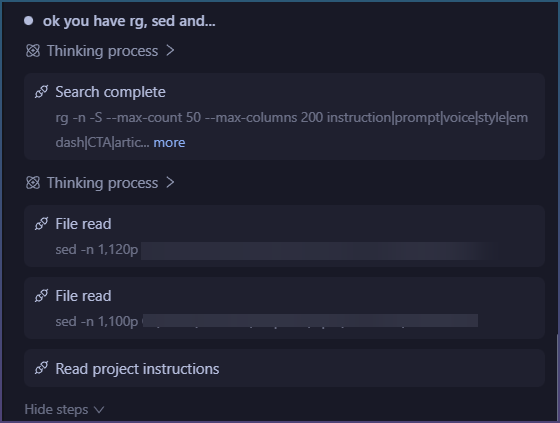
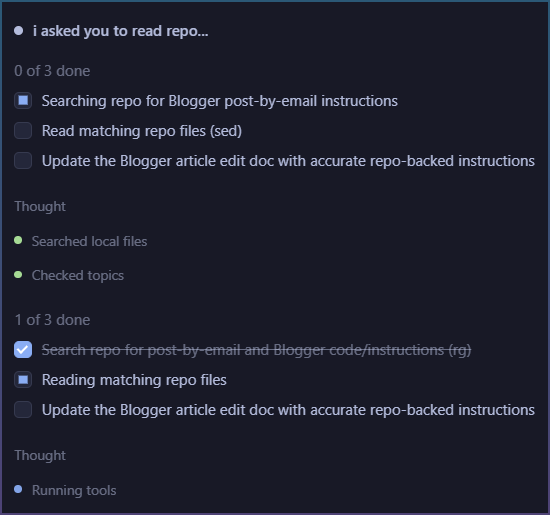
Even to get to this part where it can synthesize data from multiple sources requires giving it tools AND also telling it to use them.

This is the magic of an agent though, so lots of extra time polishing it. AI chat is cool and all, but a AI that can loop and achieve a goal is GOLD.

Problem 3 - Logistics

Most of this covers behind the scenes stuff.

You don’t actually know how much things you need to build for an agent to be “smart” and not dumb.

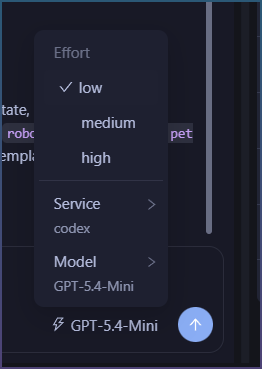
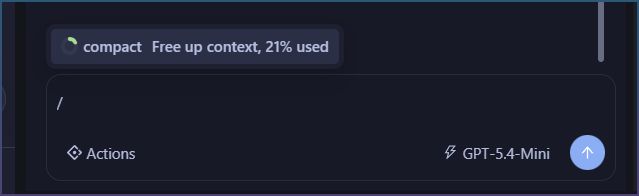
  • Things like handling context size and auto compaction
  • Giving it a project “rules” so that you can lay down basic things like “use this tone of voice”
  • A place for memory ie, where AI can take notes on things it does so that it can remember it months down the line
  • A prompt injection builder that gives the AI what it needs per prompt so it can both remember and also know what it can do within your system

Some status update on whats happening with the tool.

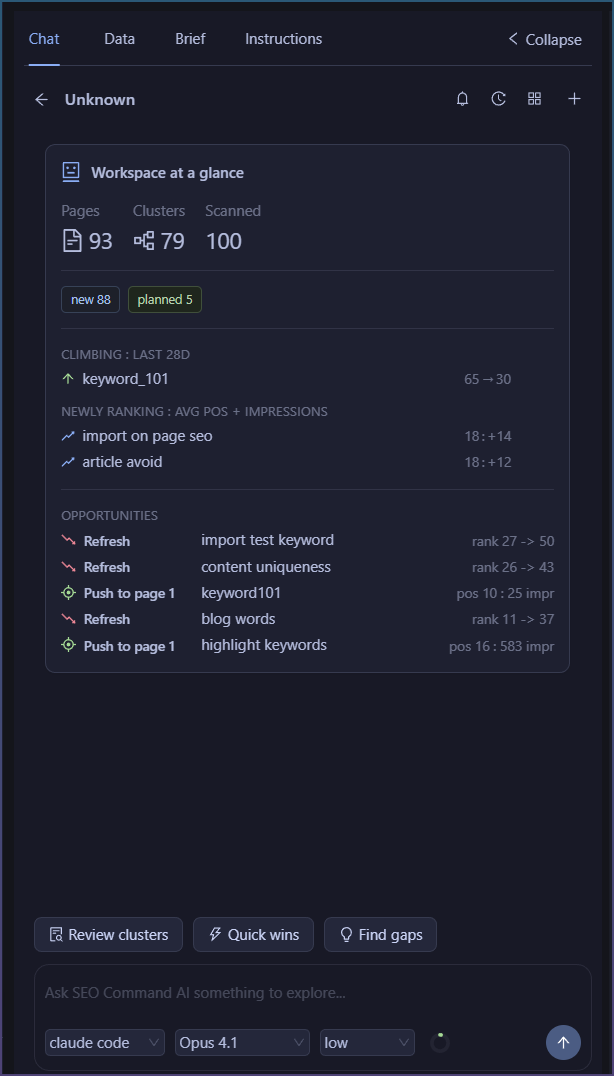
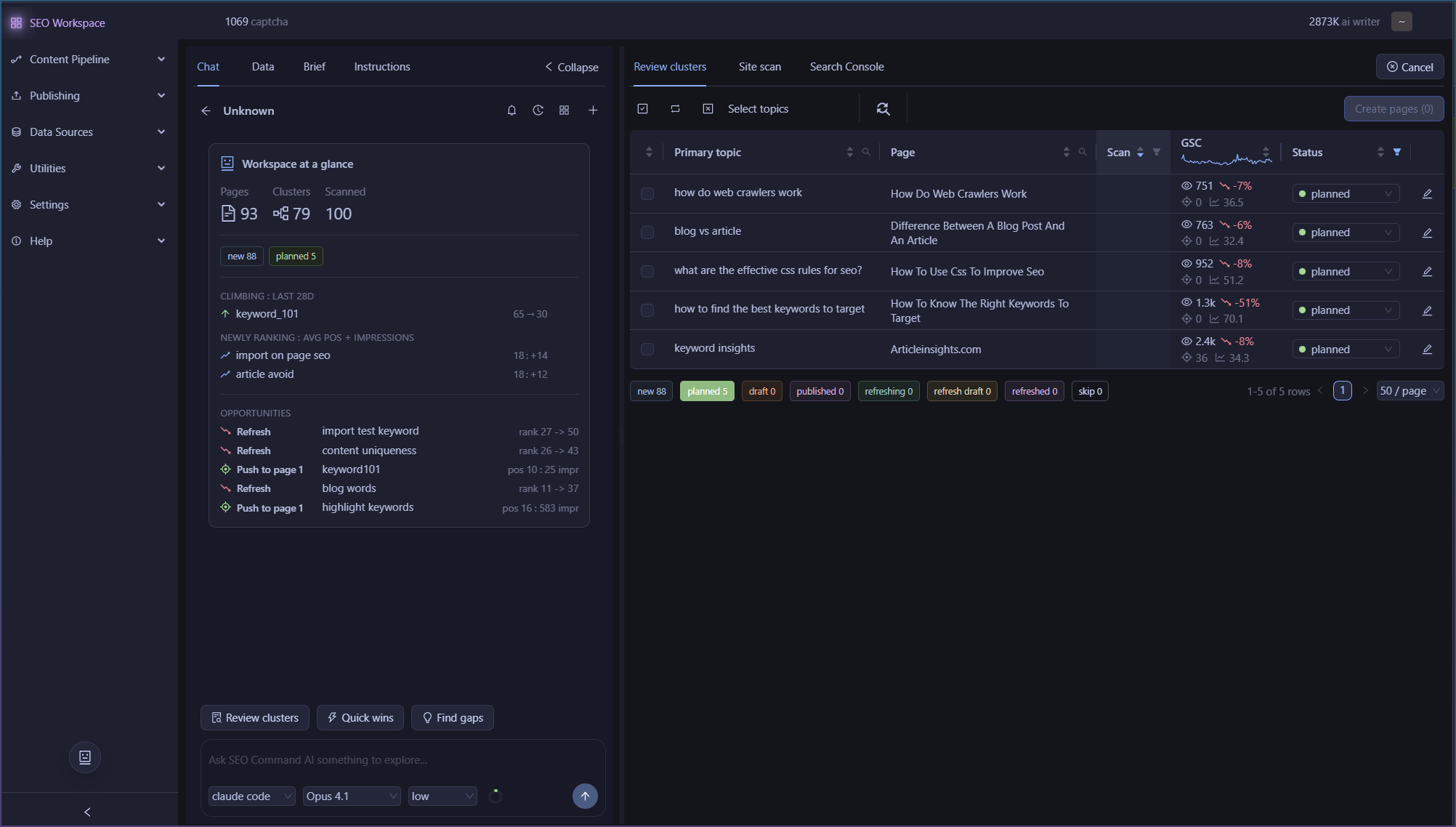
Added dashboard lite display once you connect GSC

At glance see what is ranking, and opportunities.

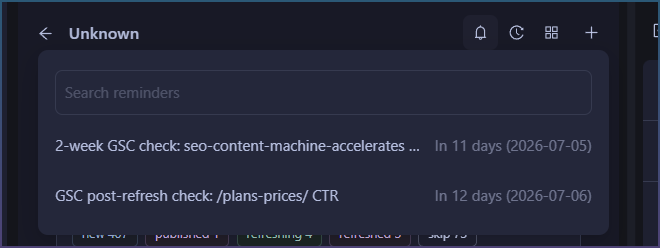
Added reminders

As you update and add content, you can set reminders.
Reminders are sent to Agent, so they can be prompted on due date to check up for you.

SEO Workspaces

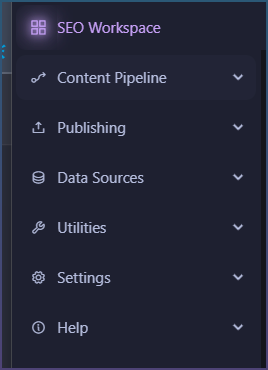
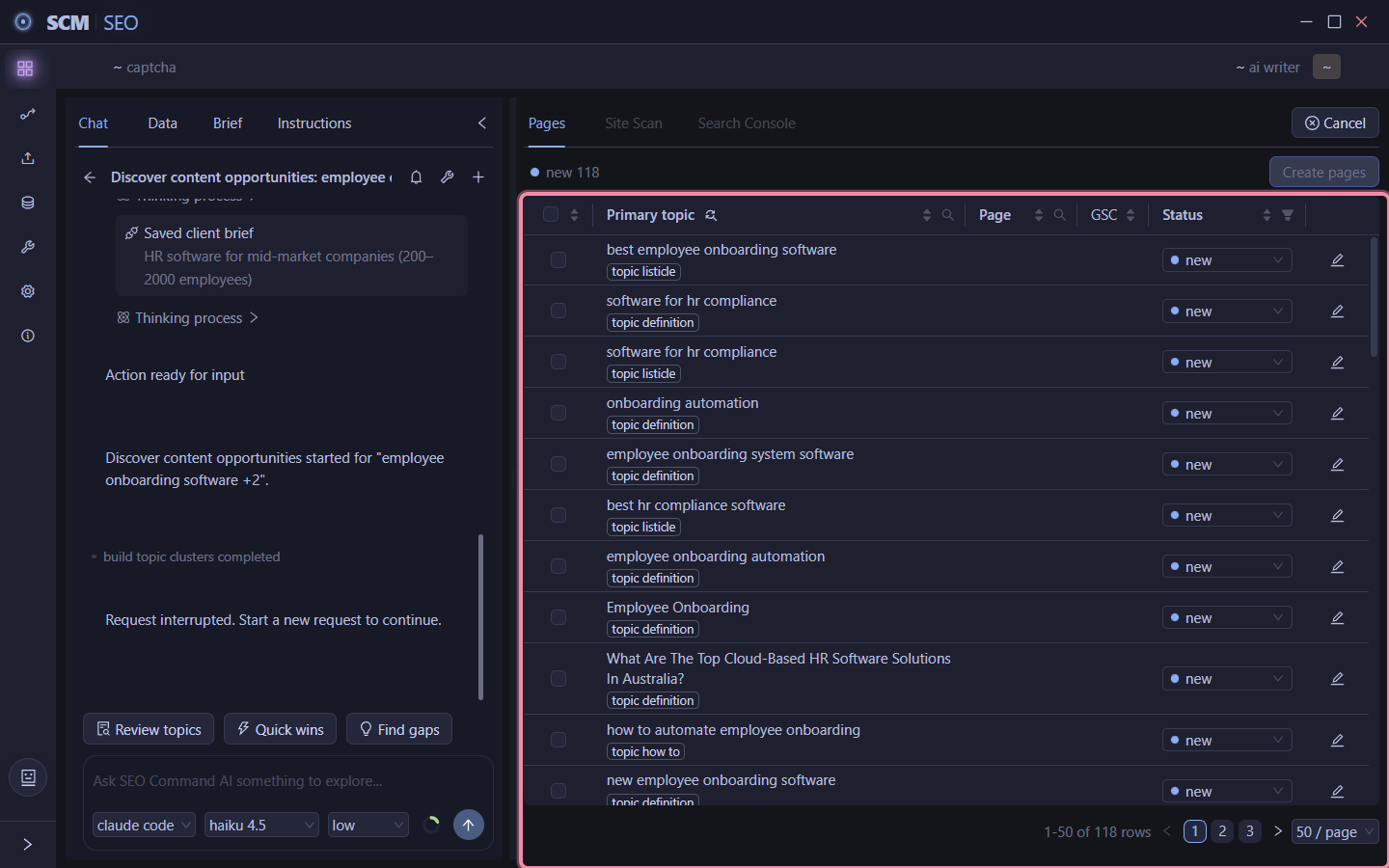
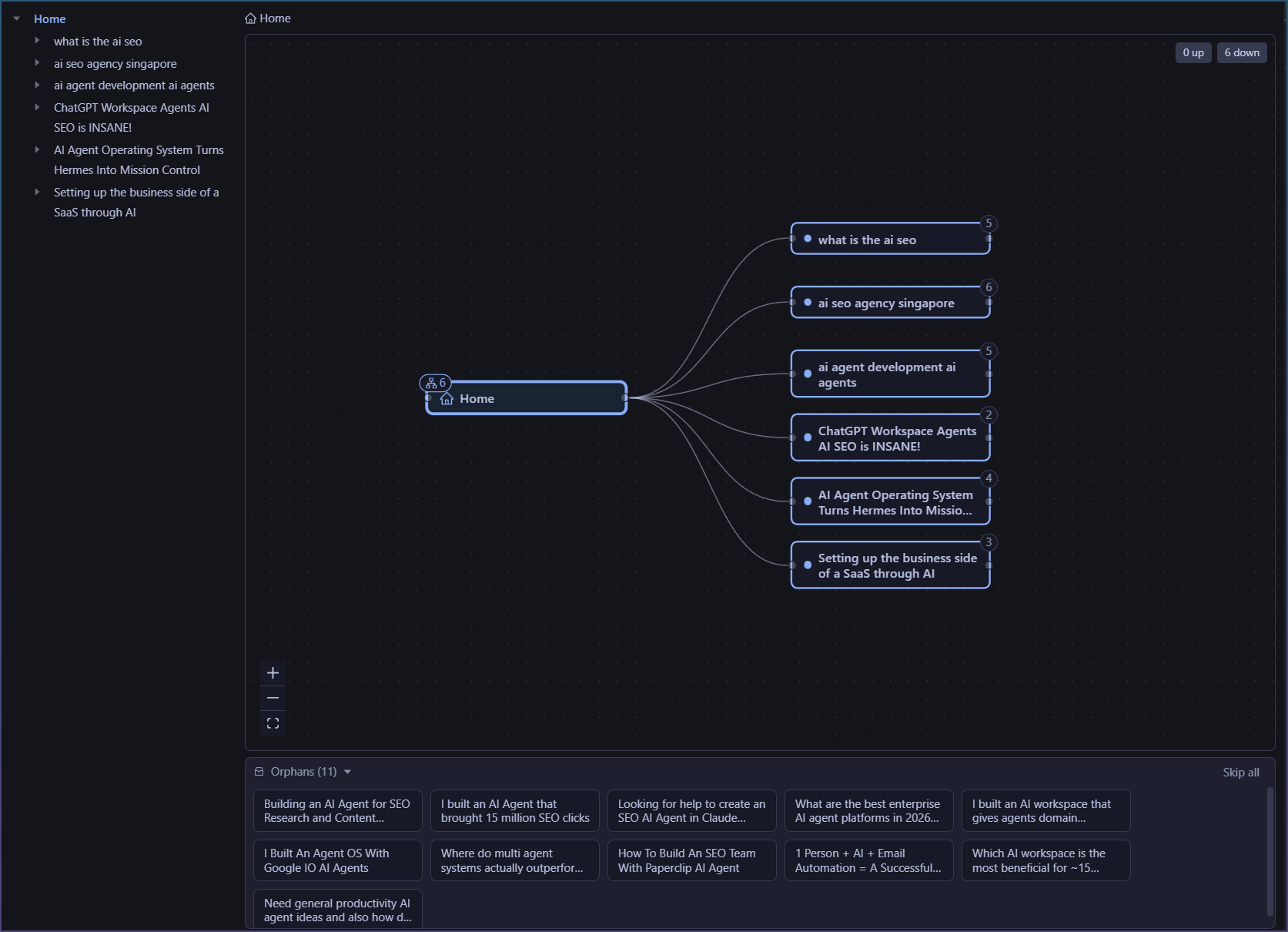
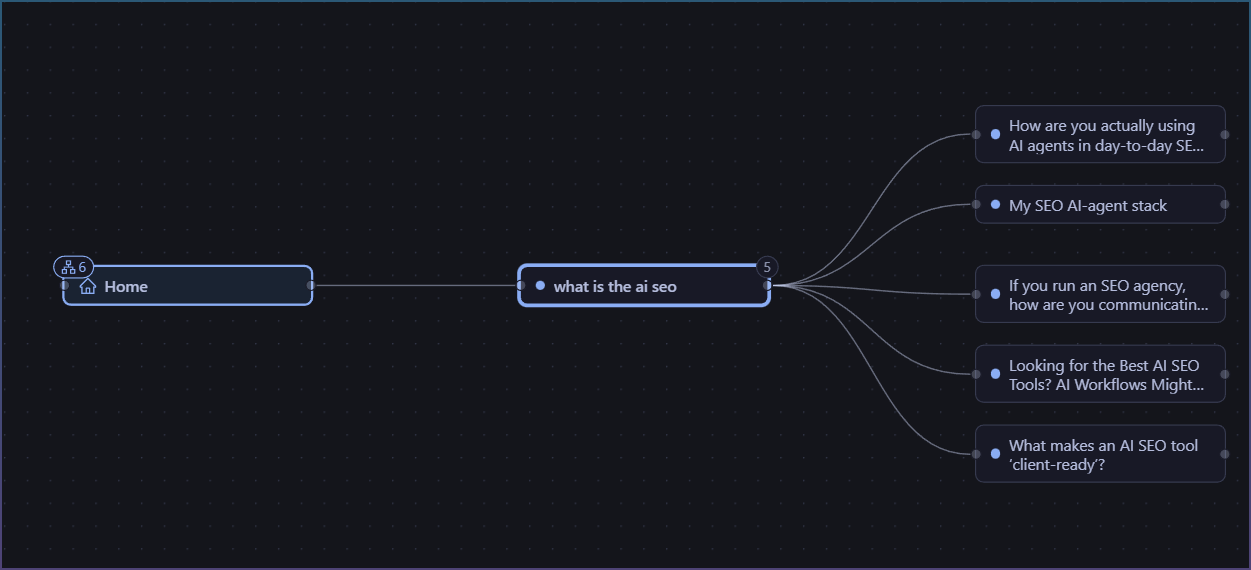
Topic cluster has been removed and now the entire UI is promoted to SEO Workspaces.

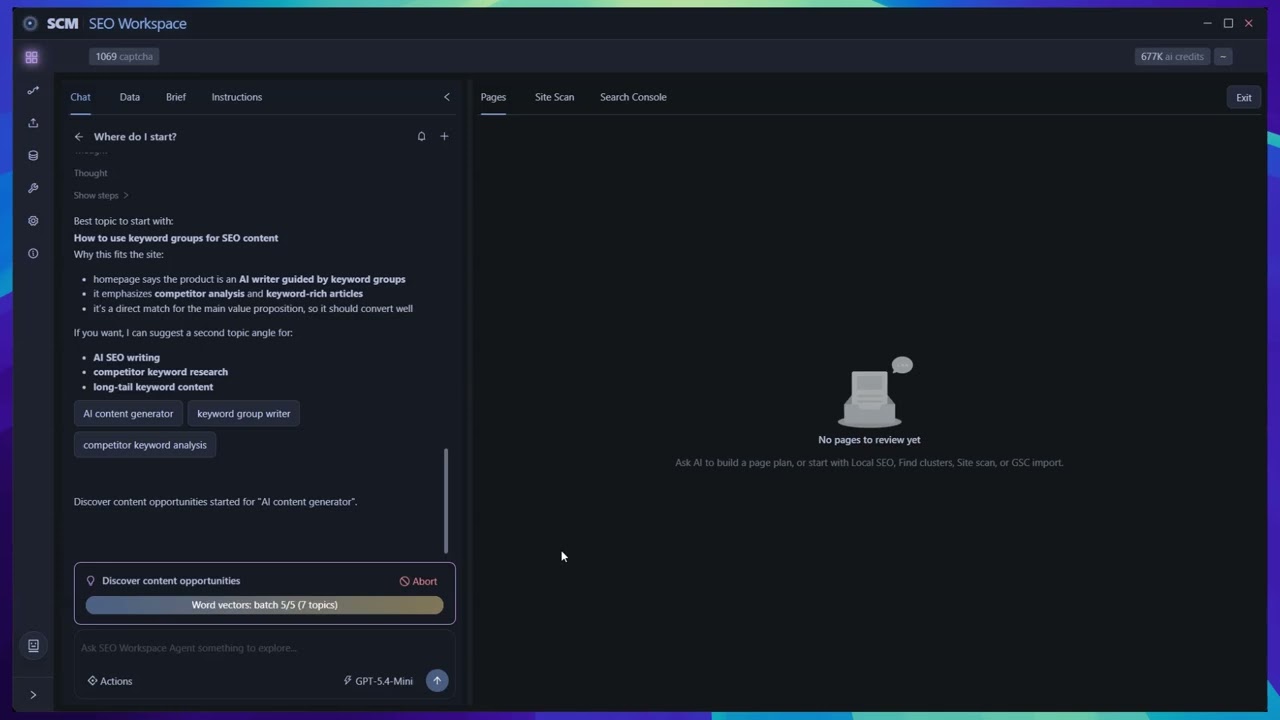
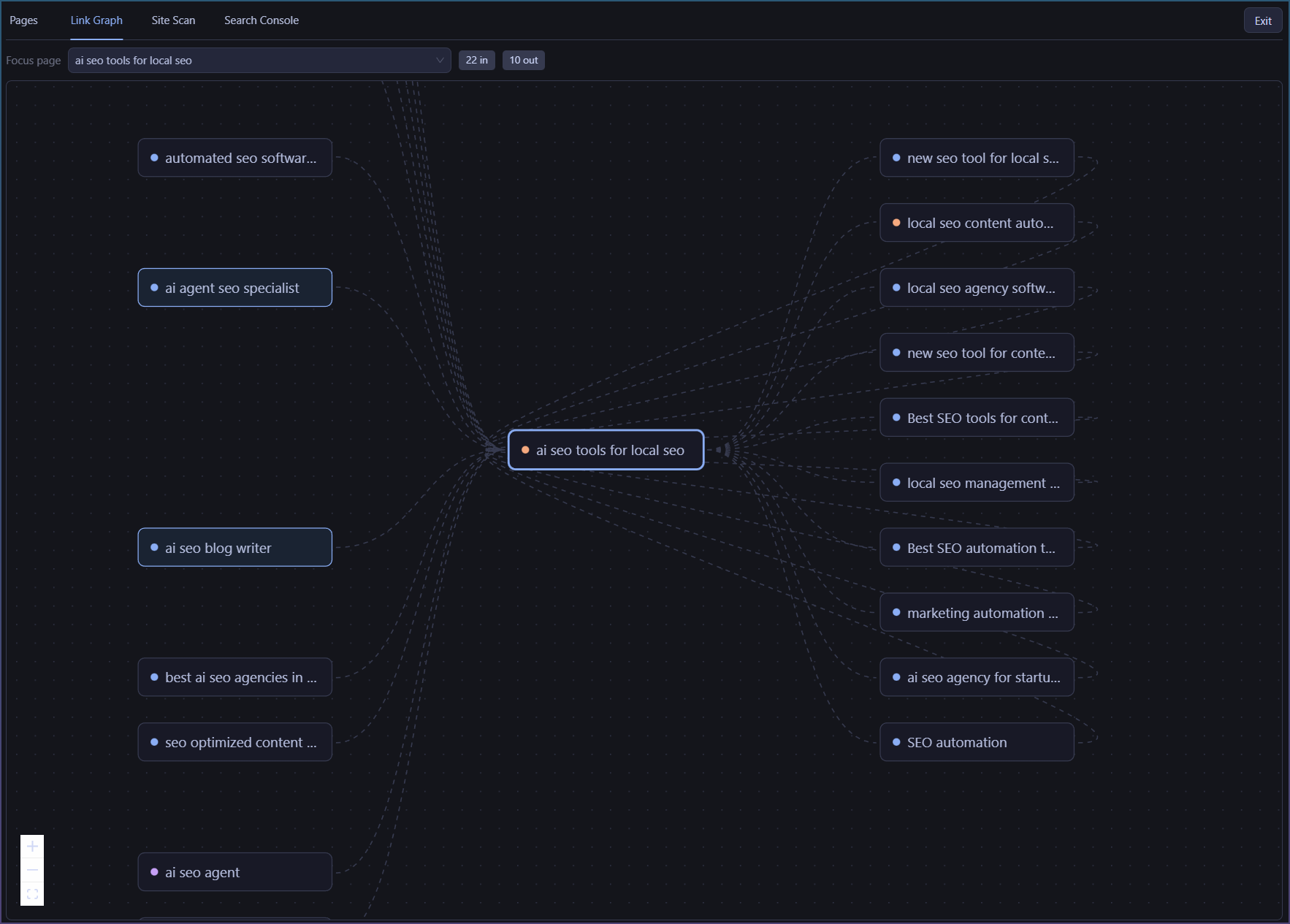
The workspace looks like this

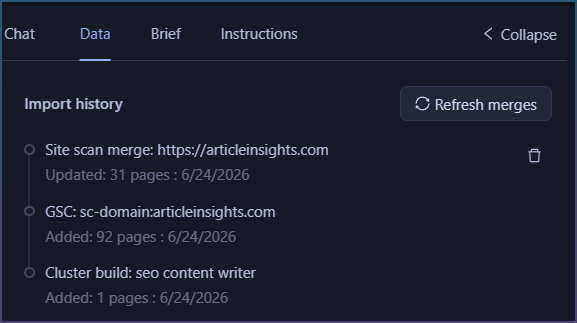
Exhaustive import history

See when you import or data merge happens.

There is delete so you can always undo a bad import.

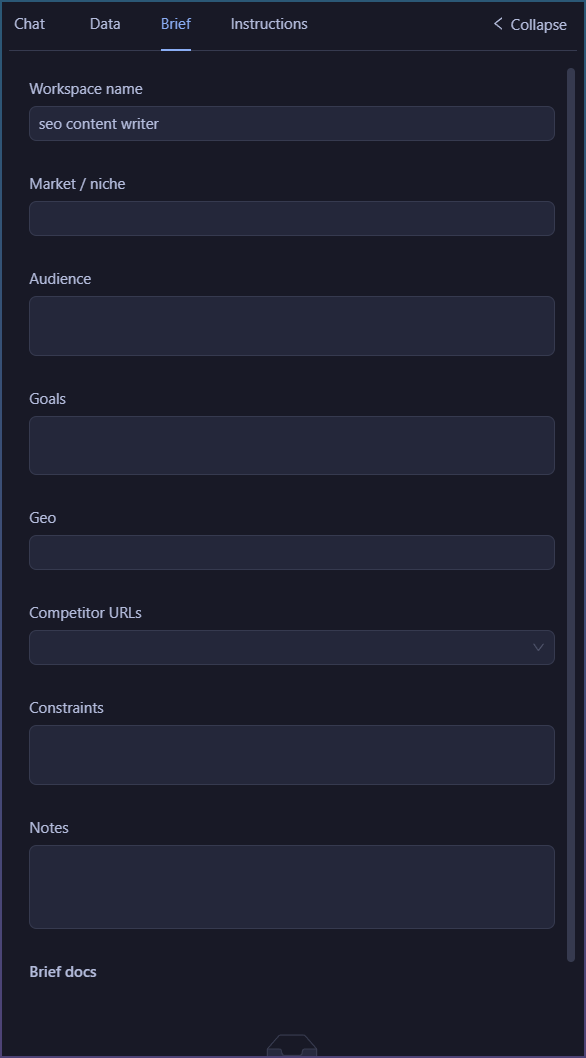
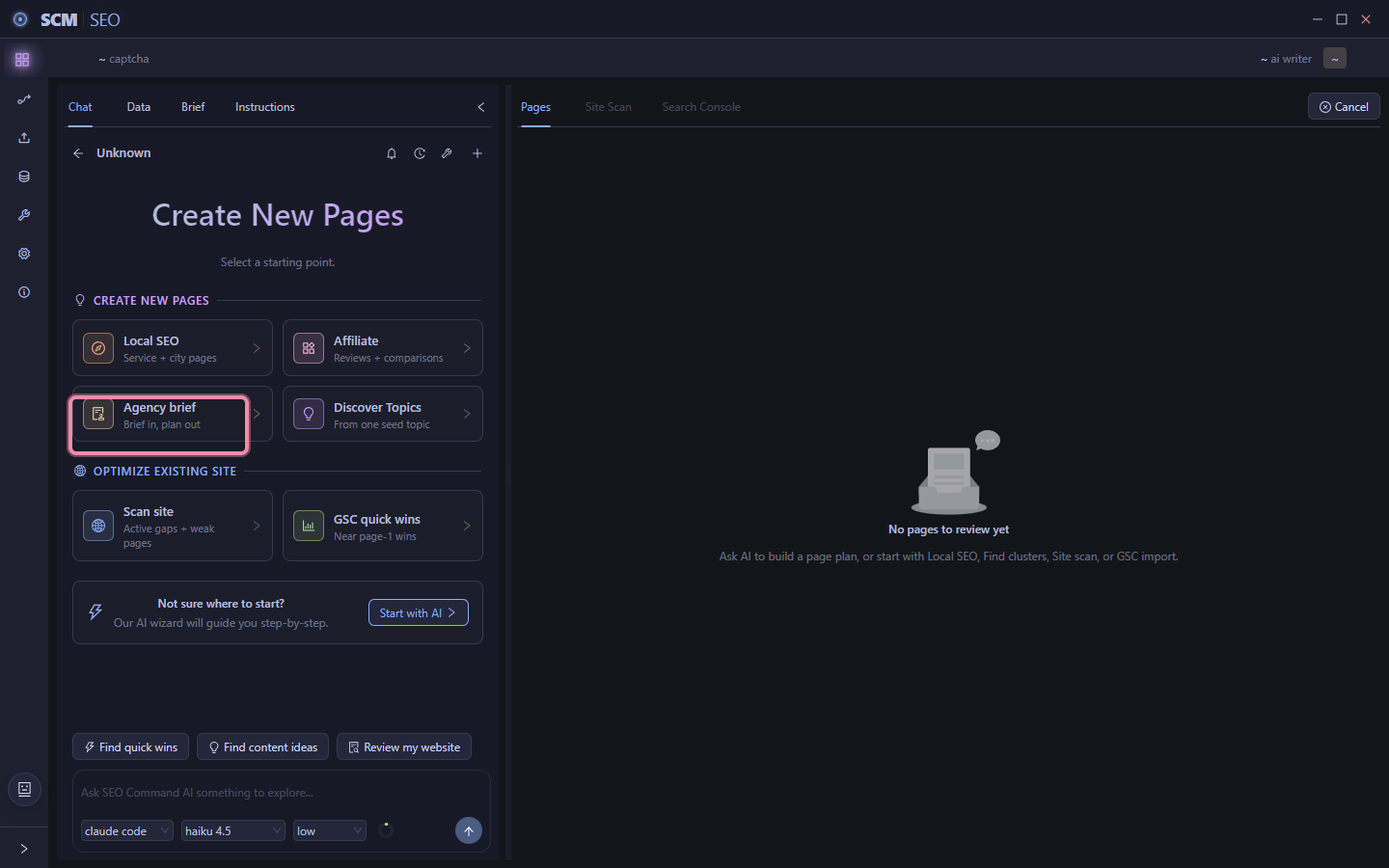
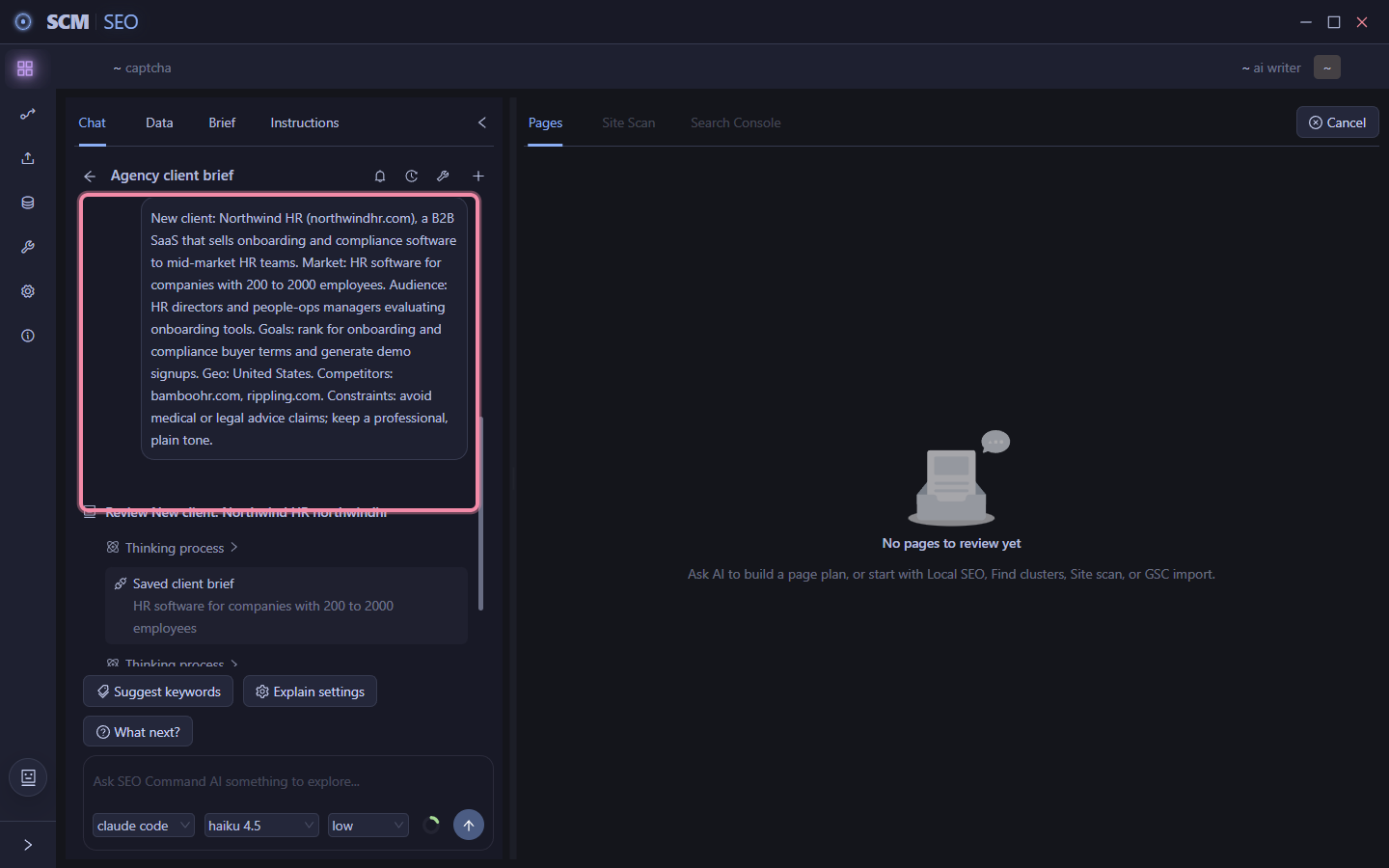
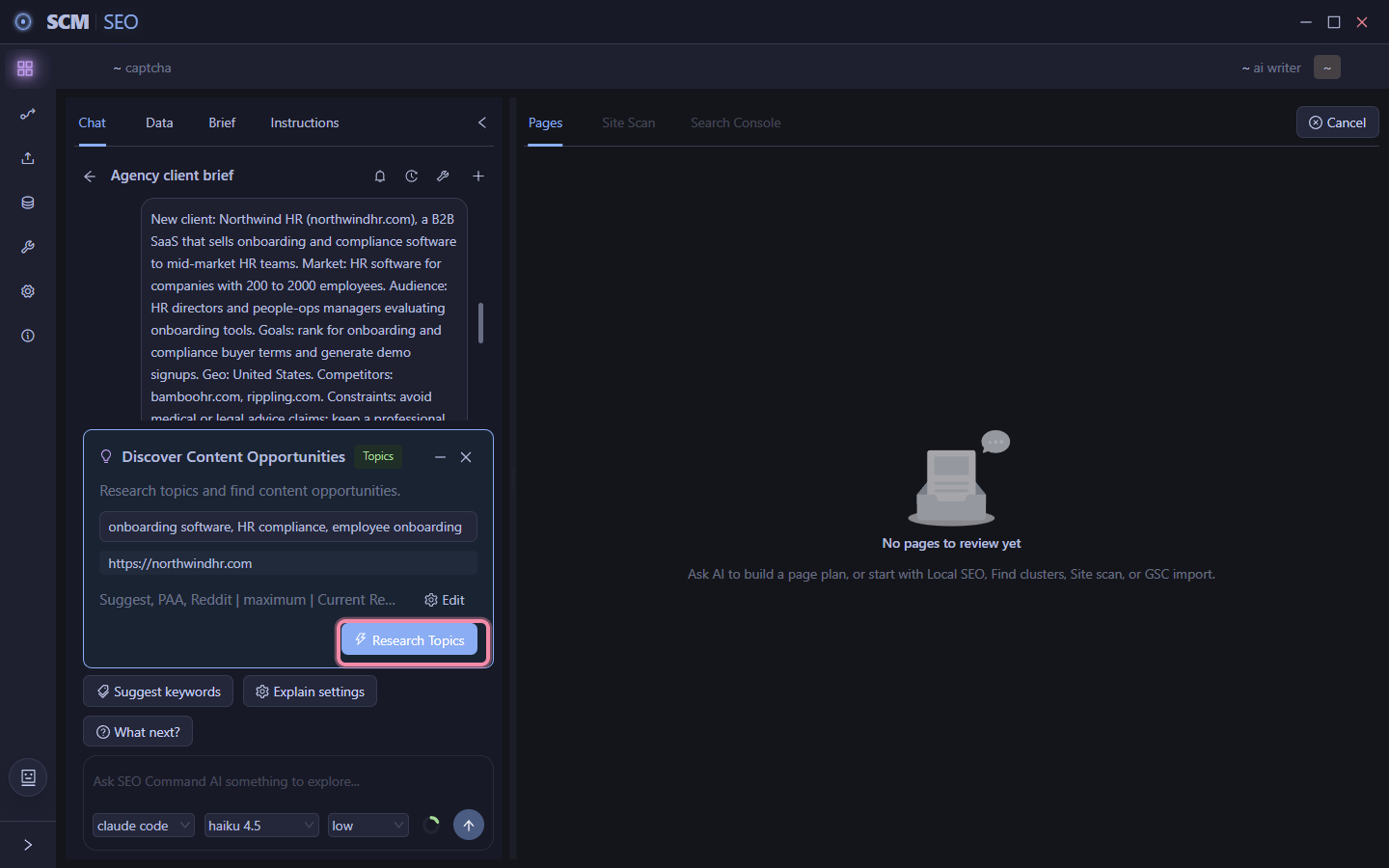
Briefs for Agency

Dedicated section for Agency type workflows.

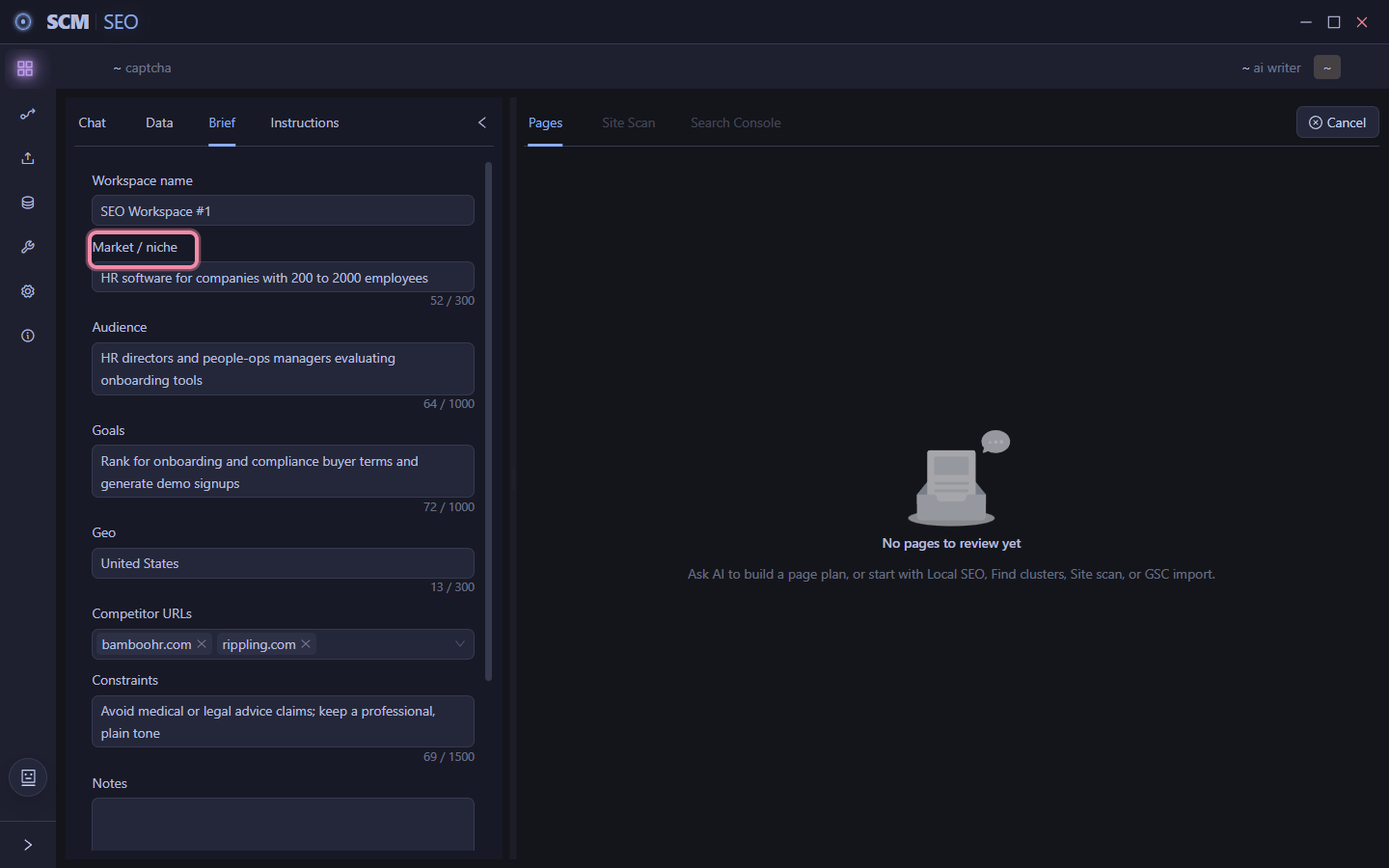
The data you input here goes to the Agent automatically.

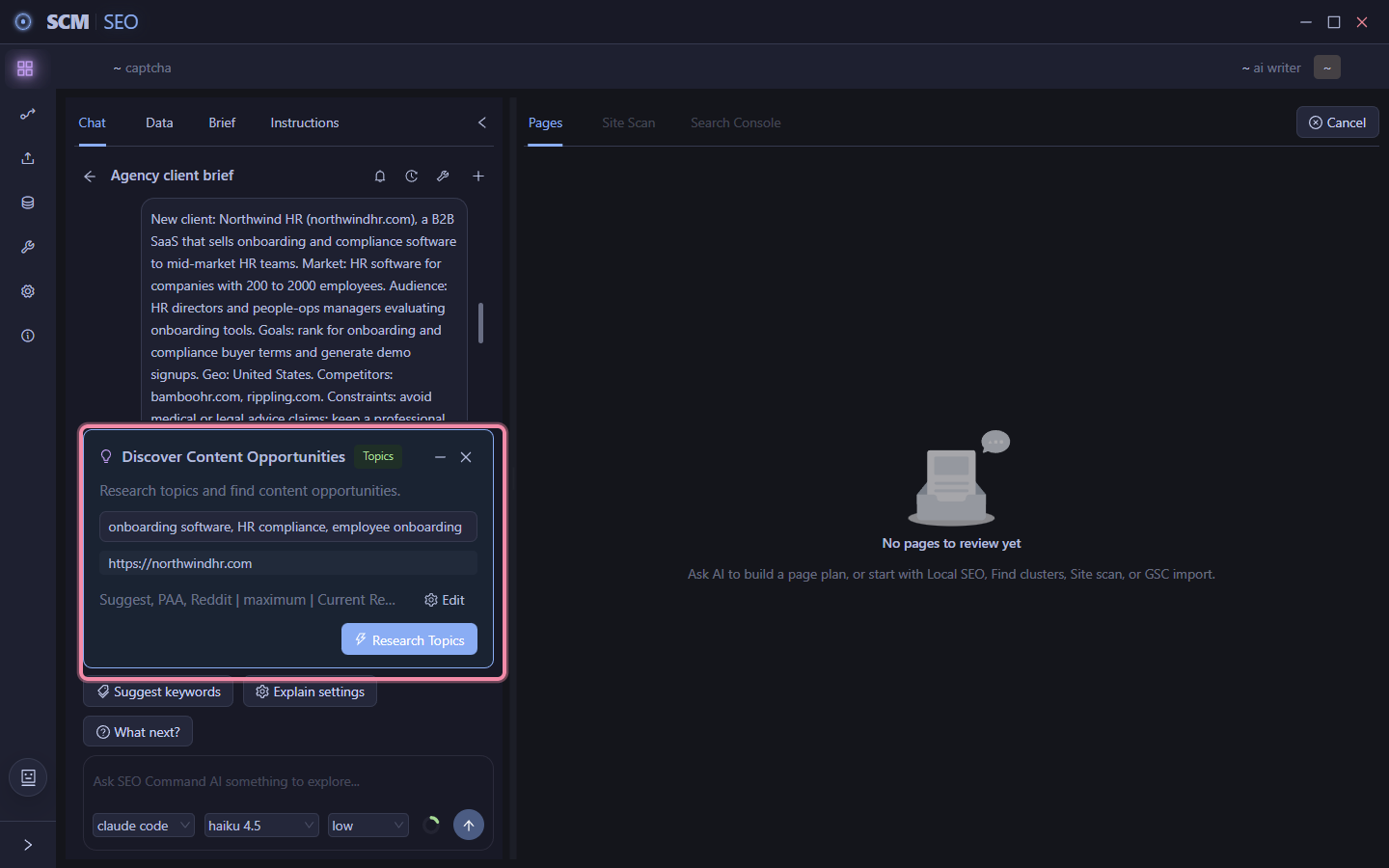
It means Agent chat doesn’t ever start cold, its primed with info from the brief.

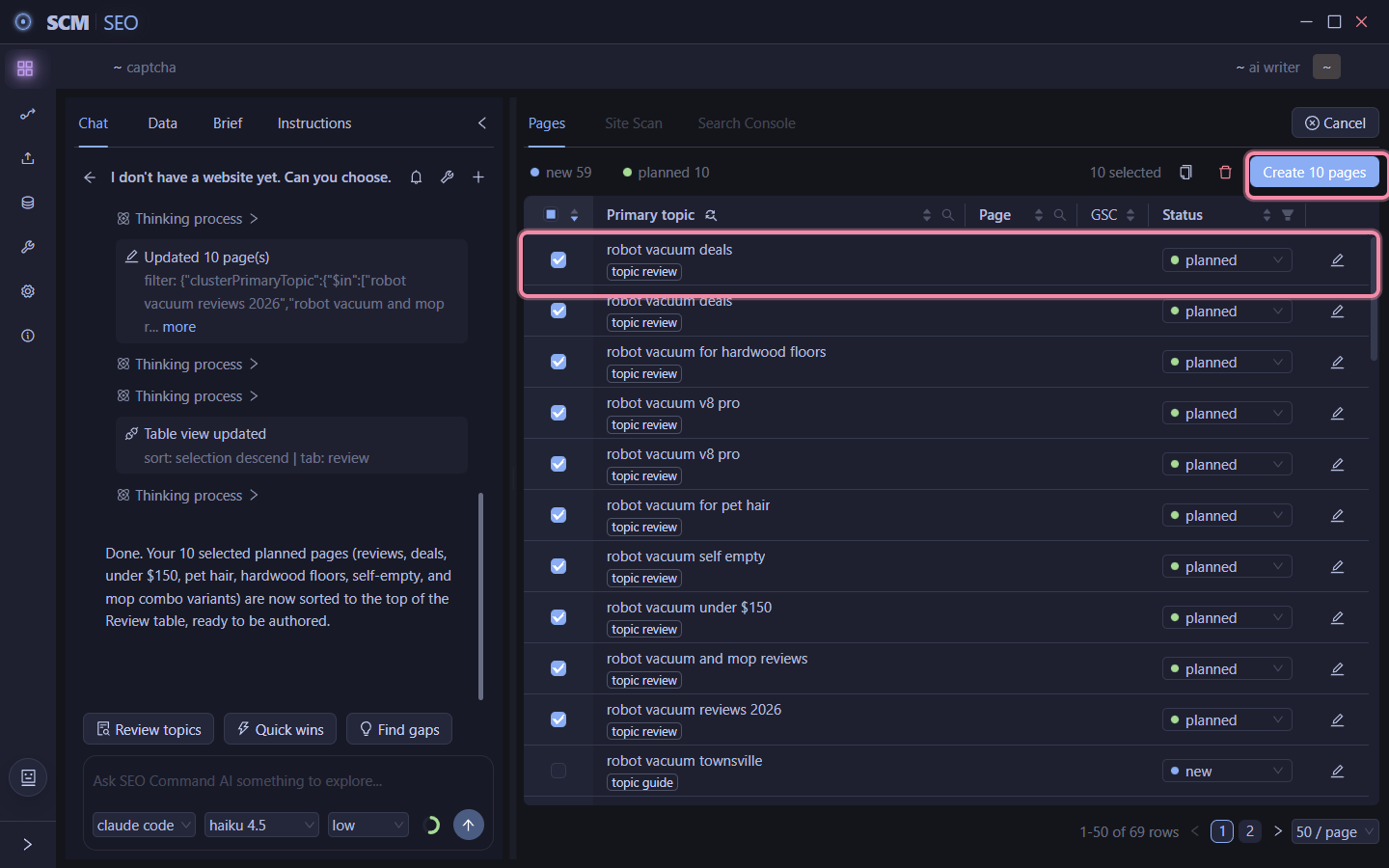
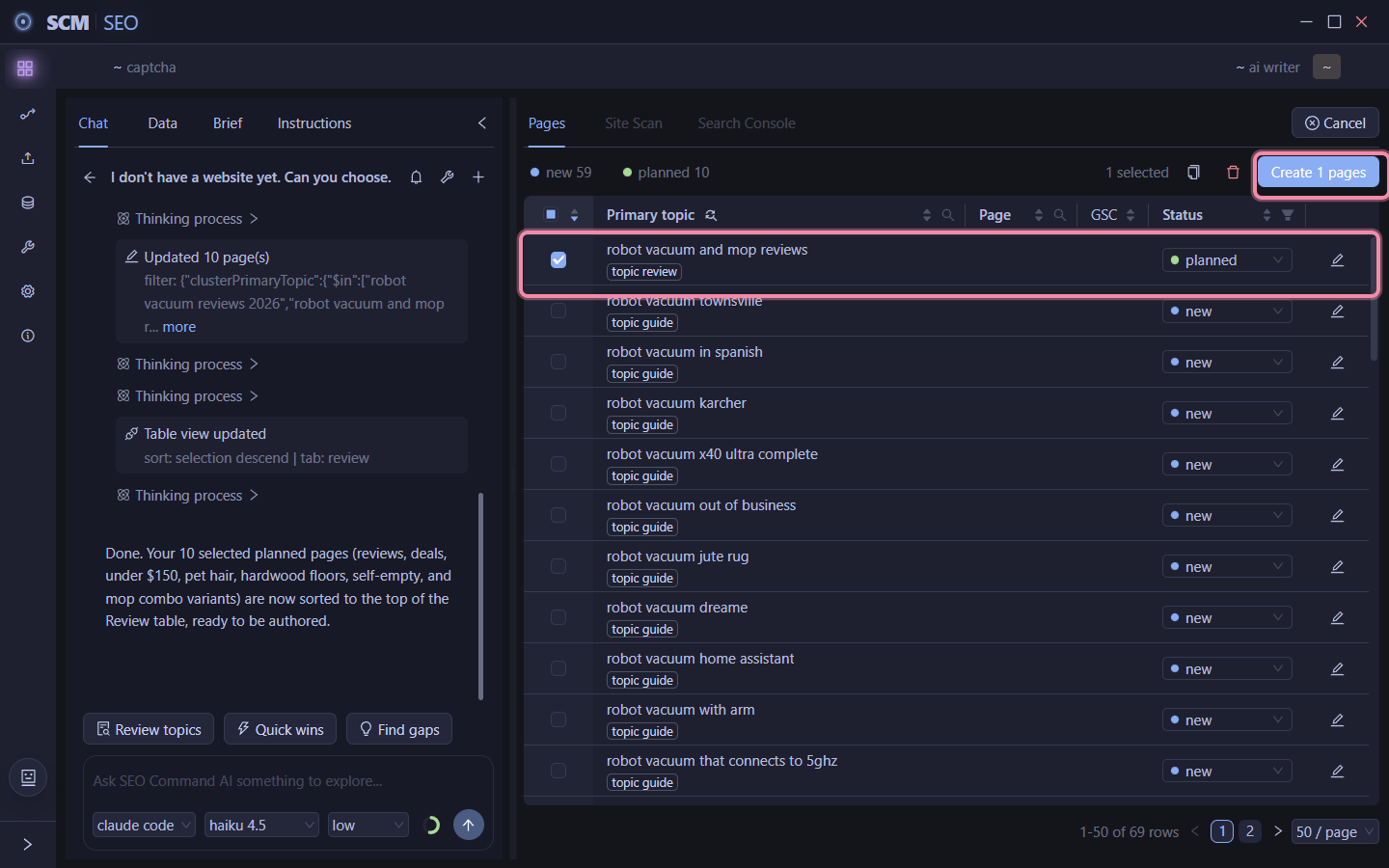
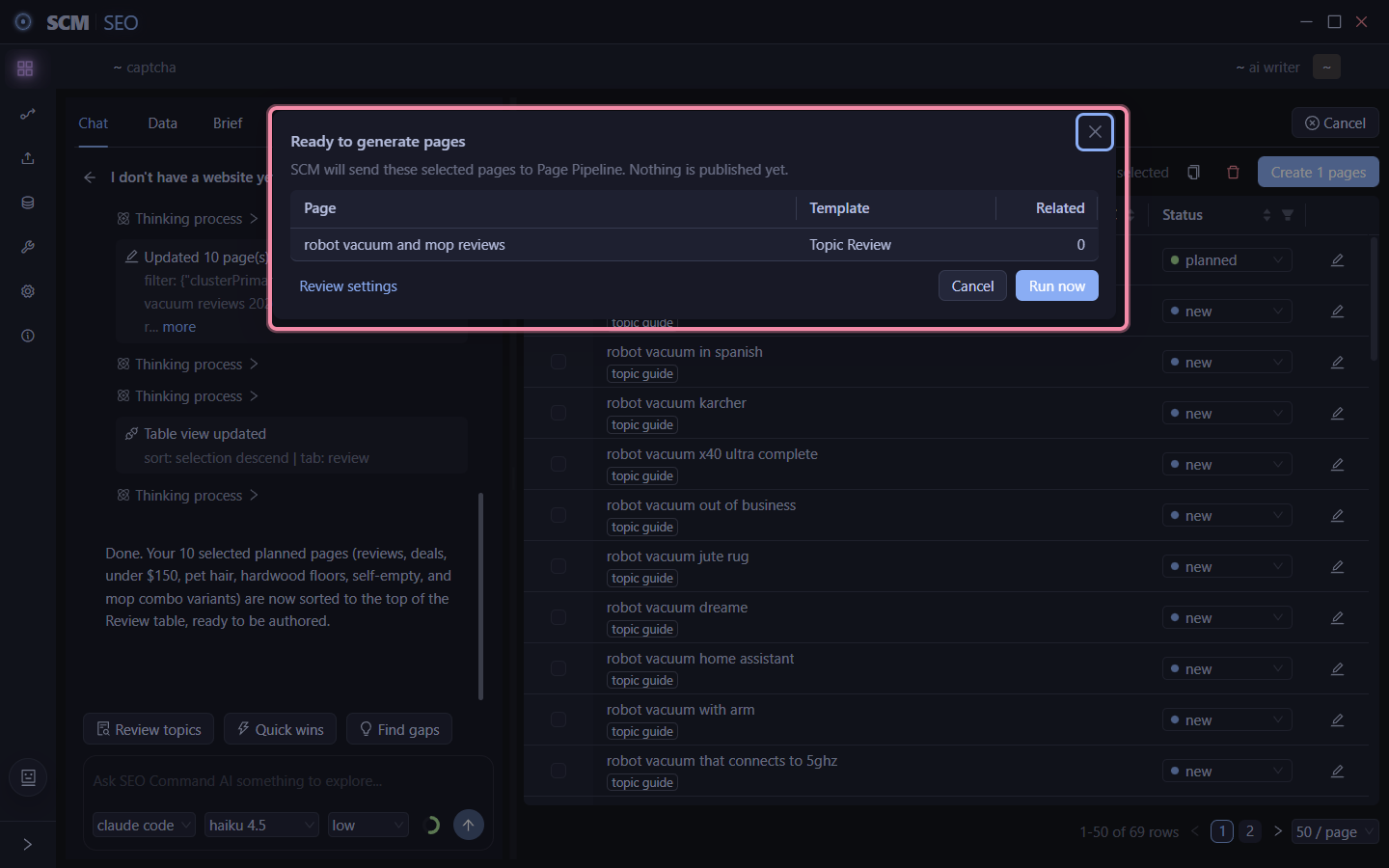
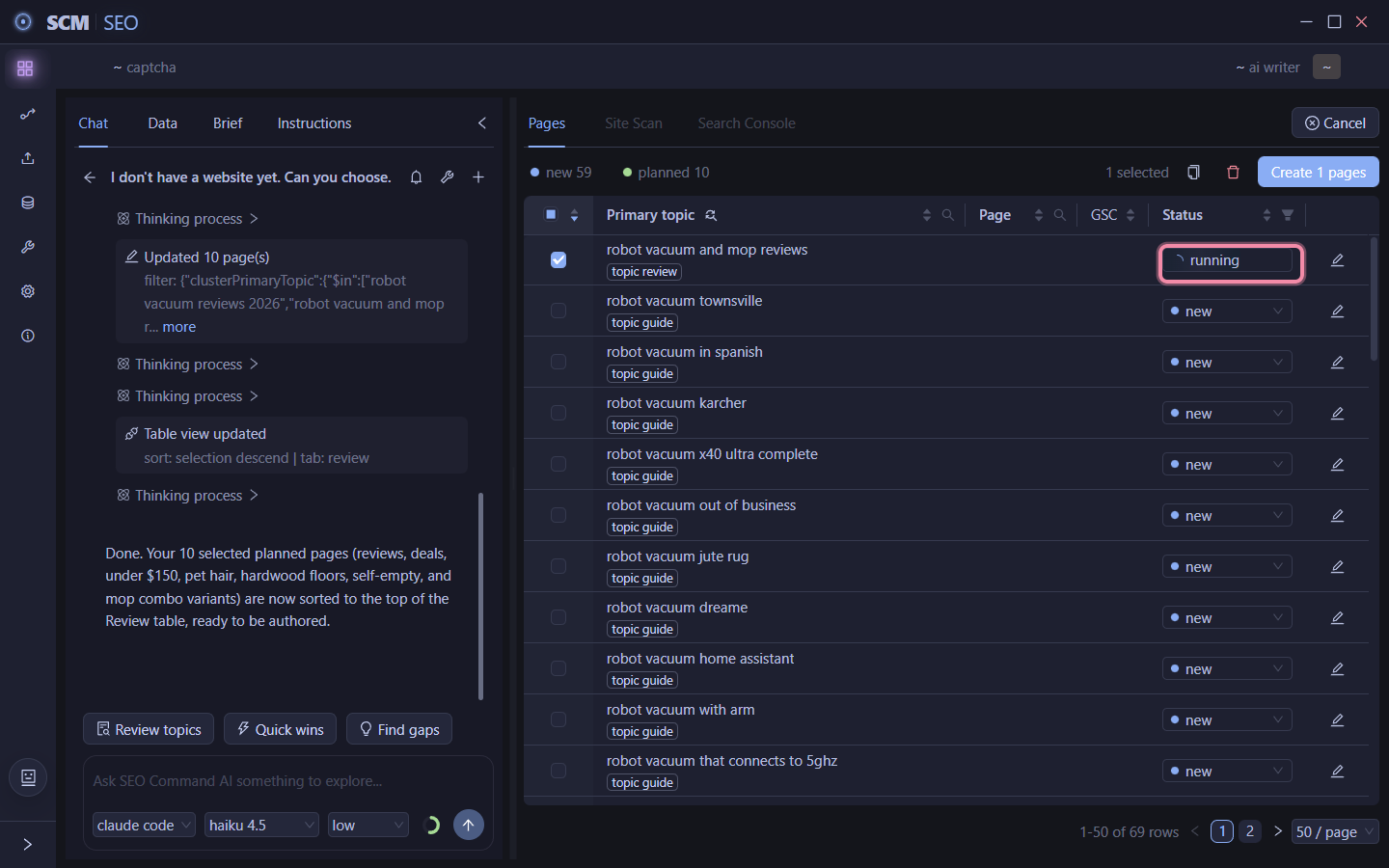
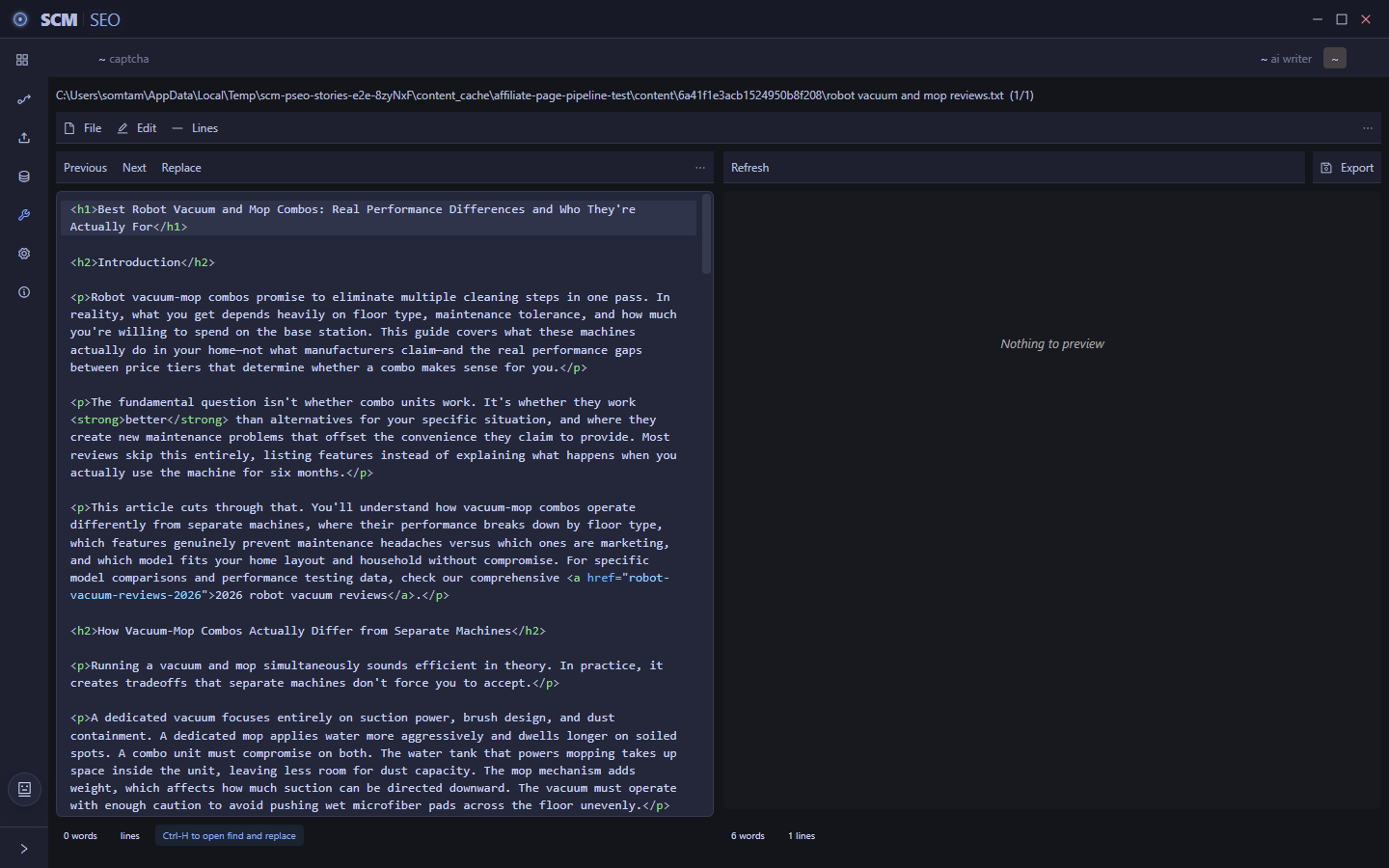
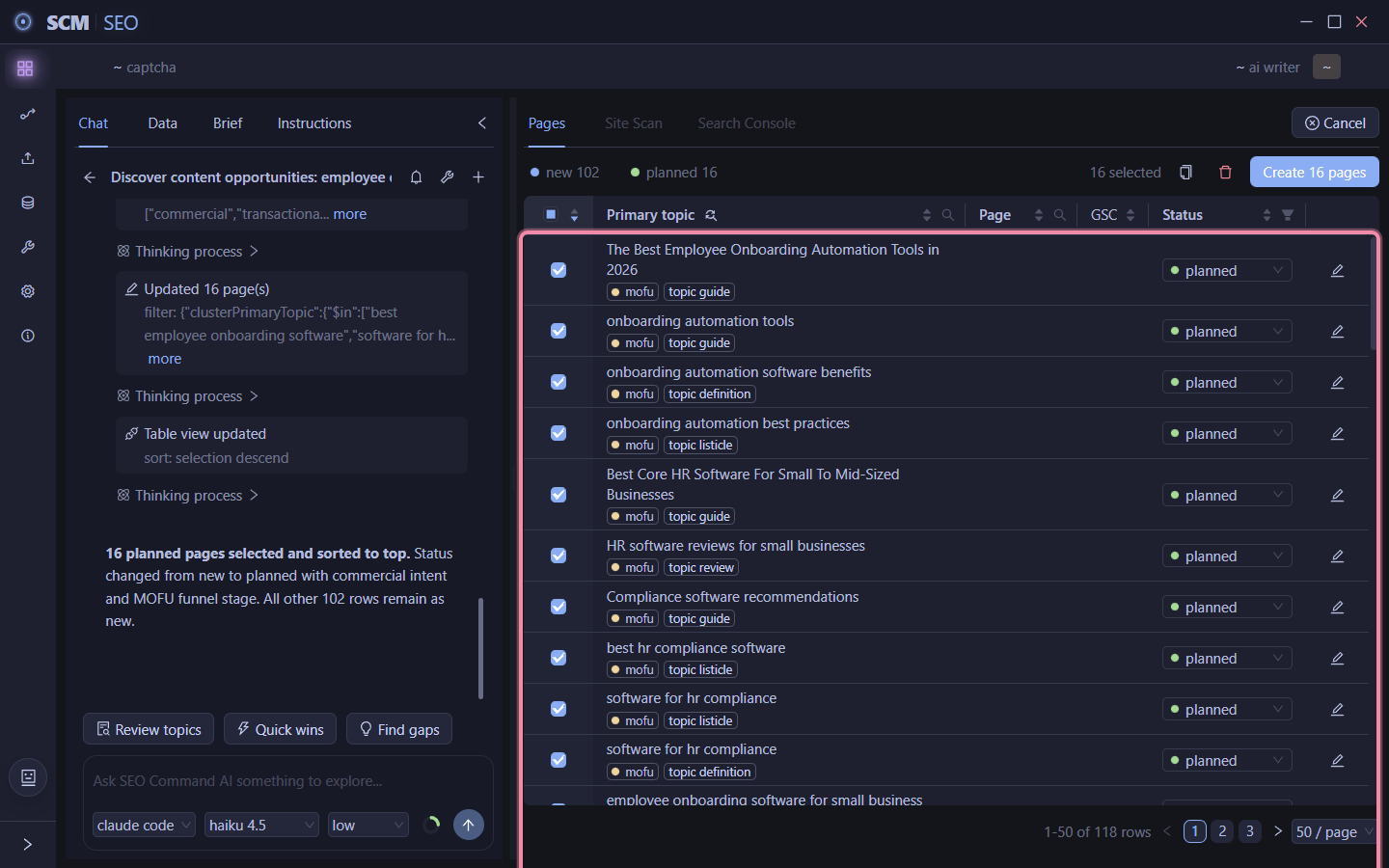
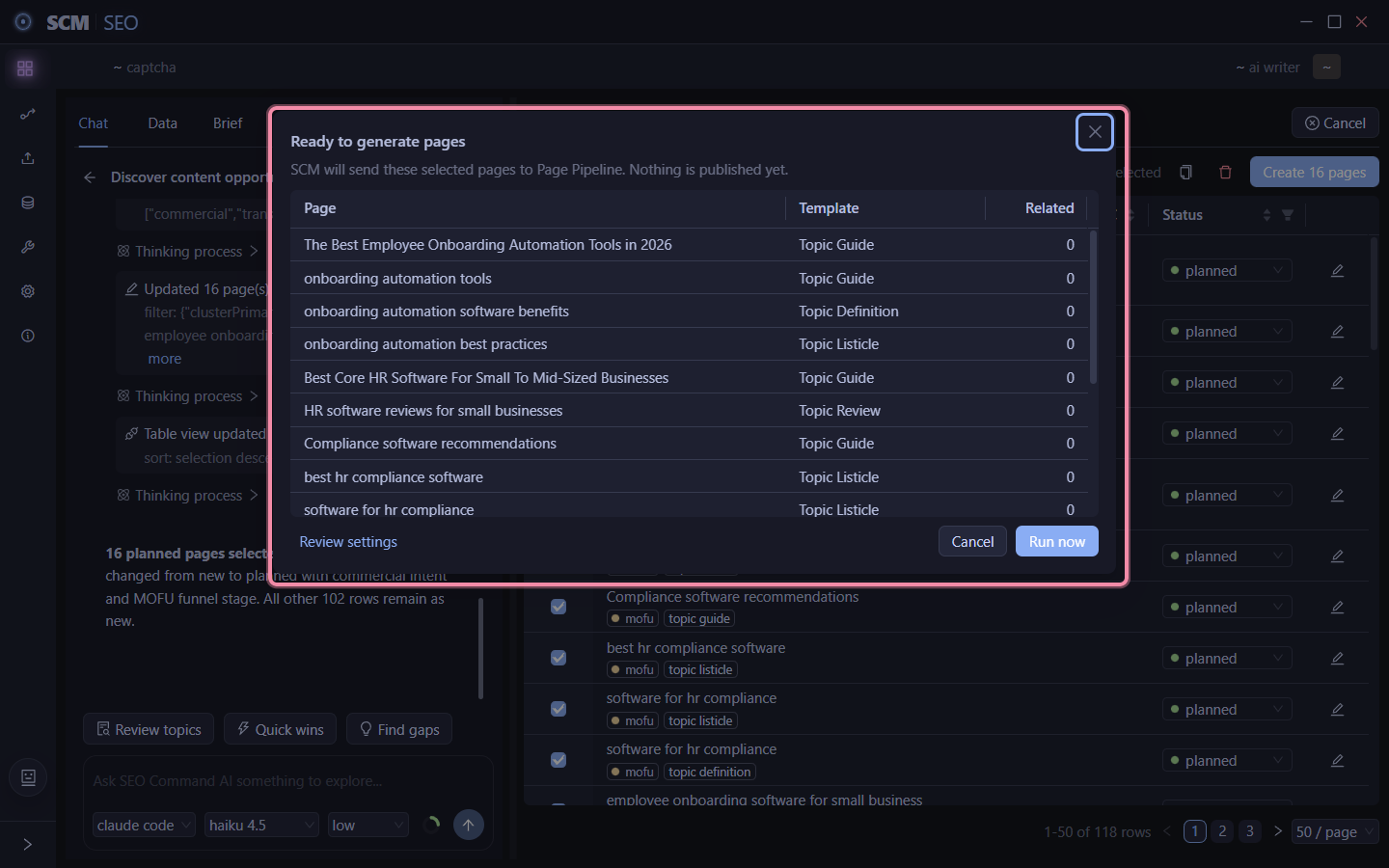
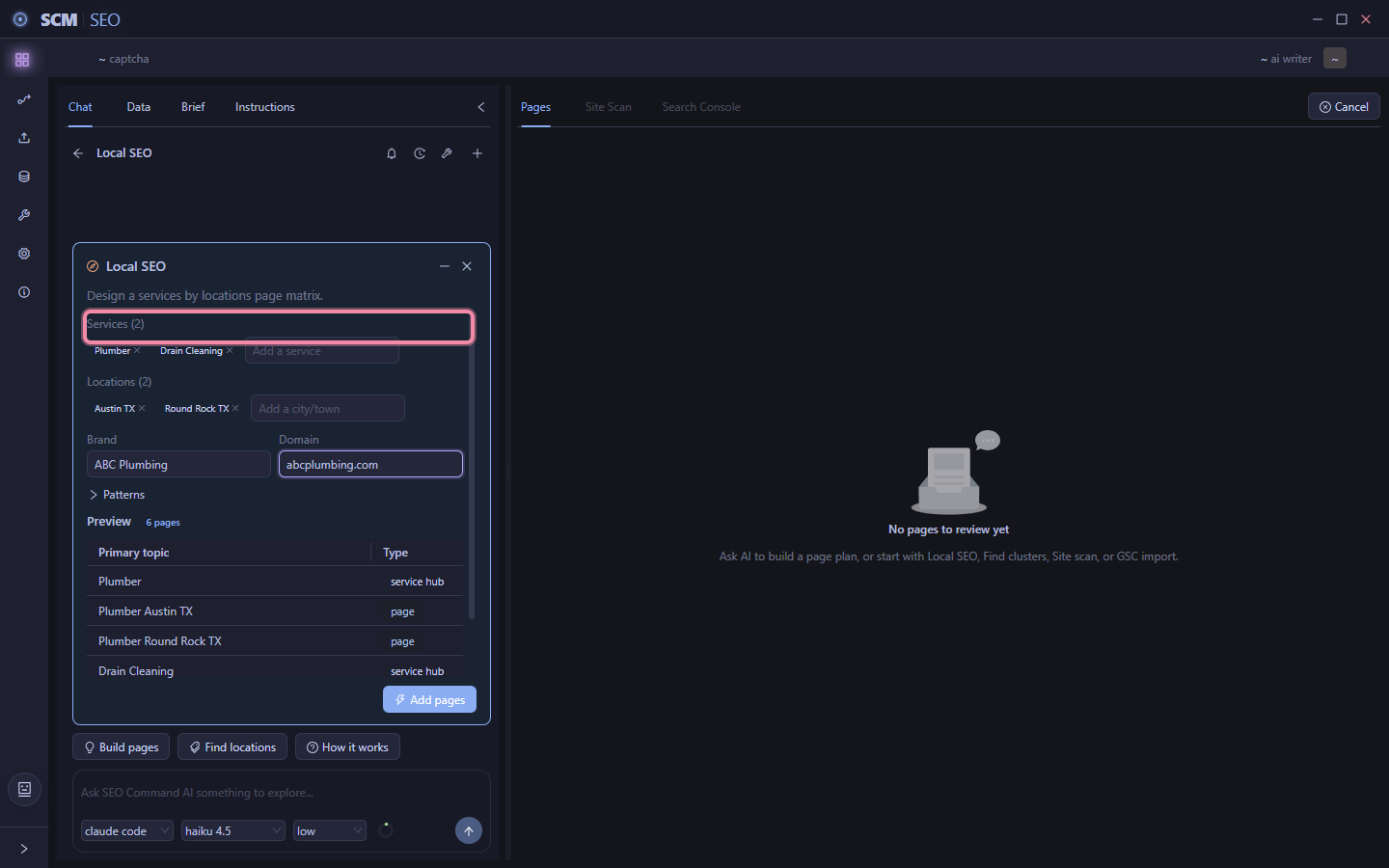
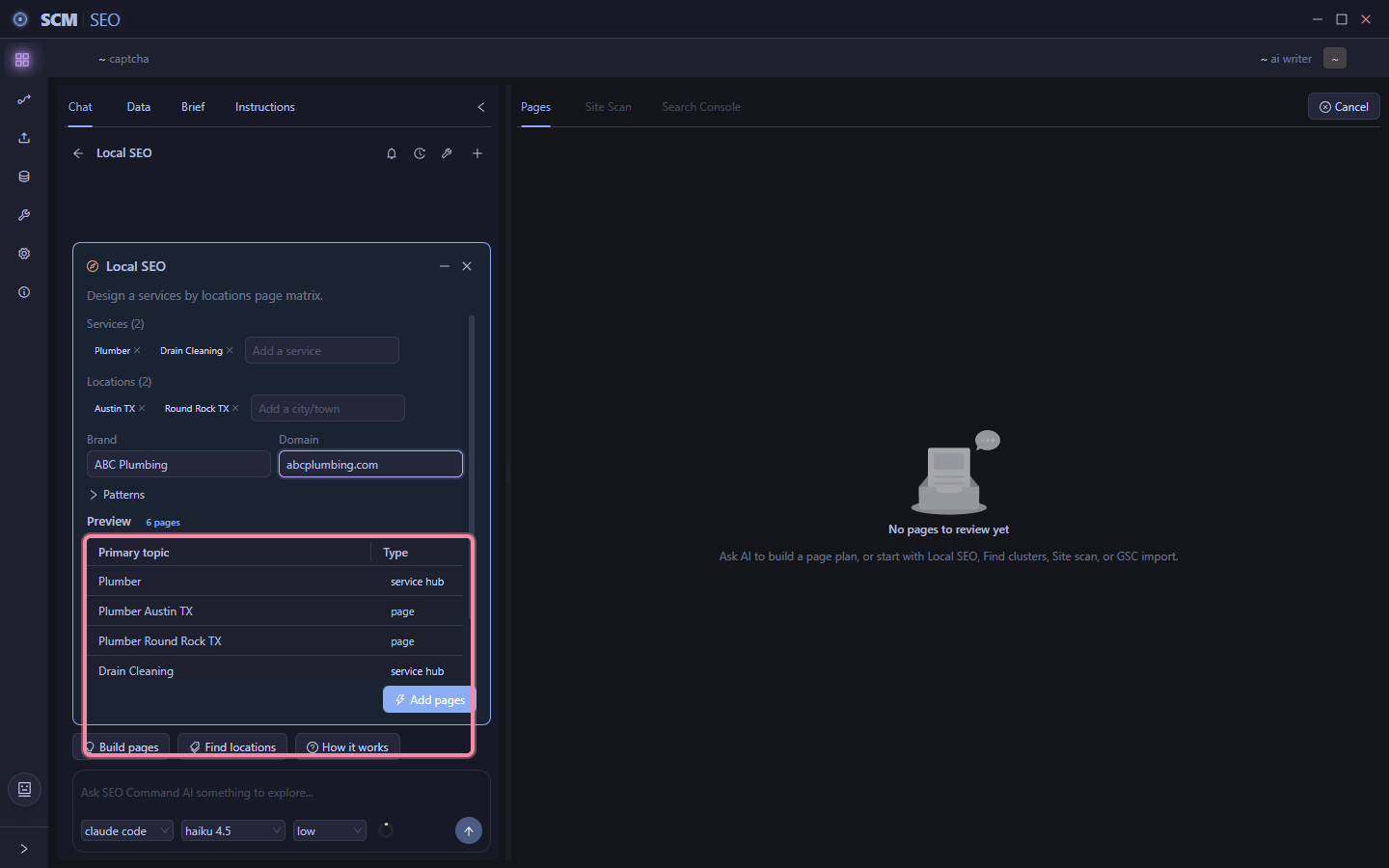
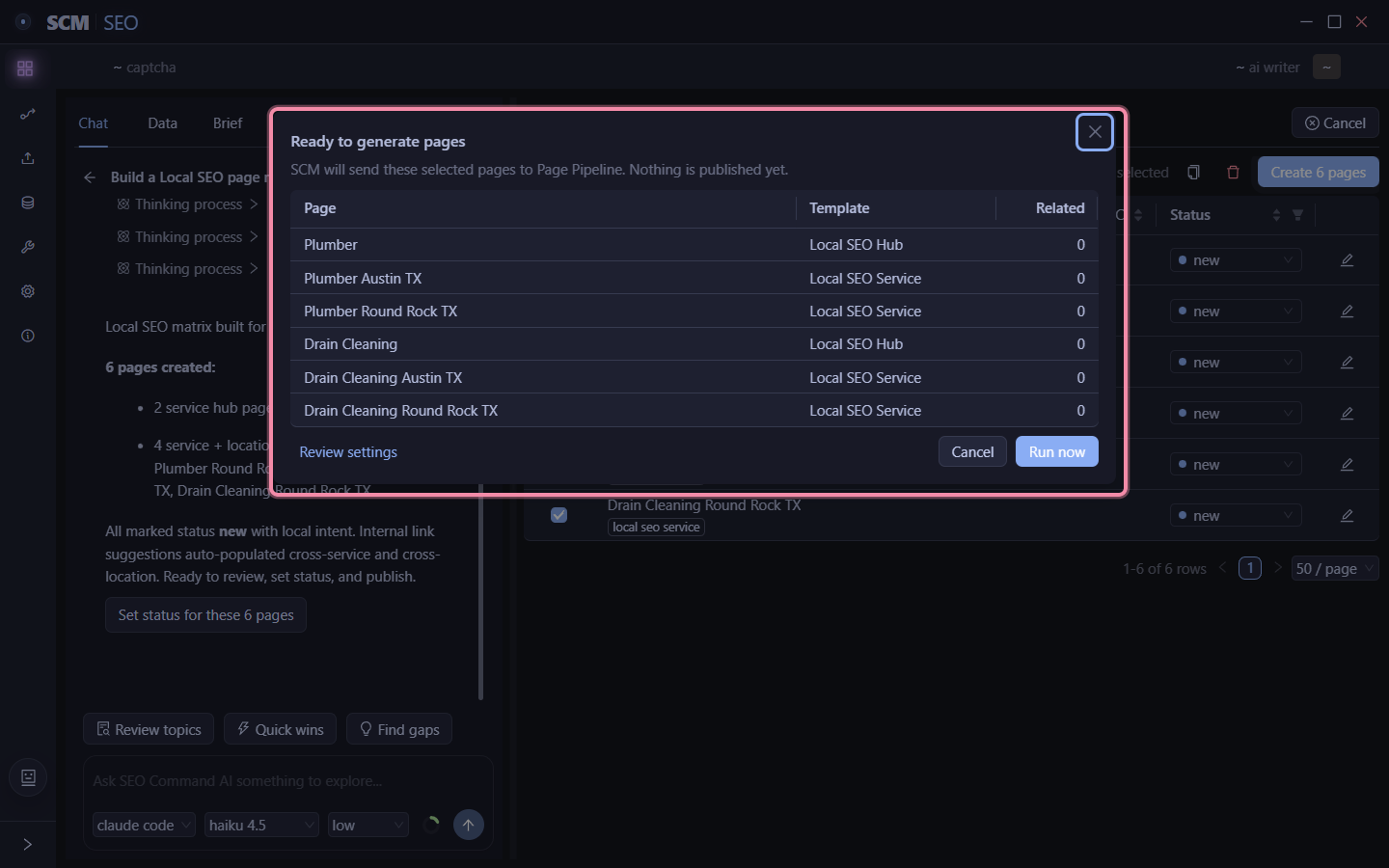
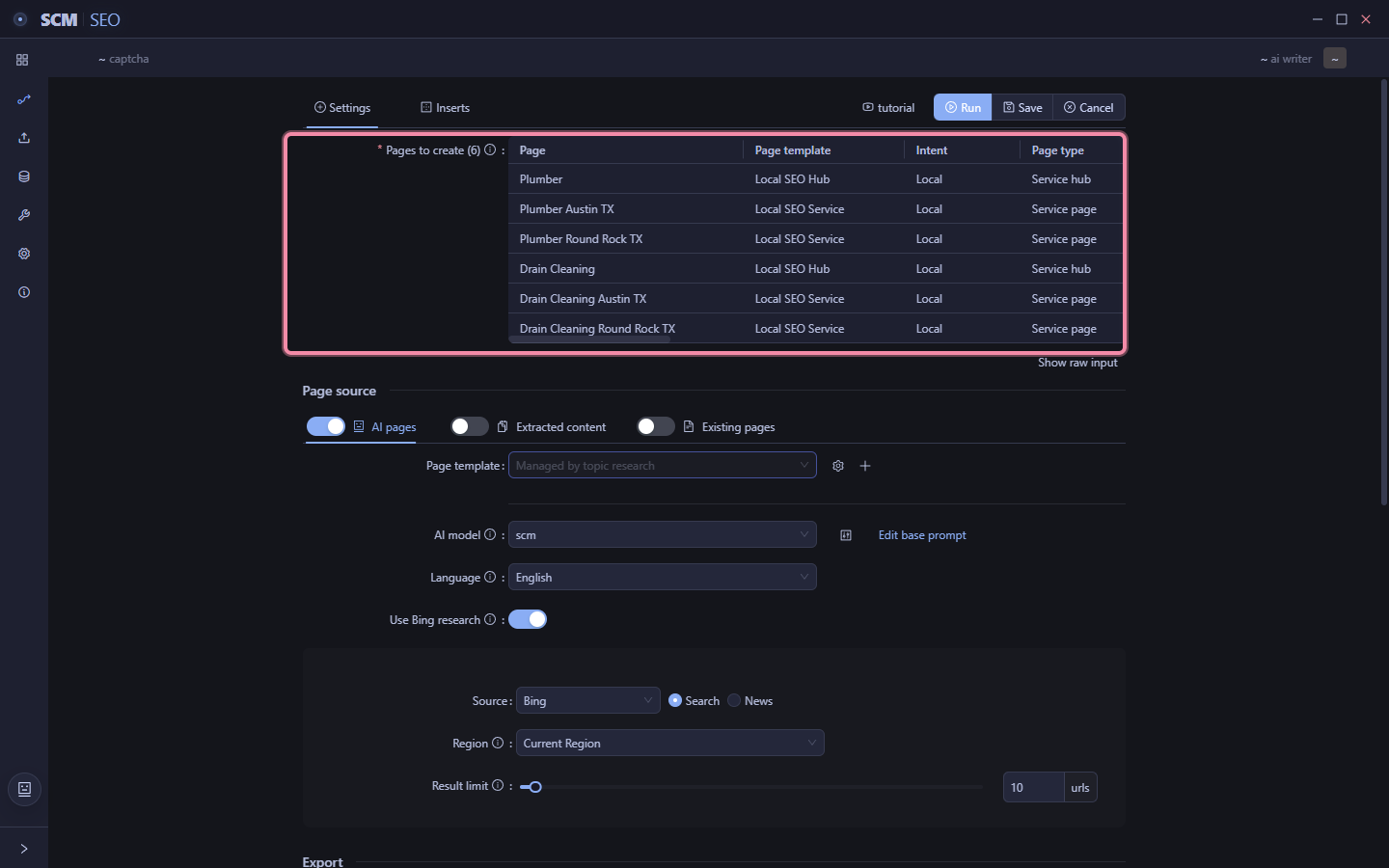
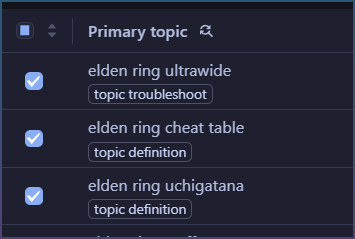
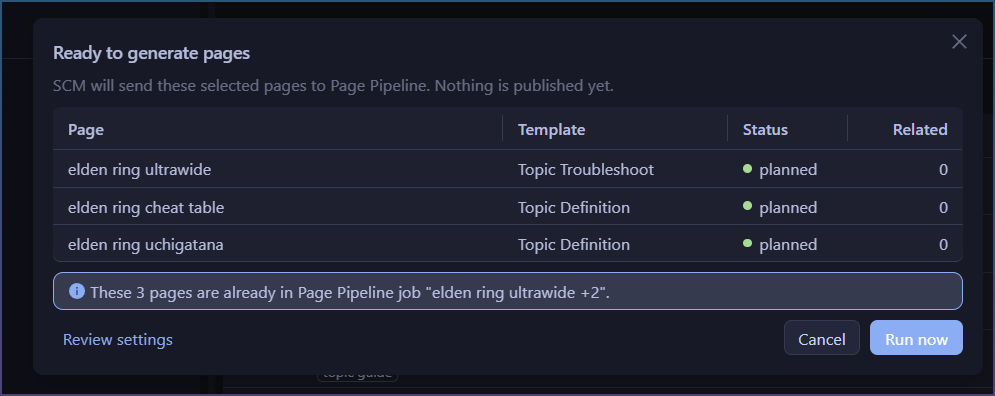
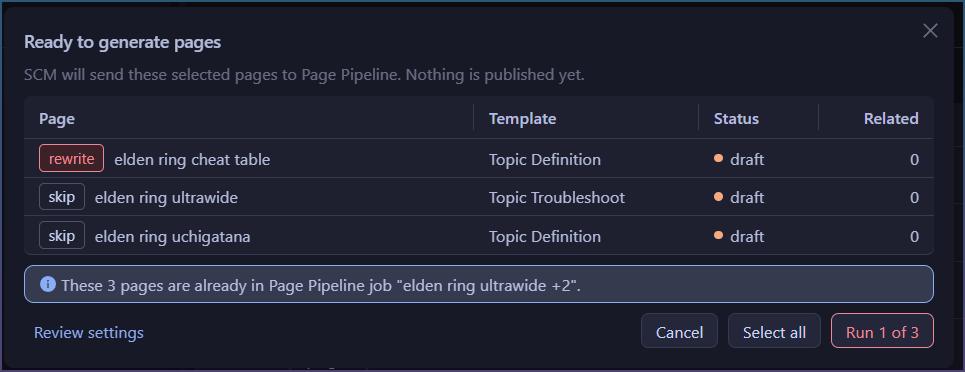
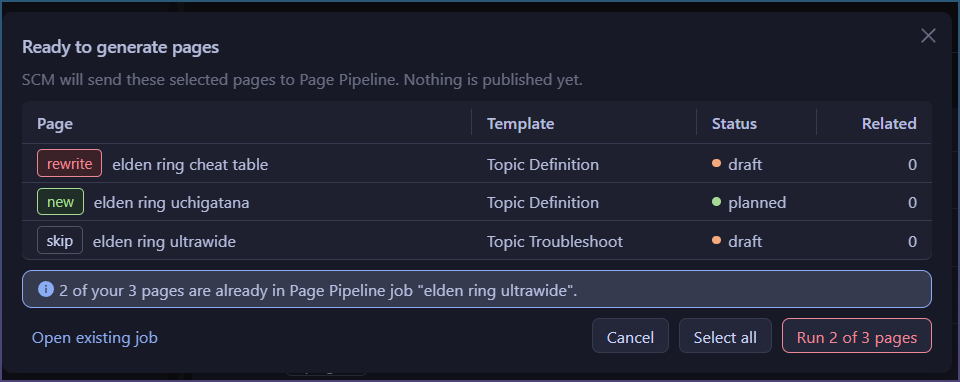
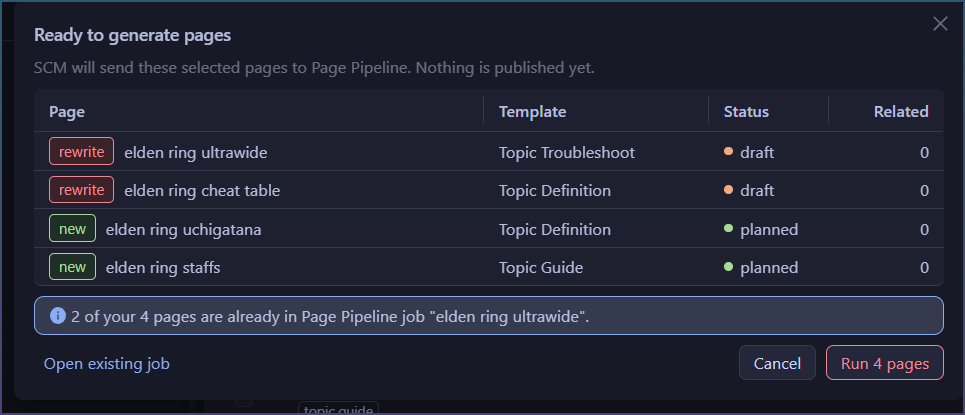
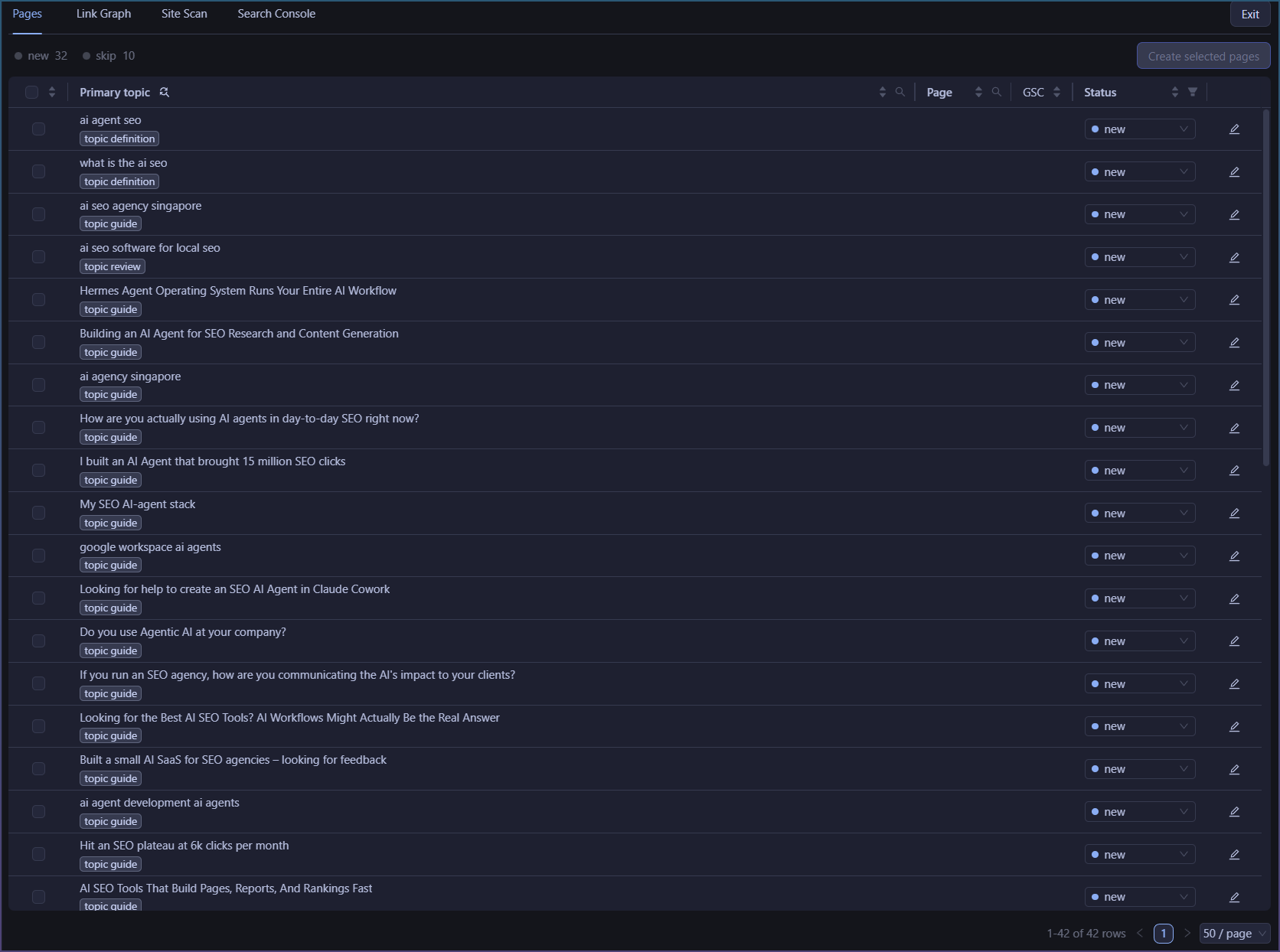
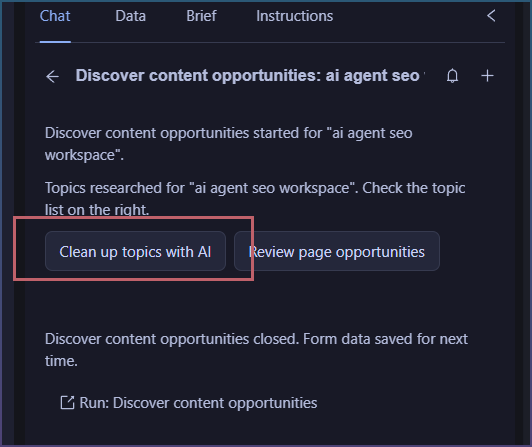
Finally, I’m working on the last connector that goes from topic clusters => page pipeline to write bulk content.
This takes some extra attention as I need to give Agents access to AI templates and let them customize and create new ones!

Means I can ship 5 default ones, and the AI can tailor it specific to your topic.
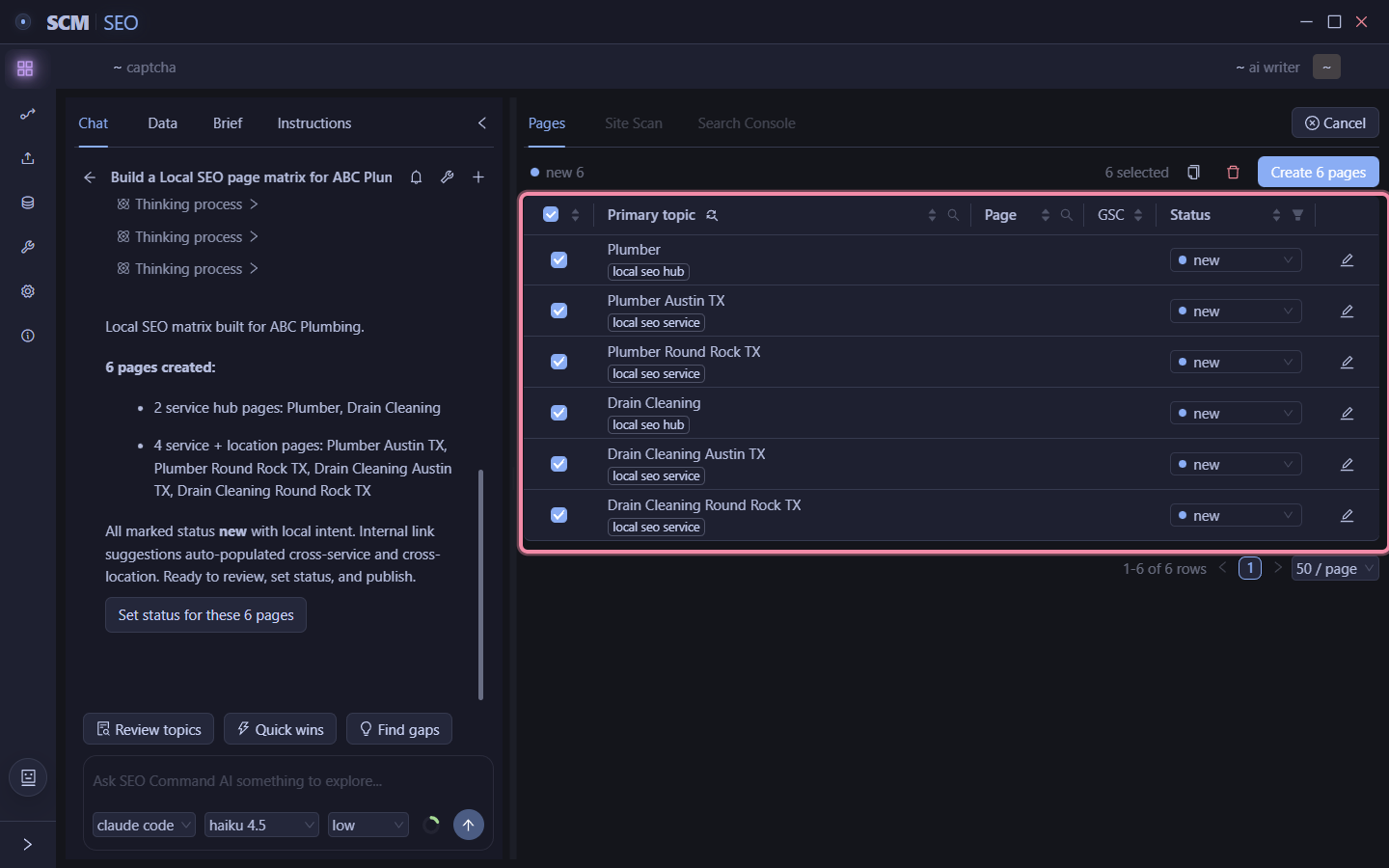
Which solves that issue of 5 templates being too generic for everyone, but a great baseline to start from.