SCM ships with an API but it can be difficult to use unless you are a coder.
You can use the n8n node as well to drag and drop nodes, but it does require investment to set it up and understand how the node workflow works.
SCM is starting to ship its own MCP tools, which means instead of doing it all yourself you can ask your Agent to connect to and drive SCM.
You describe to it in plain language what you want, and it figures the technical bits for you.
API and n8n is great, but if you aren’t a coder the barrier of entry is high.
You can do a lot with SCM tools, but its difficult even to tell an Agent to drive it via API, that is why the MCP exists.
MCP?
Basically its an API to be consumed by agents. The most important is the tool listing.
It gives agents a list of all tools it can call, the rest it does by itself. It will figure how to join the pieces to get a solution.
How to try it?
Open the API/MCP in your browser to confirm its working.
http://127.0.0.1:8008/mcp
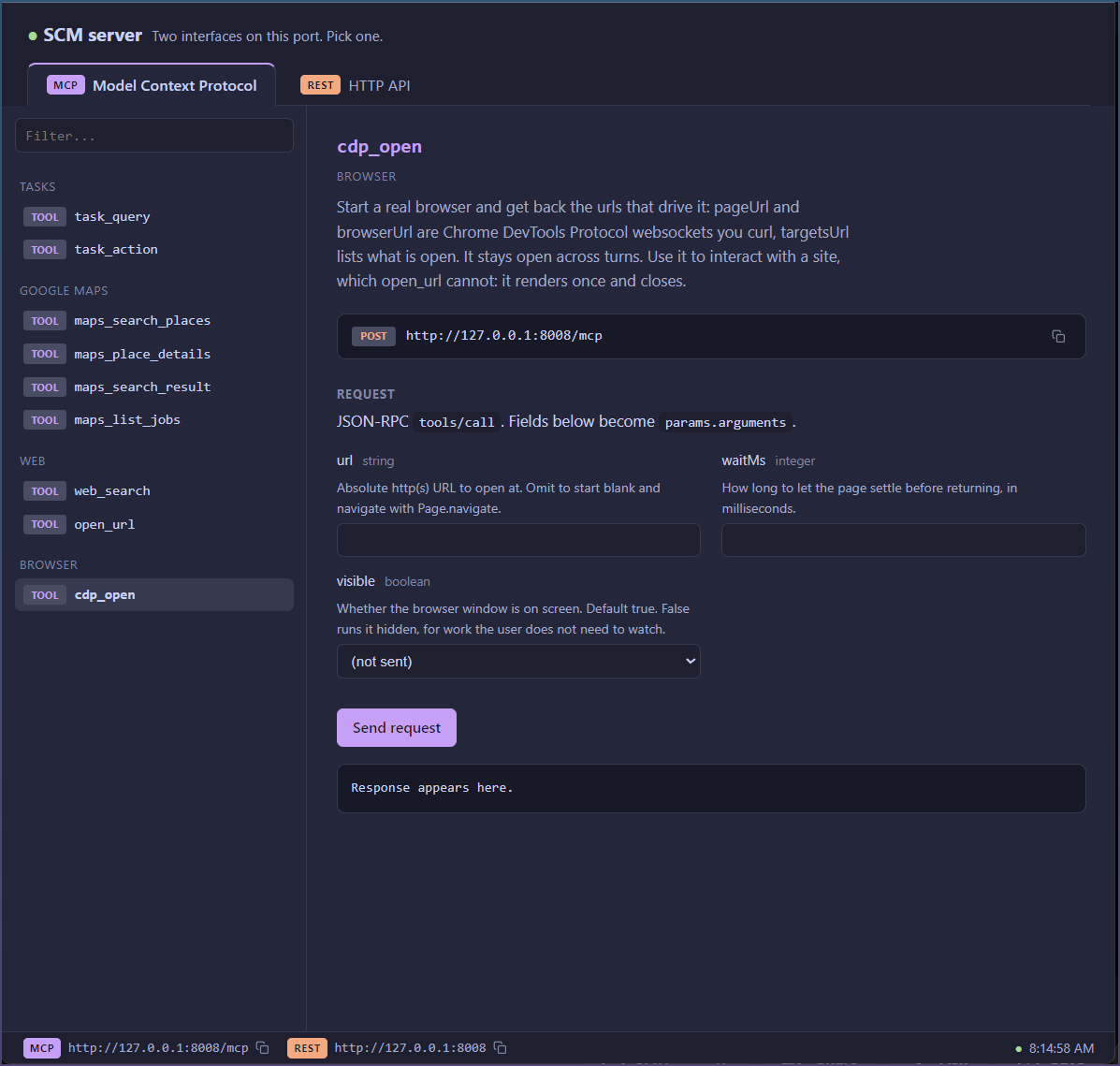
You can click around and make the MCP calls here yourself.
But you need to add that server /mcp to your agent.
You can even ask the agent, help me add SCM mcp @ http://127.0.0.1:8008/mcp
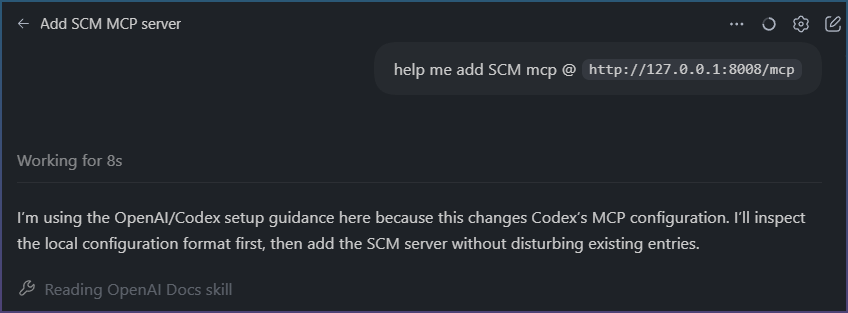
Ie bootstrap the tool using the agent itself.
Whats next?
Currently tools are limited to task start stop, google maps and a real life browser it can drive.
Let me know what tools you want added as a priority.
New tools get added slowly as I add new features to SCM.