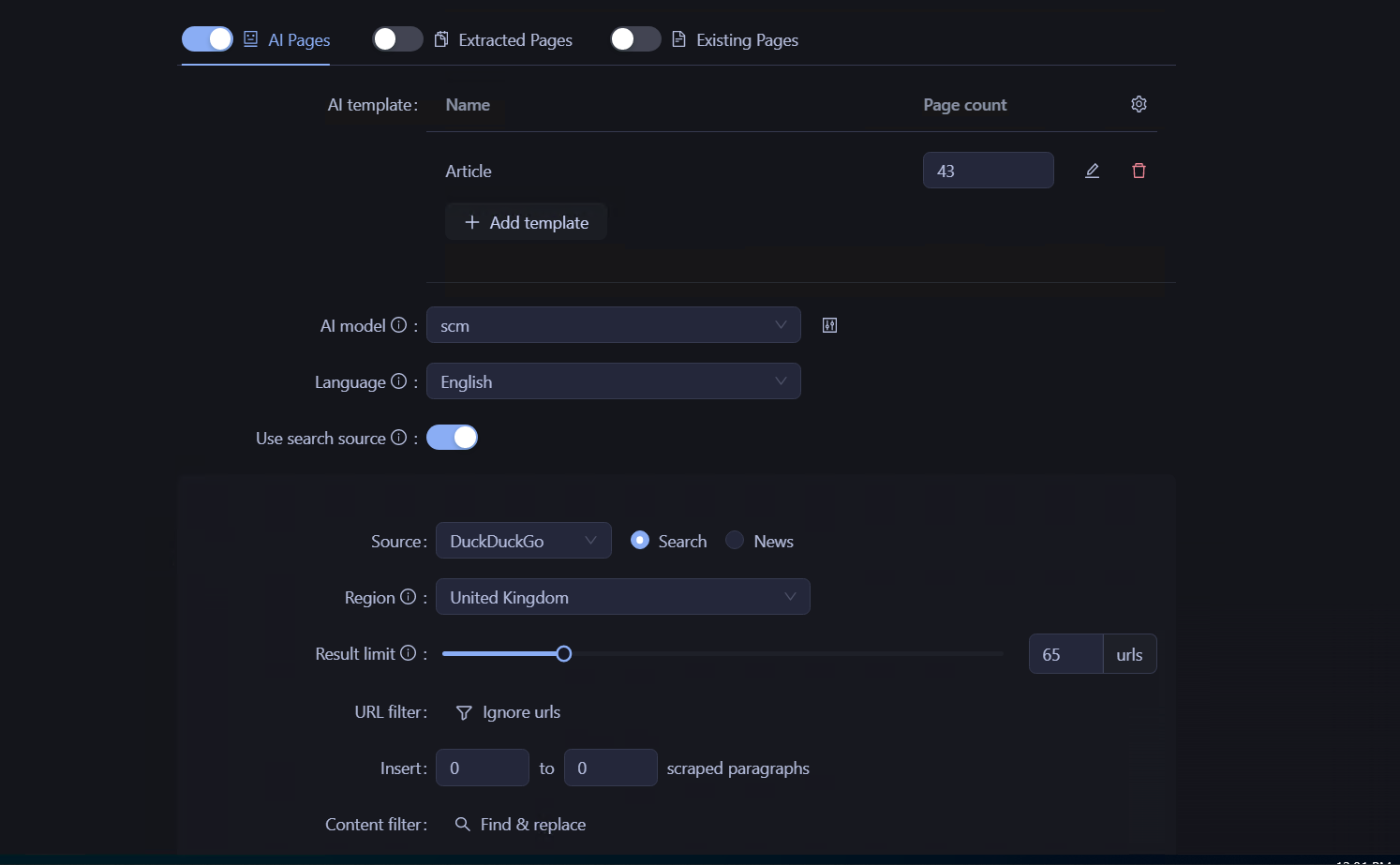
Hi. Is it possible to set up AI Pages’ “Page Pipeline” mode so that it removes a specific word when writing articles?
I know there’s a “Content Filter: Find and Replace” feature, but as far as I understand, it can only be used in “Extracted Pages” mode. Please correct me if I’m wrong.
I’m not sure I understand exactly which settings you need. So for now, I’ve just attached a screenshot.
To explain the situation in more detail: when I add the “Nine game” keyword to generate content based on it in AI mode, it generates articles with titles like “Ninefold game,” for example. However, this isn’t my keyword, and I can’t seem to fix it.
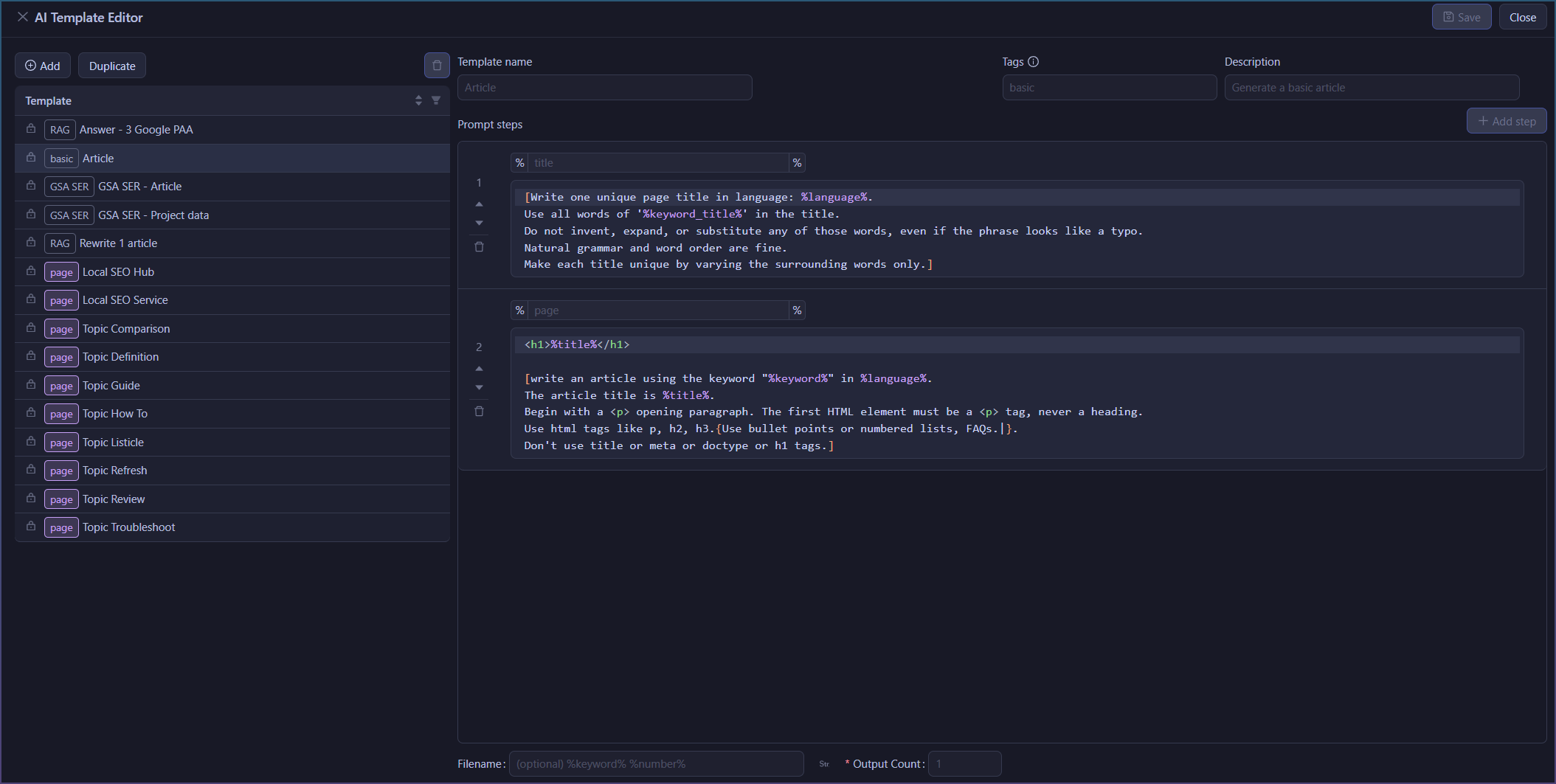
Once I updated it to that, the titles are correct.
[Write one unique page title in language: %language%.
Use all words of '%keyword_title%' in the title.
Do not invent, expand, or substitute any of those words, even if the phrase looks like a typo.
Natural grammar and word order are fine.
Make each title unique by varying the surrounding words only.]
You can grab the BETA update to test if it worked:
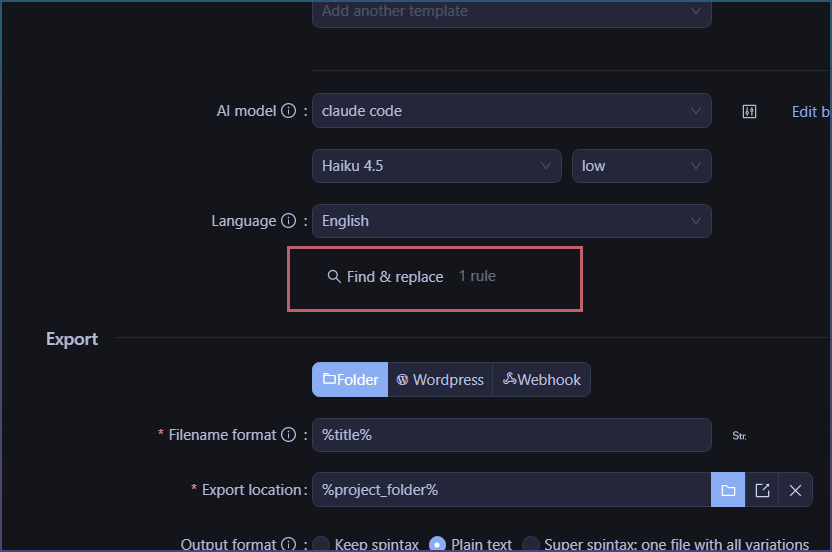
Okay, it seems to be working fine now. Thanks. I downloaded your version, and there are no more changes to the keywords after generation. But now I have another question about a different issue. For some reason, after generation, the AI changes the word “online” in AI mode—in both the titles and the text—from the normal variant to “On Line.” Even though I didn’t specify it anywhere in the keywords.
Does this also need to be configured in the same way you did earlier?