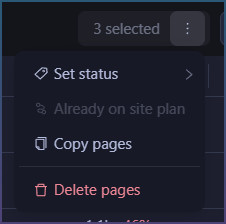
Currently you can only publish to WP using the AI to do it for you.
Or you can do it yourself by exporting article and calling WP publish tools yourself,
Although AI pub is nice, sometimes its faster and more convenient to do it yourself, without the risk of AI burning down your site with wrong calls.
A deterministic button > AI assisted calls for basic ops.
To that end I am adding buttons to
a) Bulk publish
b) Single post publish
How to bulk publish post / pages
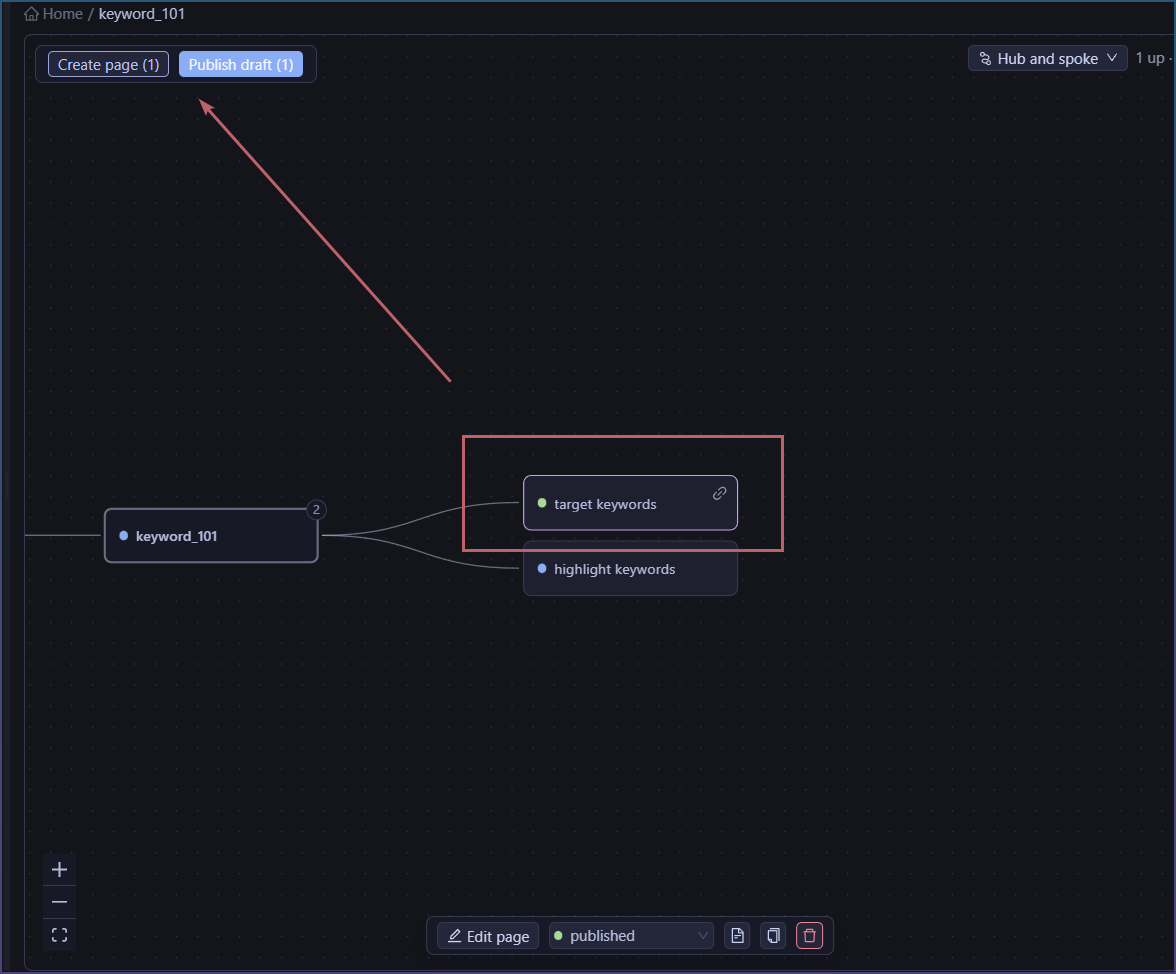
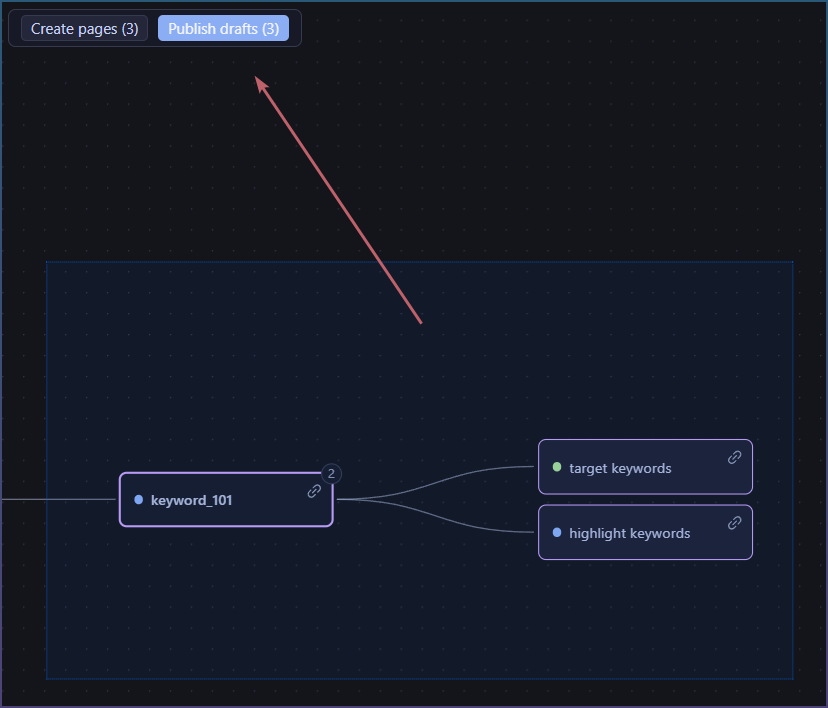
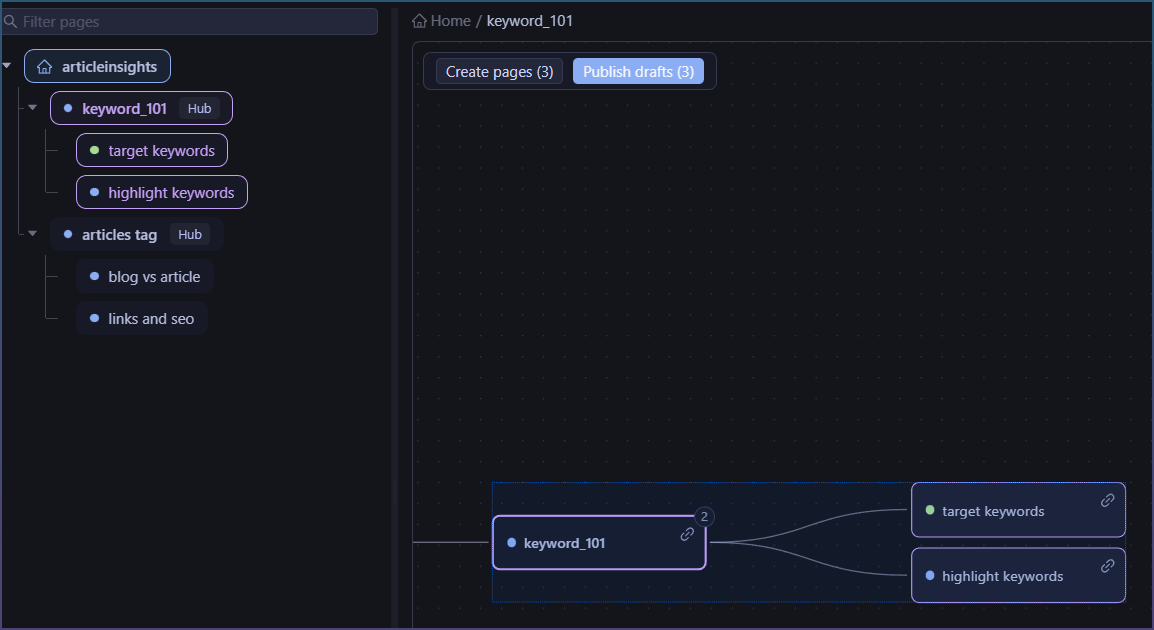
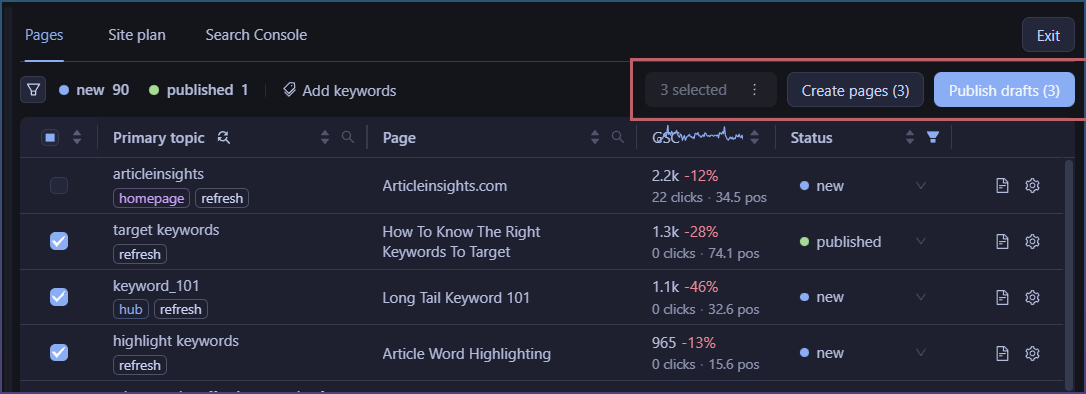
When you select multiple posts that have a draft on file, you get the publish button.
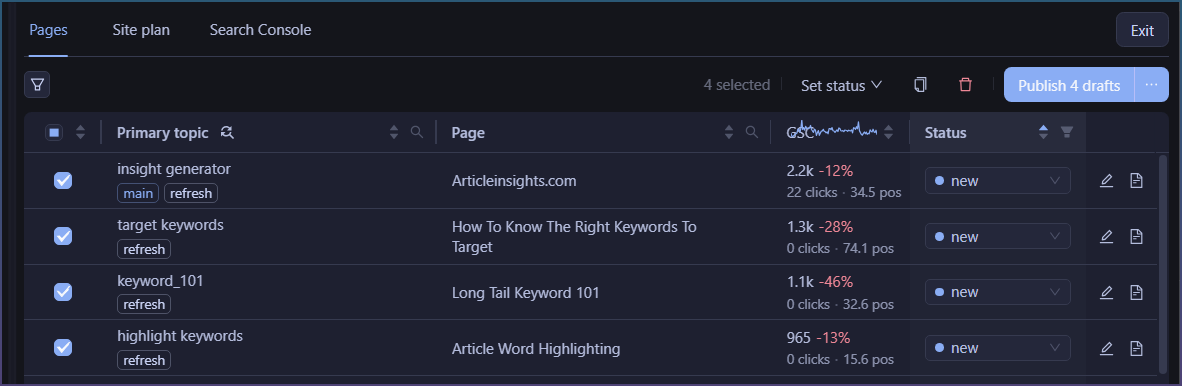
No draft, just create.
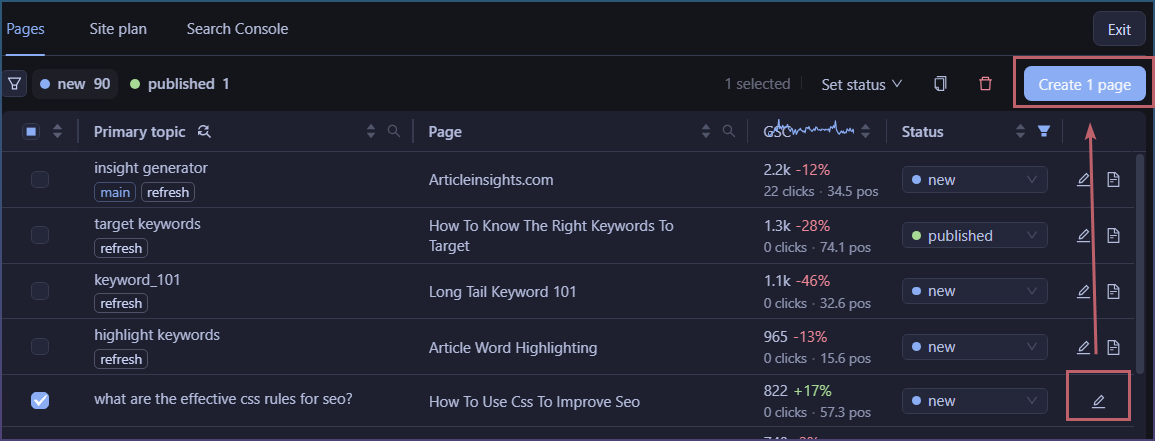
Draft, publish.
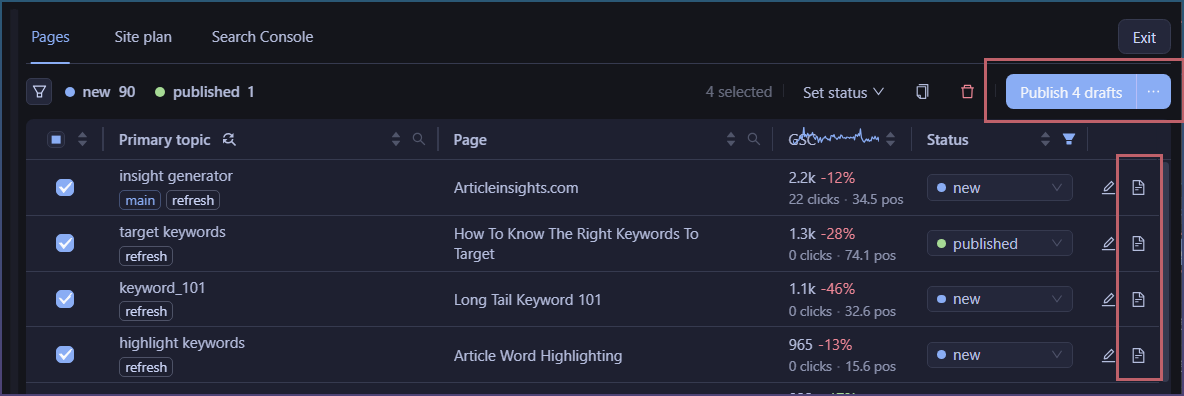
The create button is demoted but still there.
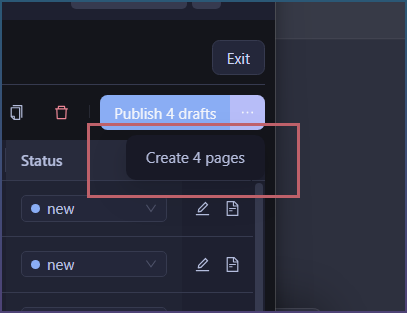
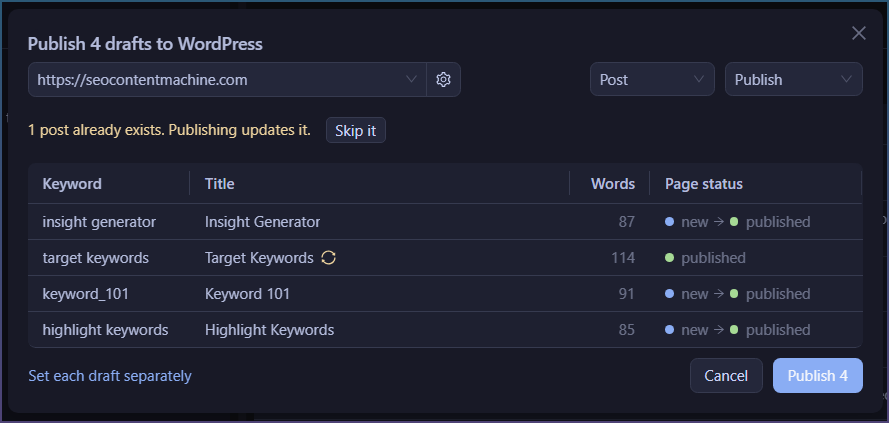
The publish button opens a new window.
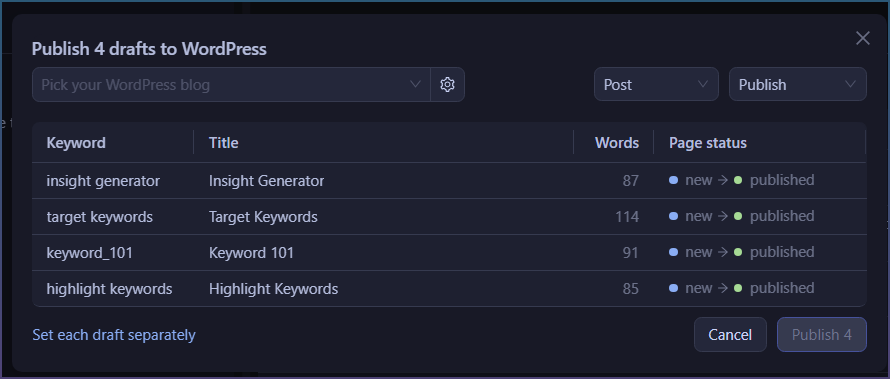
You can assign a blog and choose to post as page/post or publish/draft
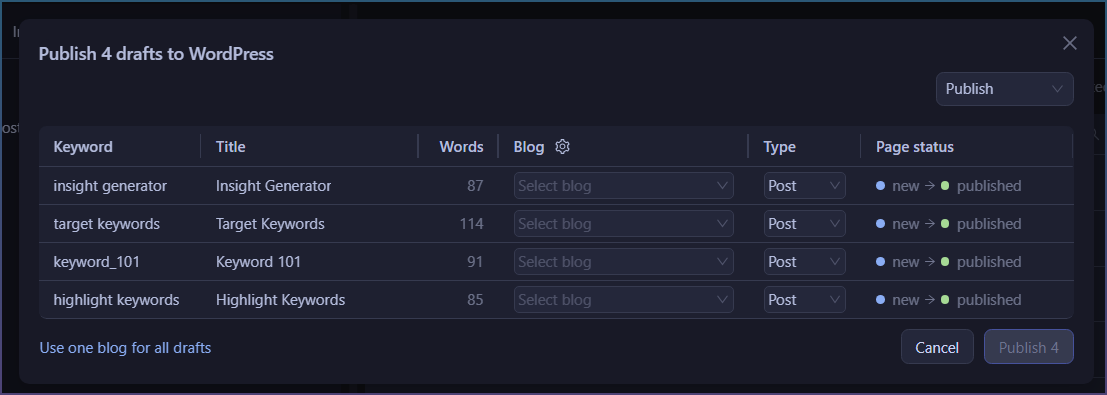
You can also assign articles to separate blogs…

Which expands the window to give you per article control now.
How to post a single article
Inside the article editor is a publish button
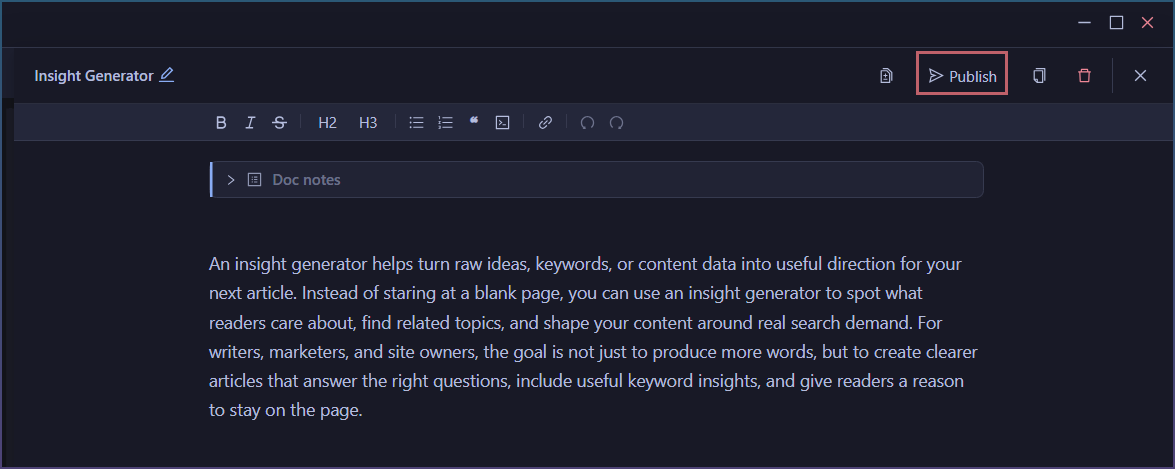
Click on it to show a publish window
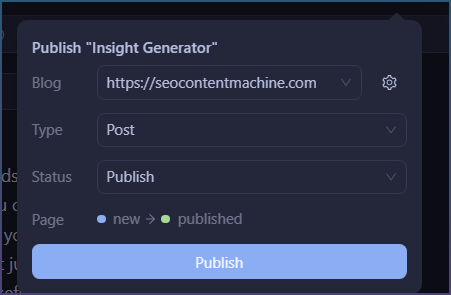
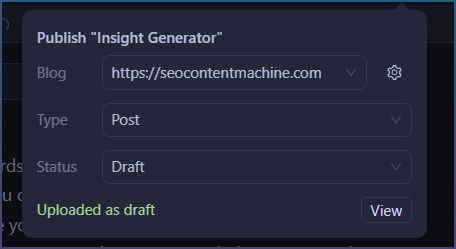
Once published it will give you a link to the live post.
Track published pages
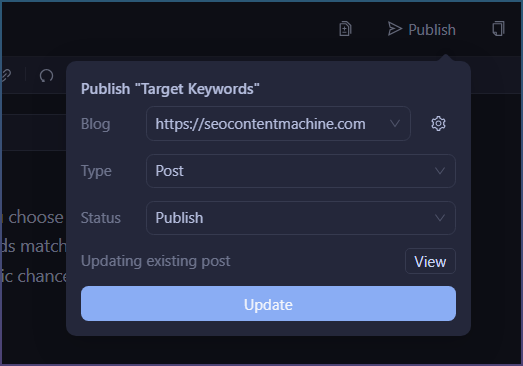
There is basic tracking of when you publish pages and warns you that update will be called.
Same if you are writing an need to update live post.
Now you have 2 paths, AI to post or at anytime post it yourself.