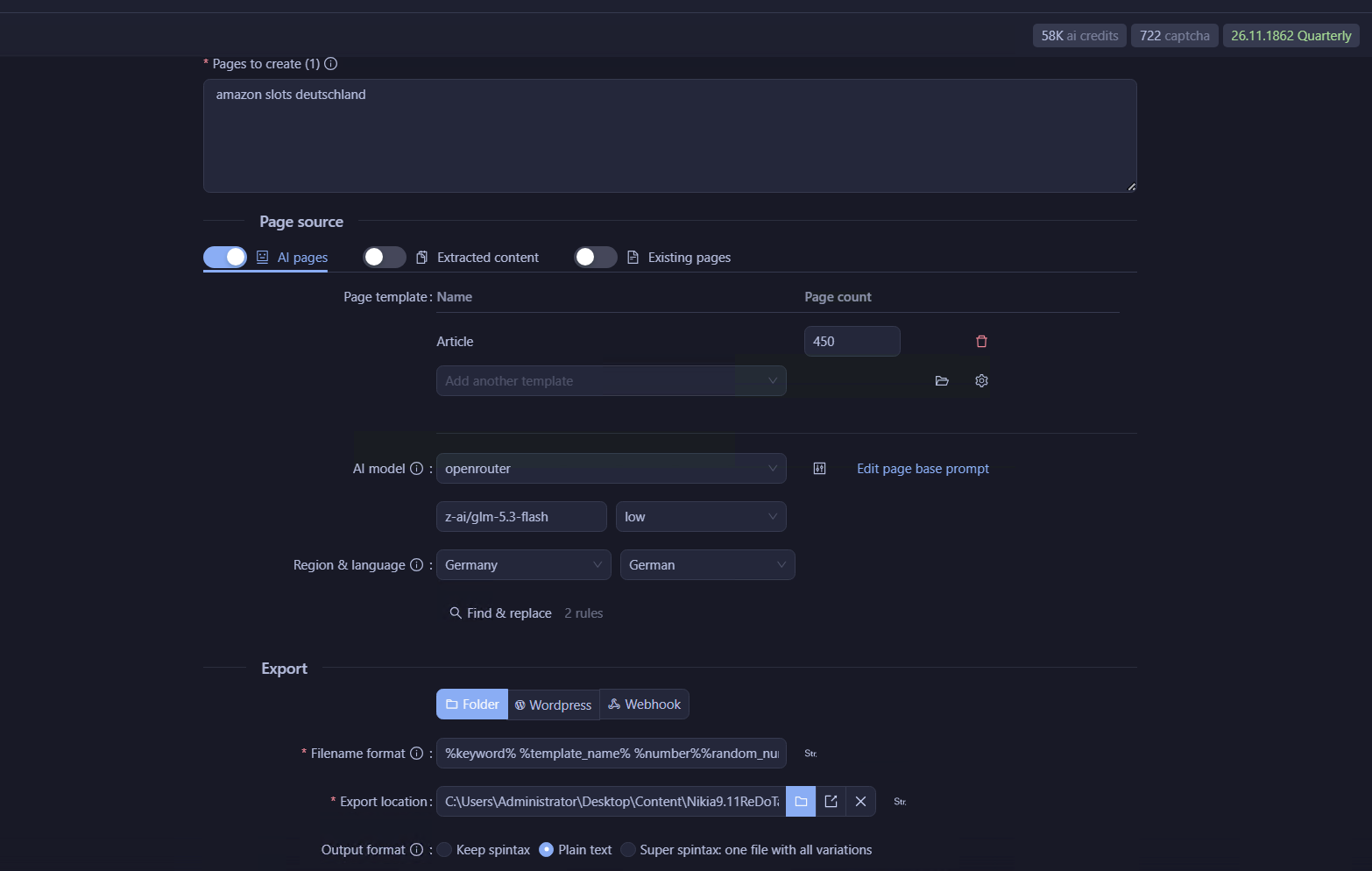
Hello,
I am using the AI Pages mode in Page Pipeline. I have tried multiple different instructions in the “Edit page base prompt”, including very strict ones that explicitly forbid any HTML tags and Markdown, for example:
“You write articles in plain text only.
It is strictly forbidden to use any HTML tags…
Output only clean plain text with normal line breaks…”
Unfortunately, no matter what I put in the base prompt, the generated content still comes out in HTML format.
Could you please tell me the correct way to make the AI Pages mode output pure plain text -text format (without any HTML tags) instead of HTML?
Is there a specific setting, template option, or different place where I need to change the instructions to achieve plain text output?
Thank you in advance for your help.