The old Article writer tool needed some TLC to fix some bugs and polish the UX.
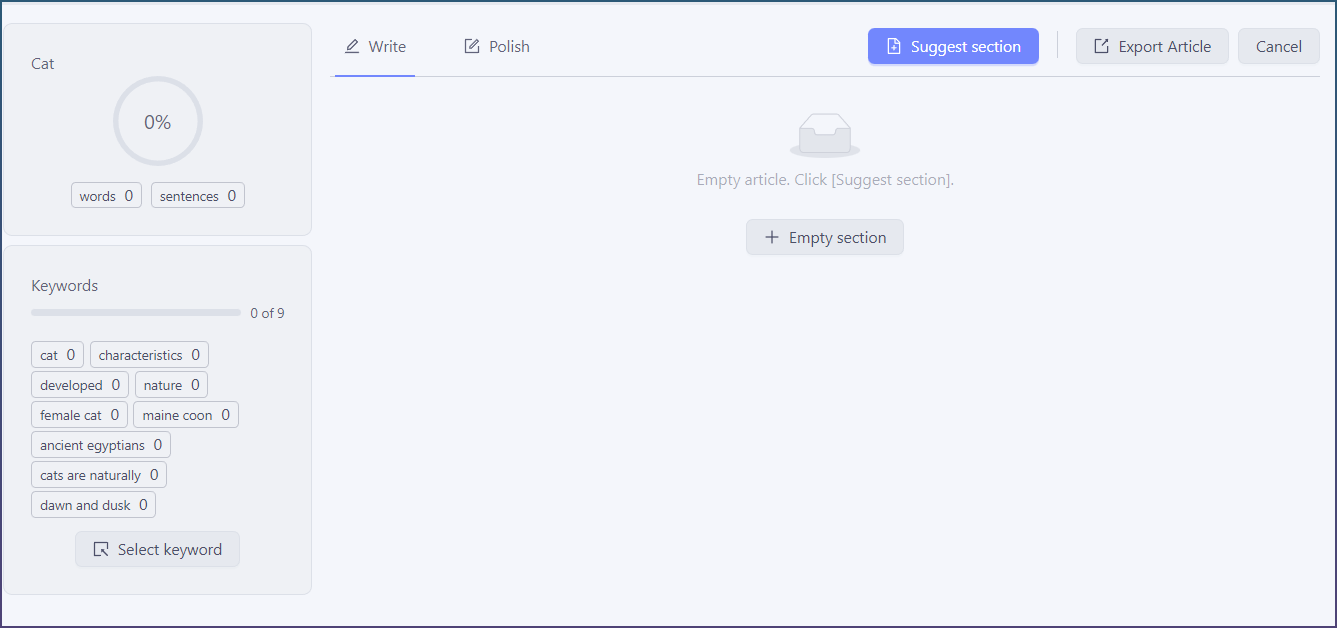
Section buttons moved
Empty section at the bottom, add section is now suggestion section.
Suggest section sort and filtering
You can now sort and properly filter ideas
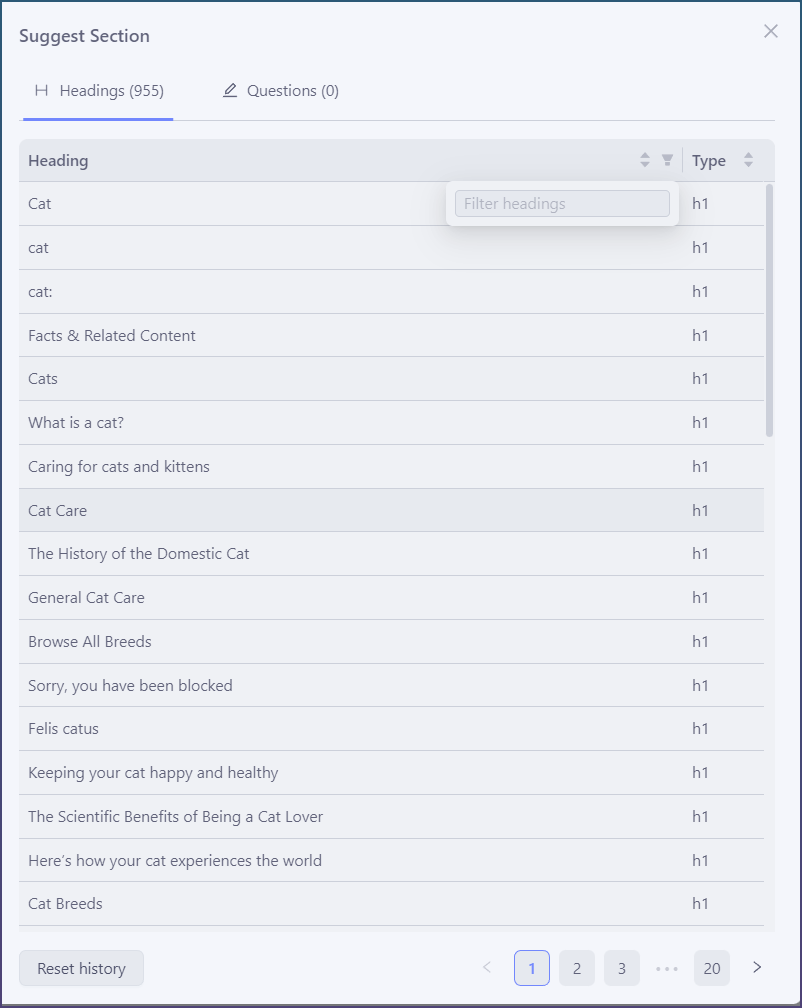
With pagination, it removes the lag when opening large lists. The UI is much snappier.
Section button re themed
Section buttons follow theme and color scheme.
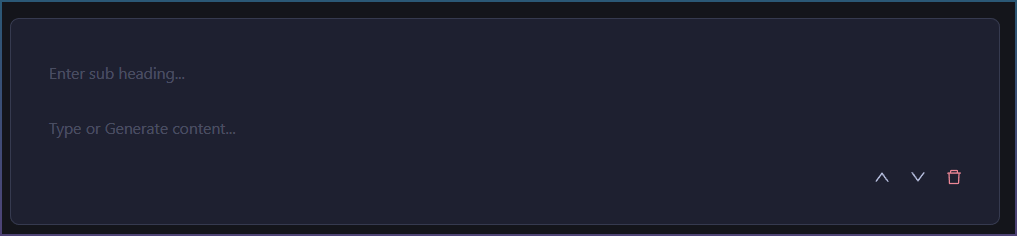
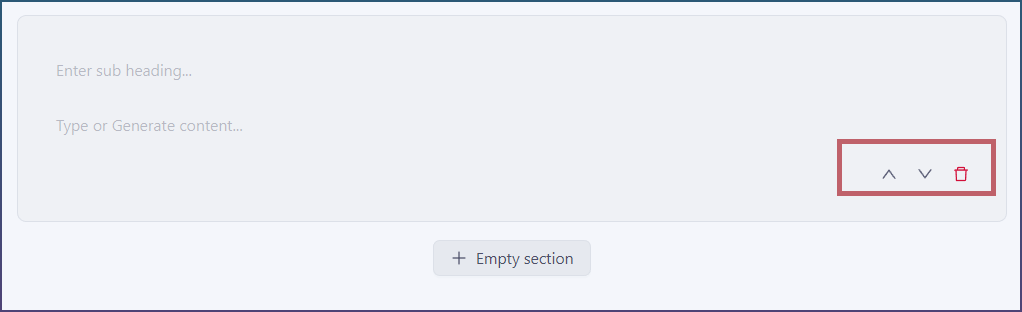
They were always a shade of grey before.
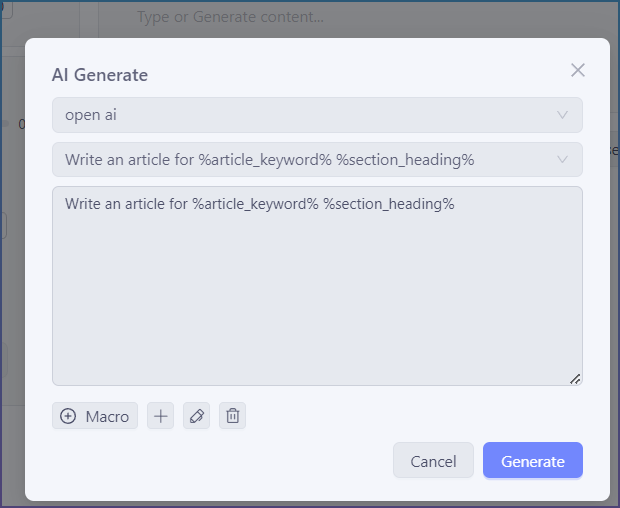
AI generate settings moved to modal
Instead of disconnected box on the left hand panel. When you click generate button it shows you the prompt selector.
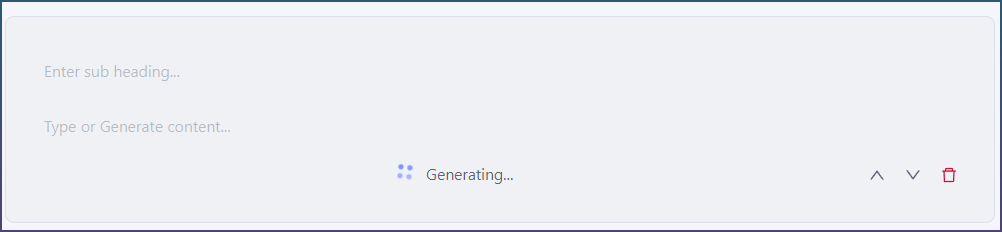
Generating…
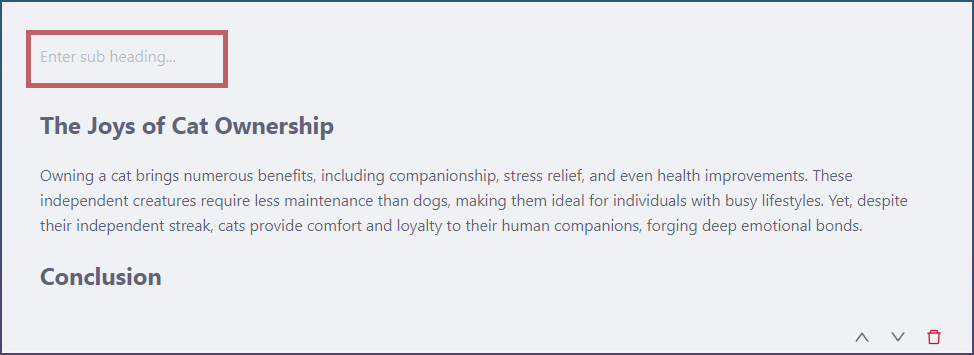
App will auto detect h tags and fill them out for you automatically as well!
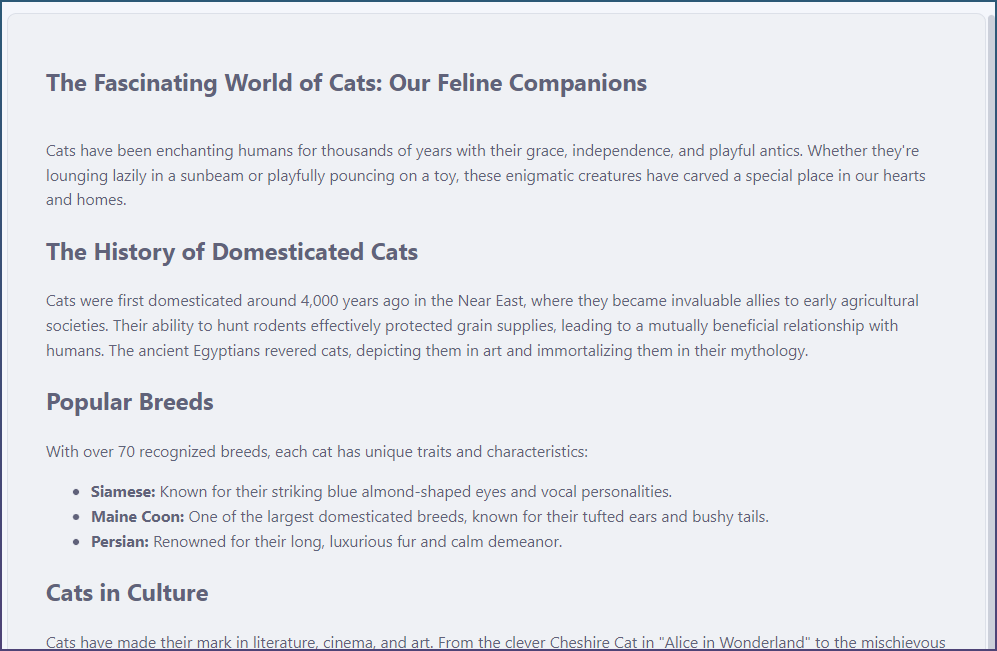
Instead of previously where it was missing
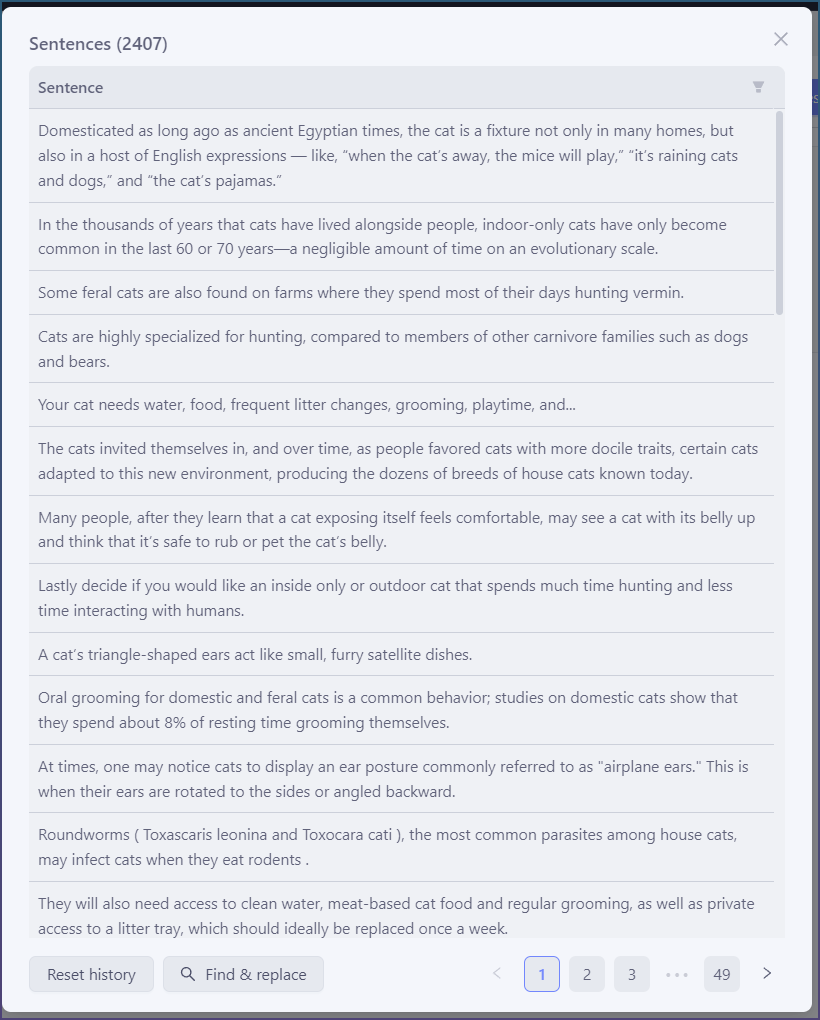
Add sentences filtering and content replace
The add sentence modal supports filtering
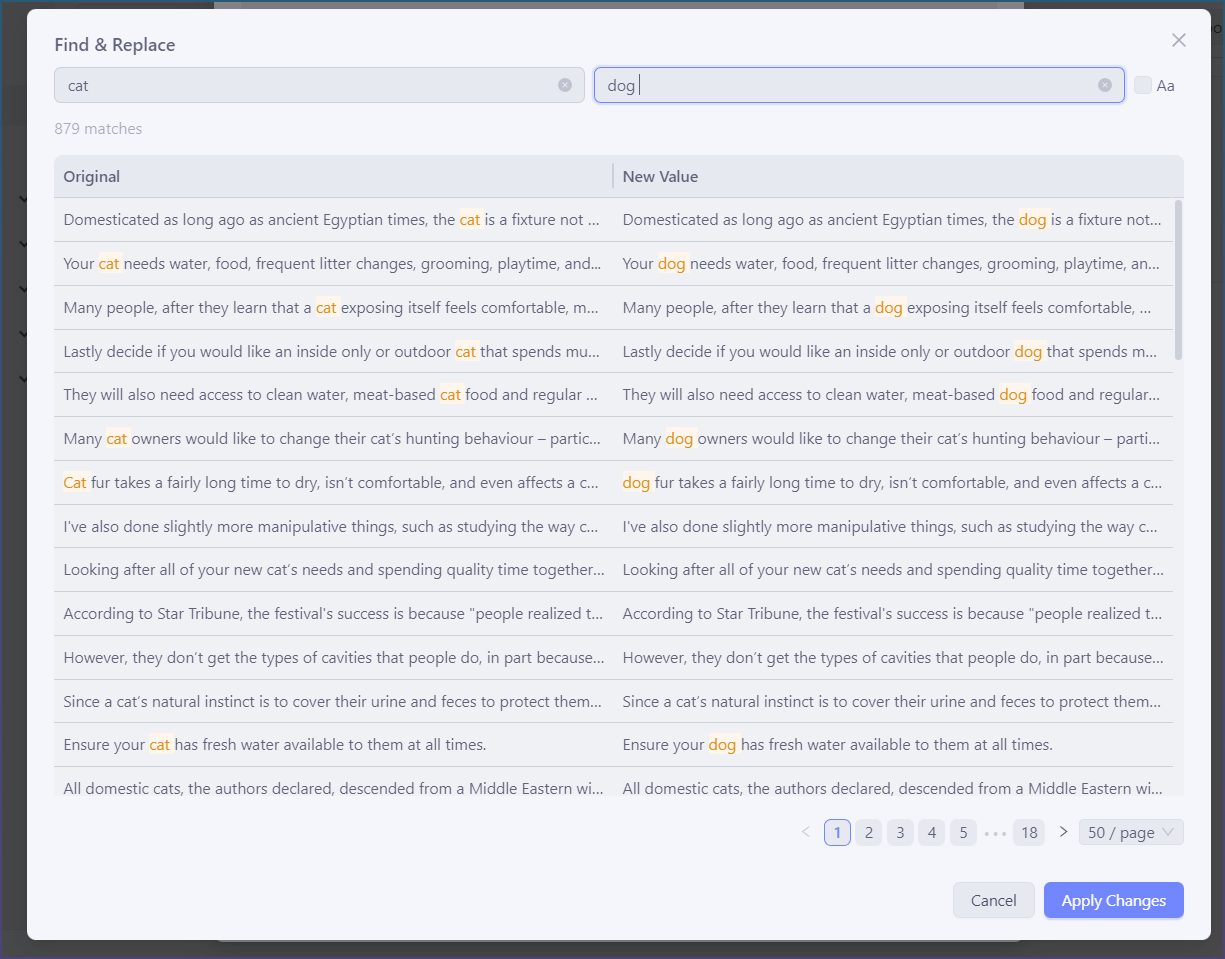
It also now uses the new find replace modal from topic cluster.
Which means real time before and after.
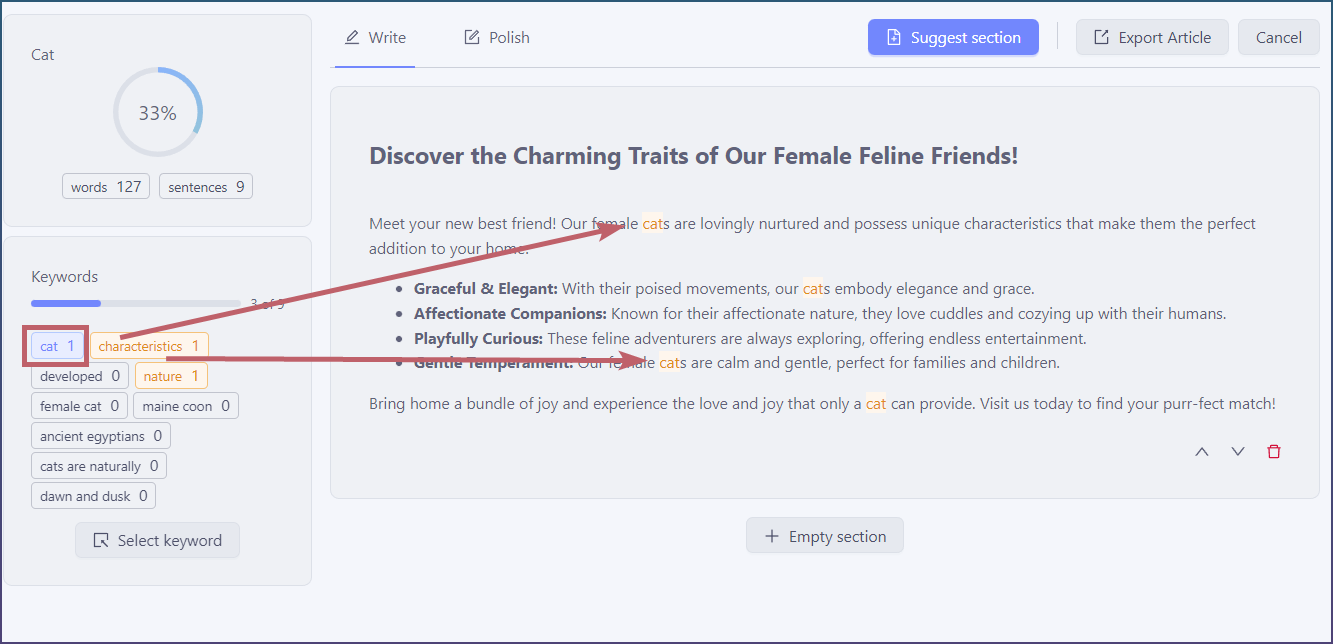
Text highlighting fixed!
Clicking on a keyword will highlight it now.
Rewrite → Polish
Rewrite tab is now the Polish tab.
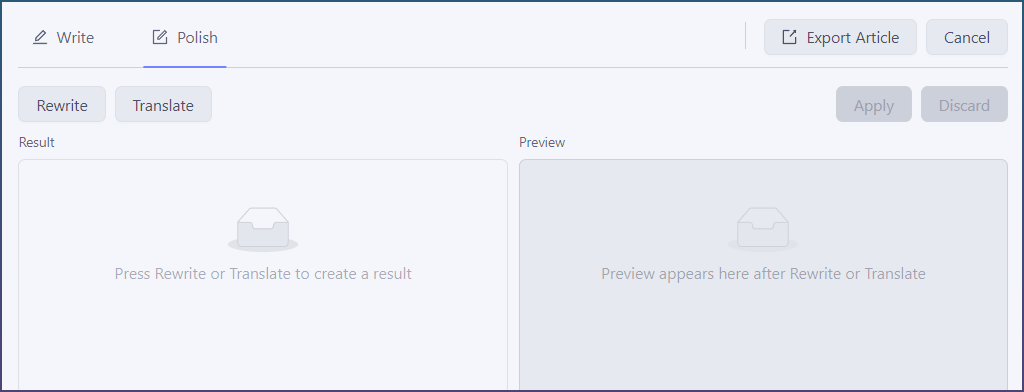
The rewriter and translator here is HTML aware and will only rewrite the text content.
Even if your rewriter or translator doesn’t support HTML the App will handle that for you.
All your text formatting is preserved.
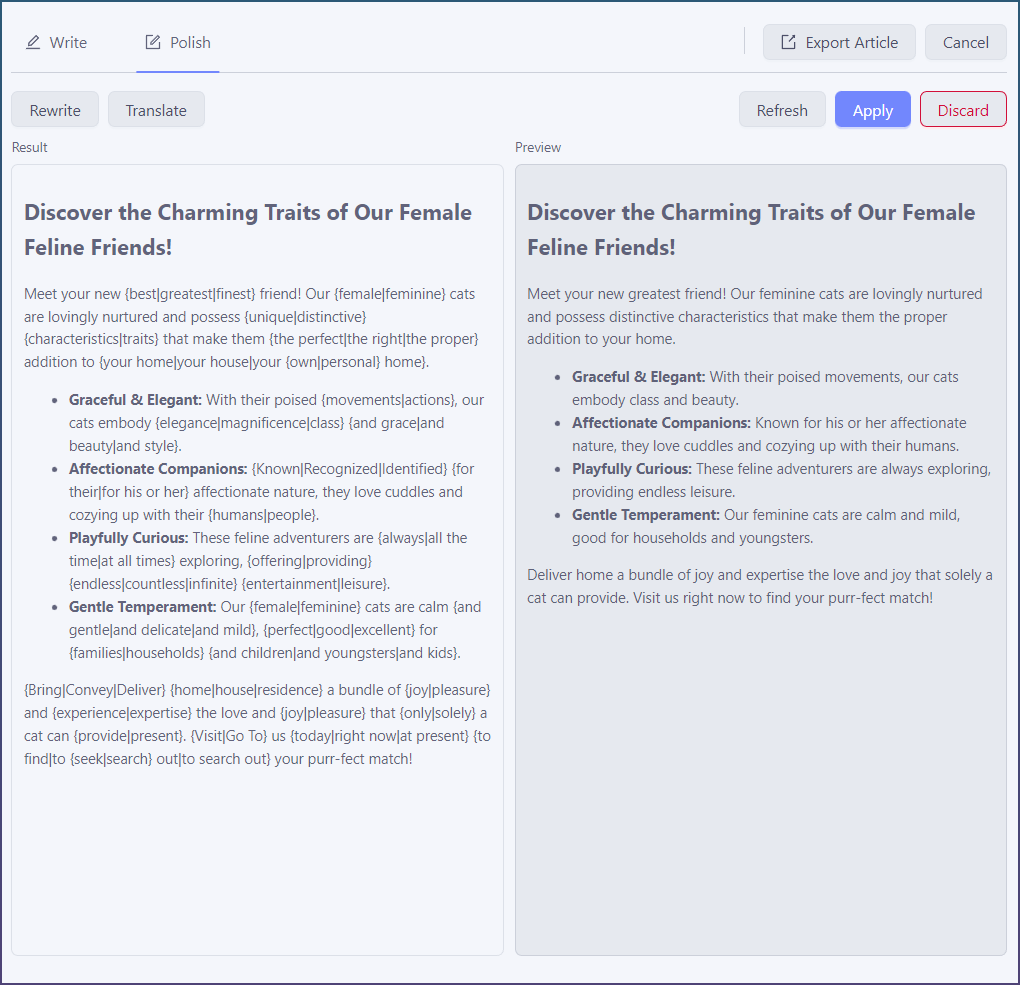
Only apply edits you are happy with.