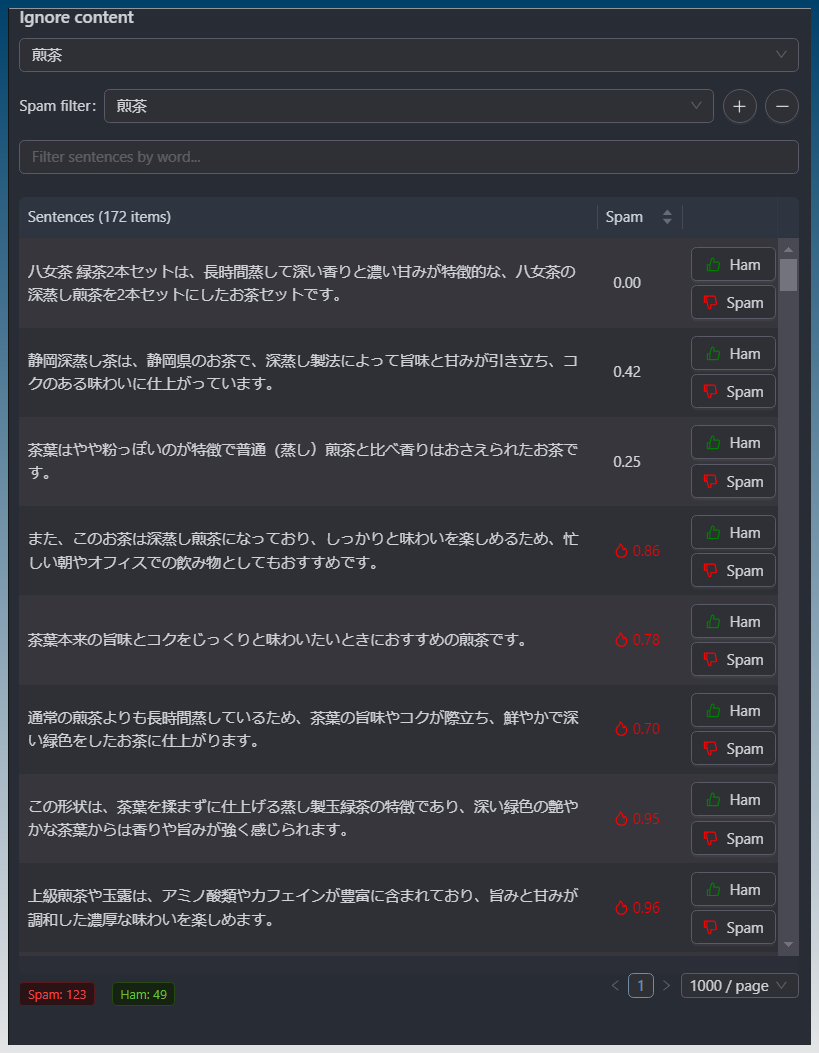
You can now use a spam filter to remove unwanted scraped content.
Now you can improve the quality of found content on the internet.
Useful if your keyword is too generic or too niche and you get lots of unwanted results.
1. Setup your keywords as usual. You need to run the task at least once so that you have sentences to mark as spam or ham.
2. Load the content filter. Click Find & replace
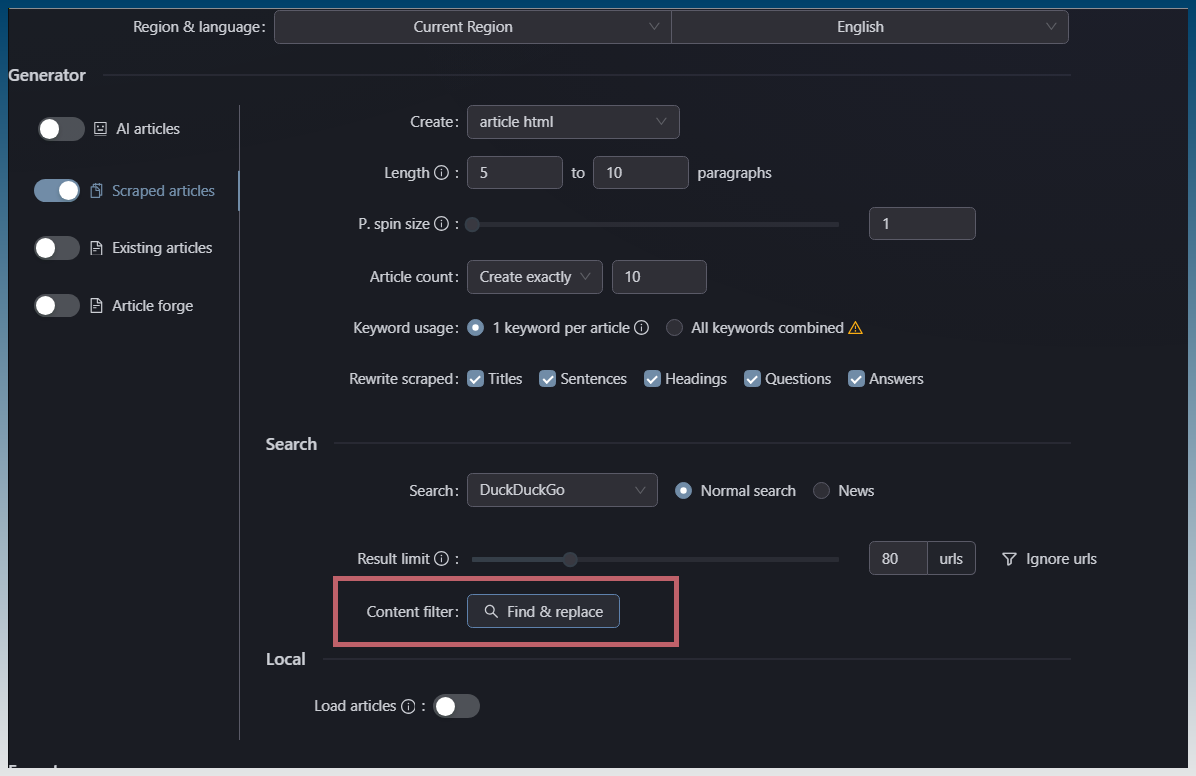
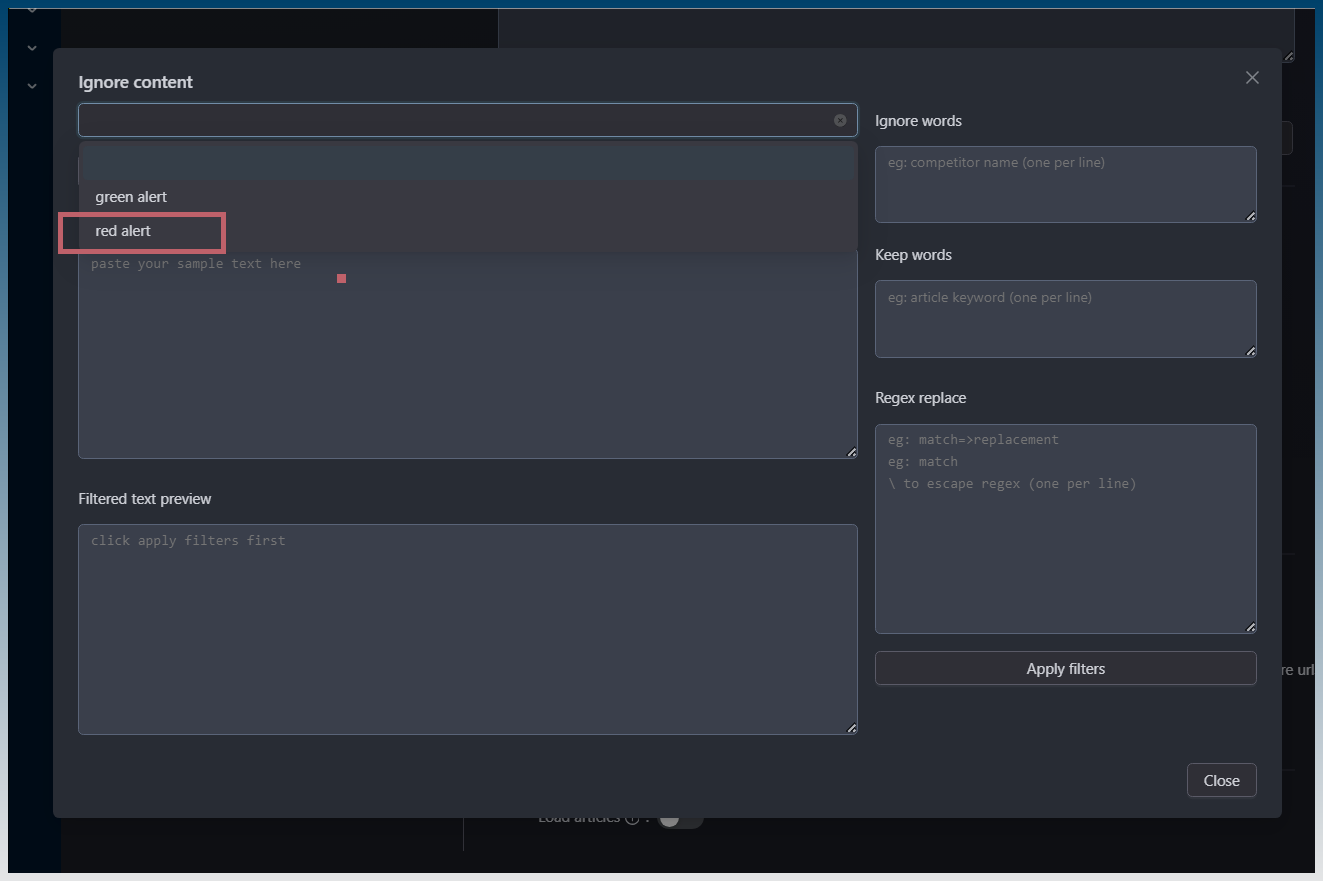
3. Load content cache
4. Add a filter
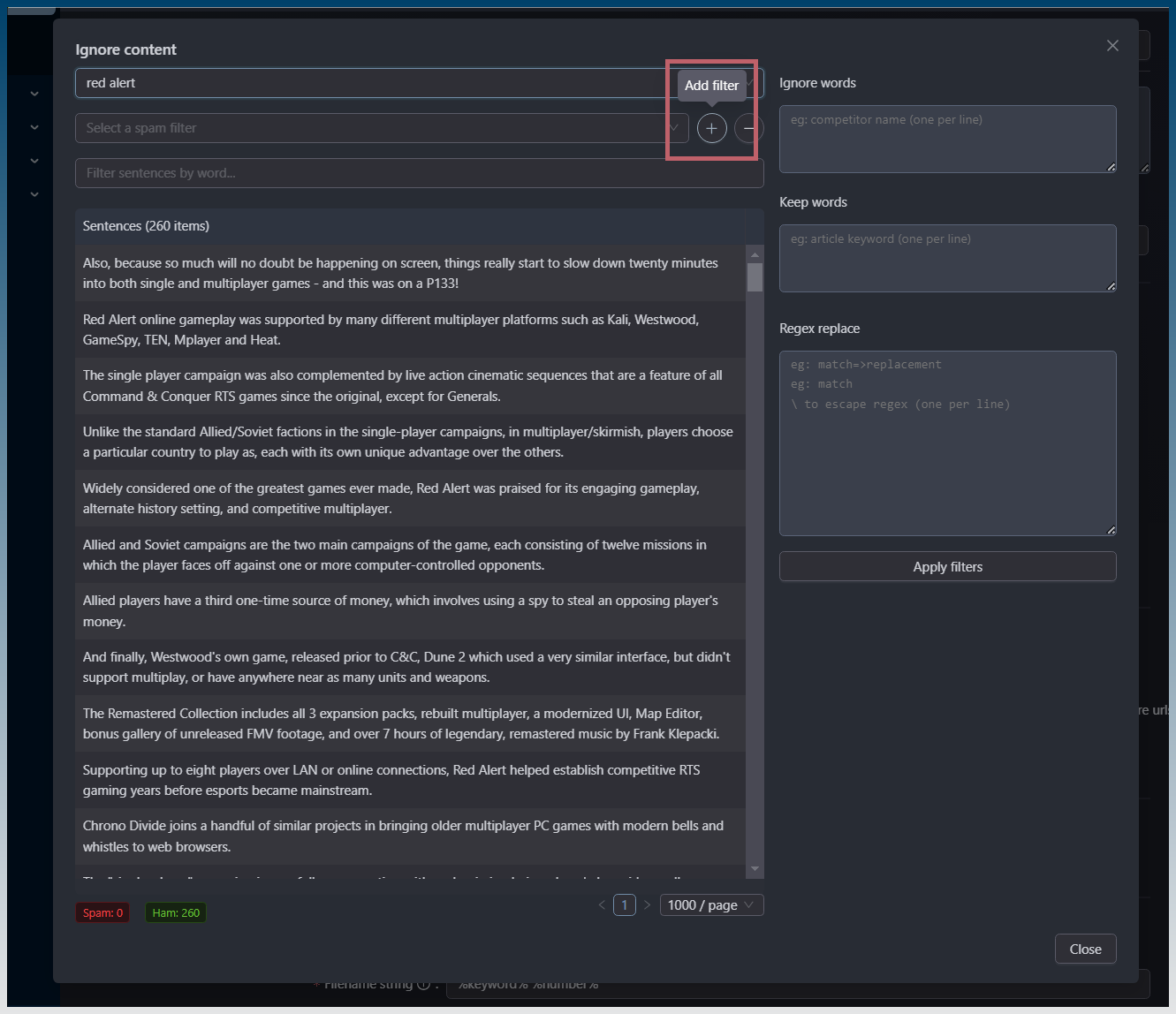
5. Name your filter
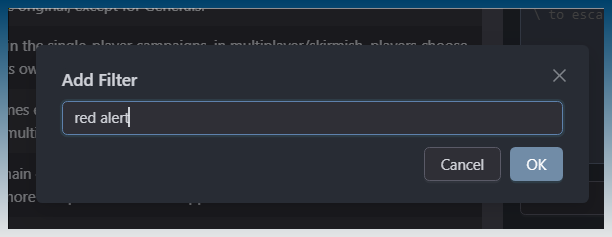
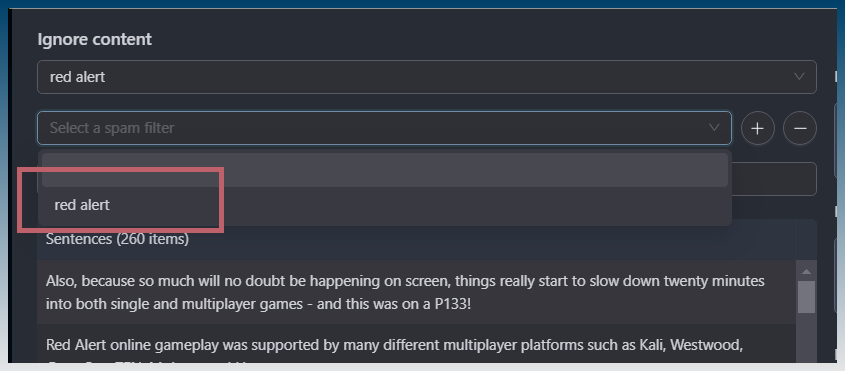
6. Select your filter
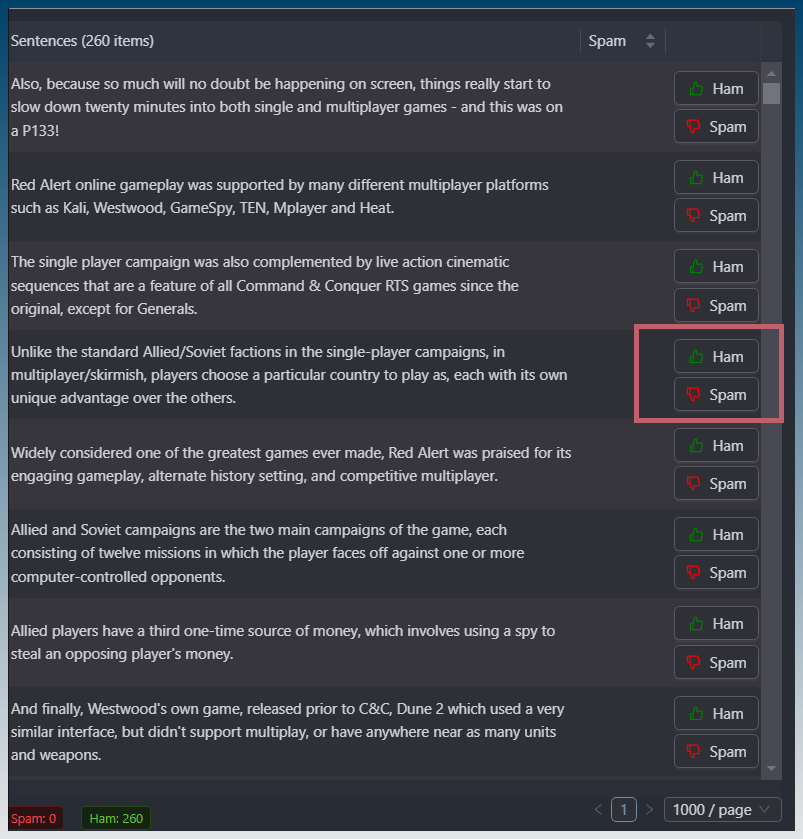
7. Mark sentences as spam/ham
Once you mark 1 item as spam, the score will show
Items in red will be treated as spam and ignored
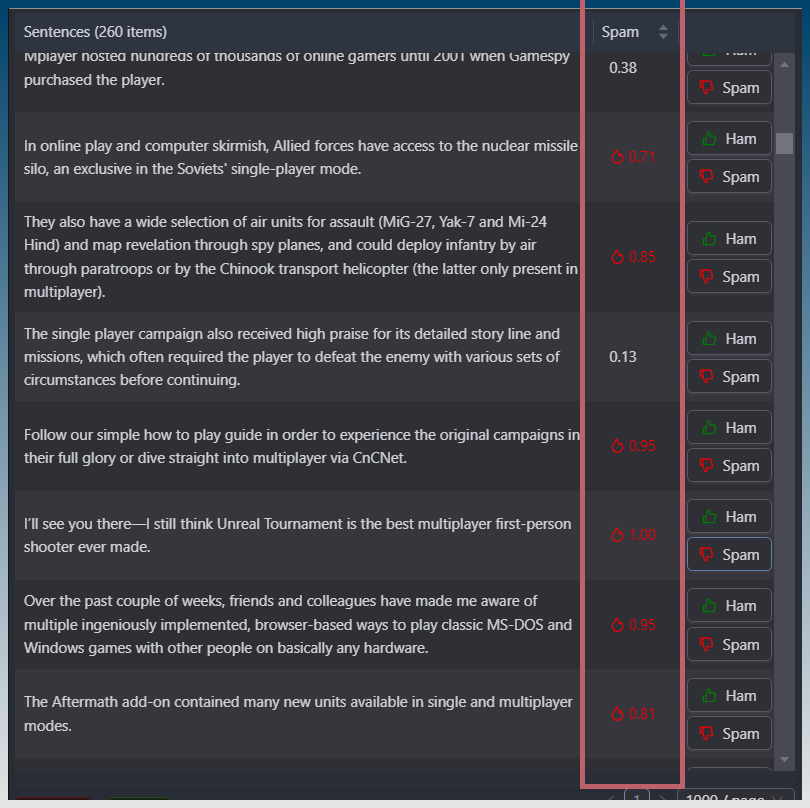
Continue marking spam/ham to improve the filter performance.
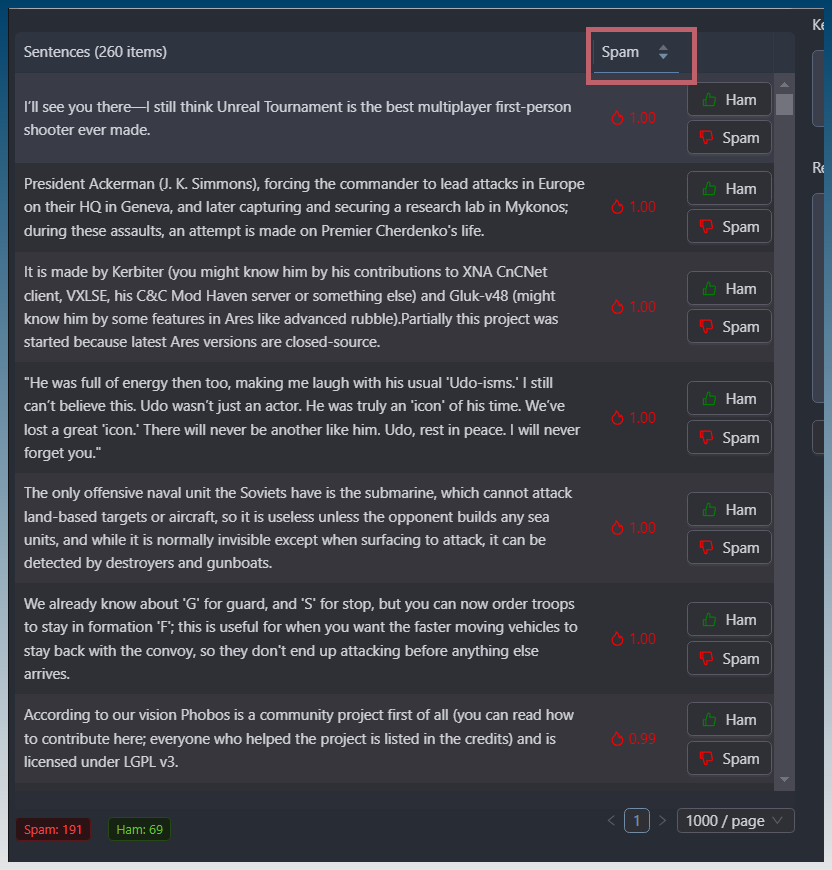
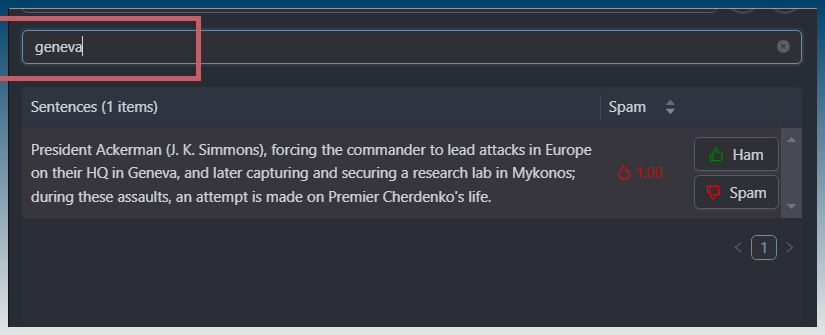
8. Use sorting & filter to help
You can sort by spam score
You can filter sentences
Now when you run the task again, it will remove those spam sentences.

Verify by opening the content filter .. no more spam!

Will also work for other languages like Japanese