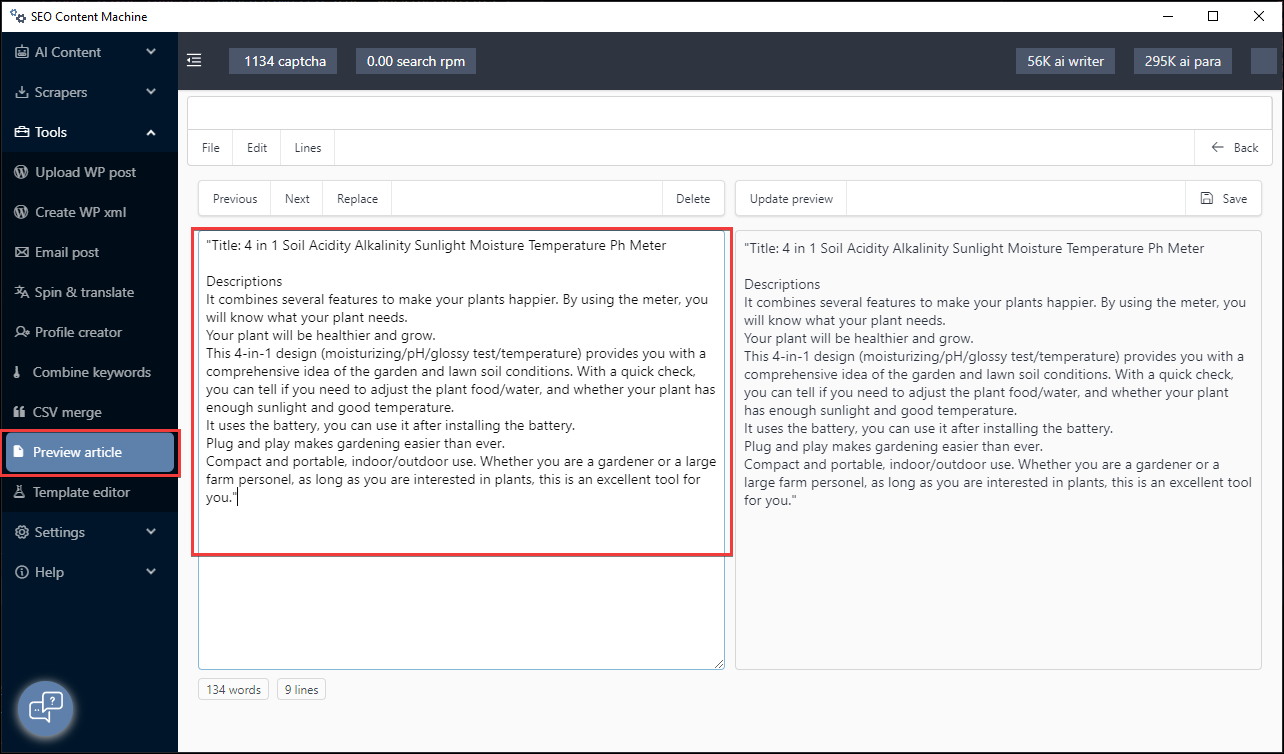
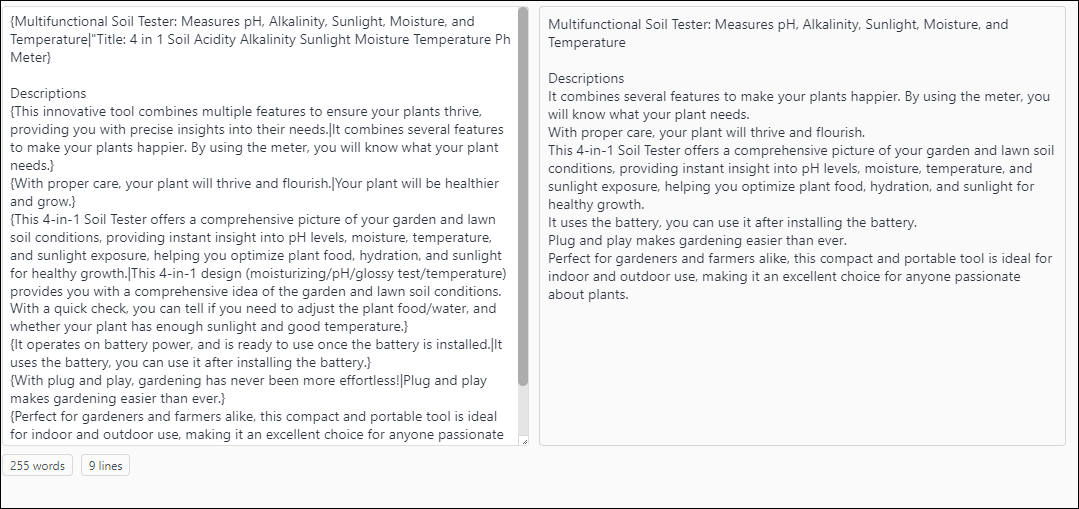
It is possible to use AI models to rewrite/paraphrase content inside the App.
Eg: Use openai very clever gpt4 to rewrite content sentence by sentence. ie using it as a paraphraser to make content unique.
Update: the AI rewriter now sends the whole article in 1 prompt, not sentence by sentence.
How to select the AI rewriter
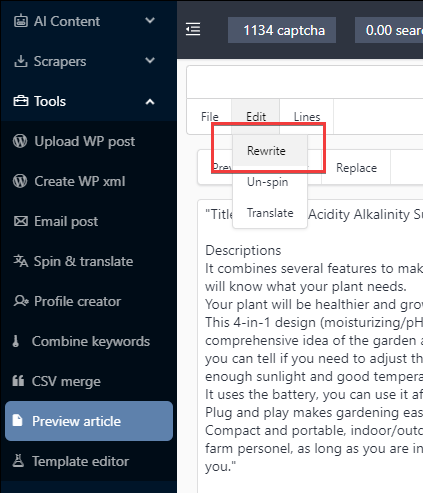
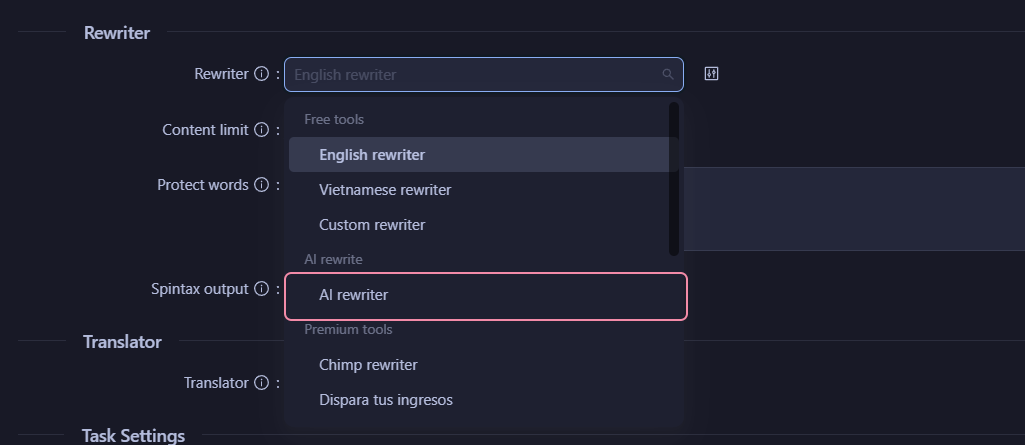
Look out for the Rewriter module inside tasks
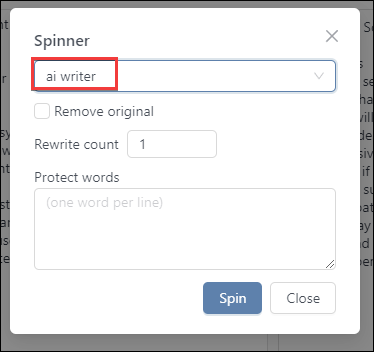
Select ‘AI rewriter’ to use AI to rewrite content
It sits under the ‘AI rewrite’ group
Settings are displayed along with a usage warning
Hover the warning icon next to ‘AI model’ to read it
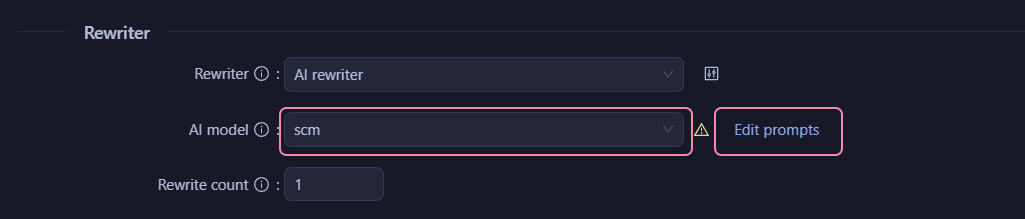
You can request multiple rewrites as well.
Set rewrite count higher than 1
The AI model is picked inside each task
Use the ‘AI model’ field under ‘Rewriter’
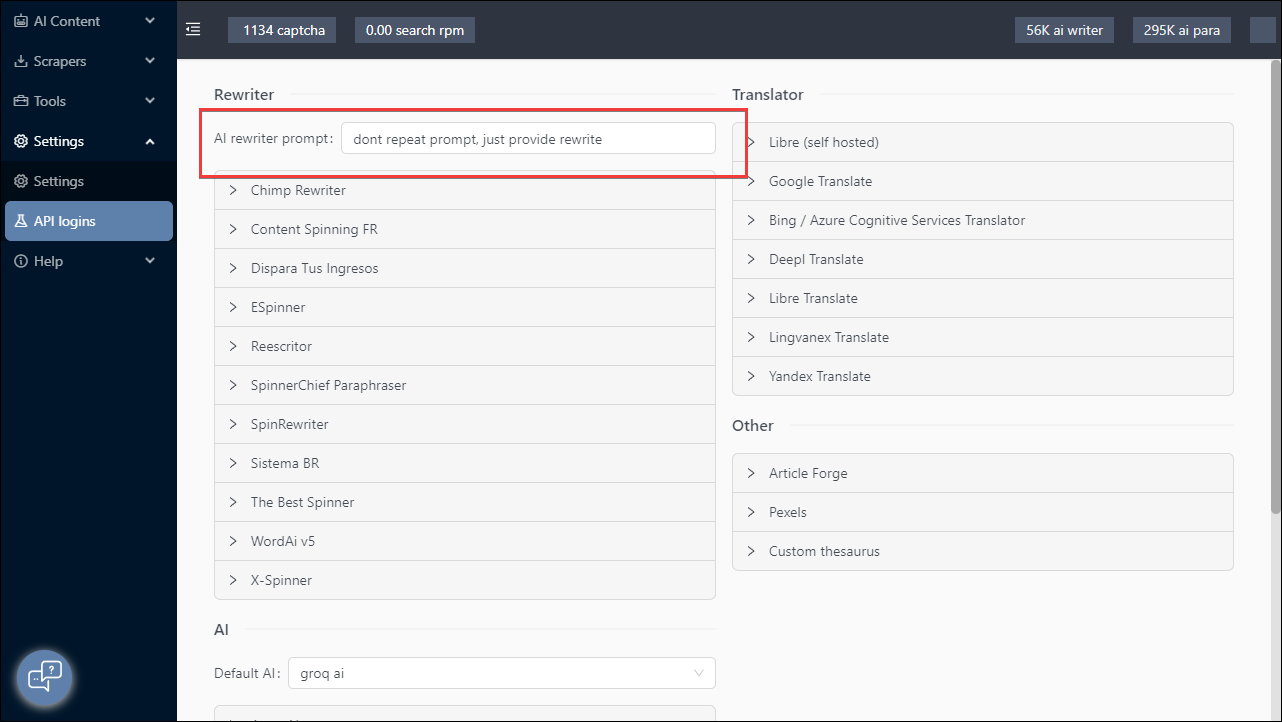
There is no Default AI dropdown in API logins any more
To change the prompt used to request the rewriting
Click ‘Edit prompts’ next to ‘AI model’
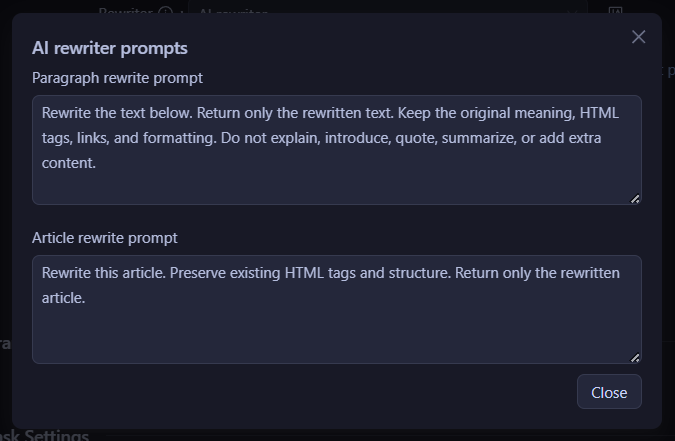
‘Article rewrite prompt’ is used when the whole article goes in 1 prompt
This is how RSS & Sitemaps, Rewrite & Translate, Search & News and Page Pipeline ‘Existing pages’ work
‘Paragraph rewrite prompt’ is only used by Page Pipeline ‘Extracted content’, which still sends chunks of about 250 words
The prompts save app wide, not per task
Check the rewrite
Hit ‘Run’

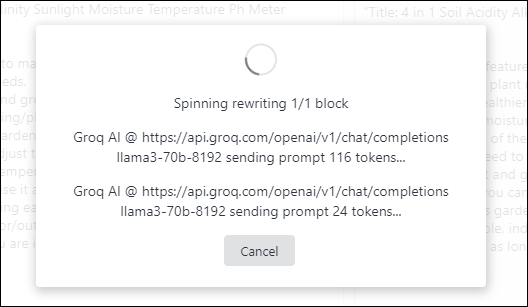
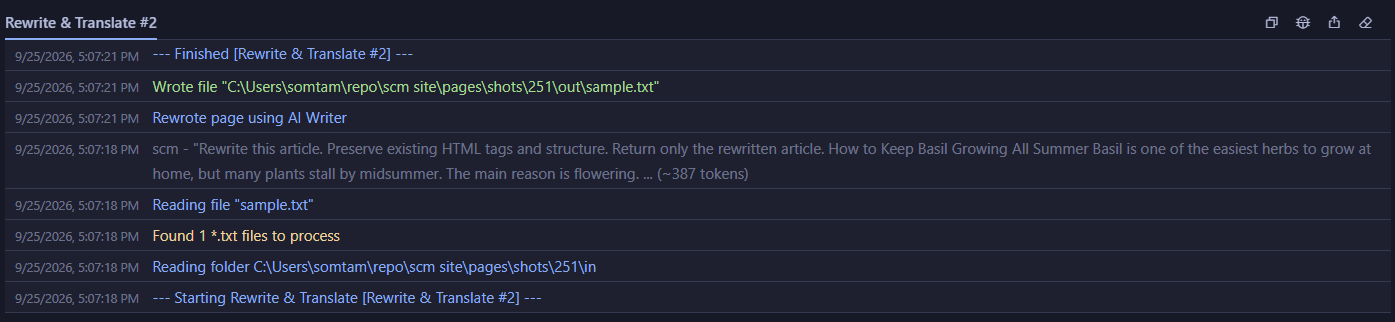
The log shows 1 prompt with the whole article inside
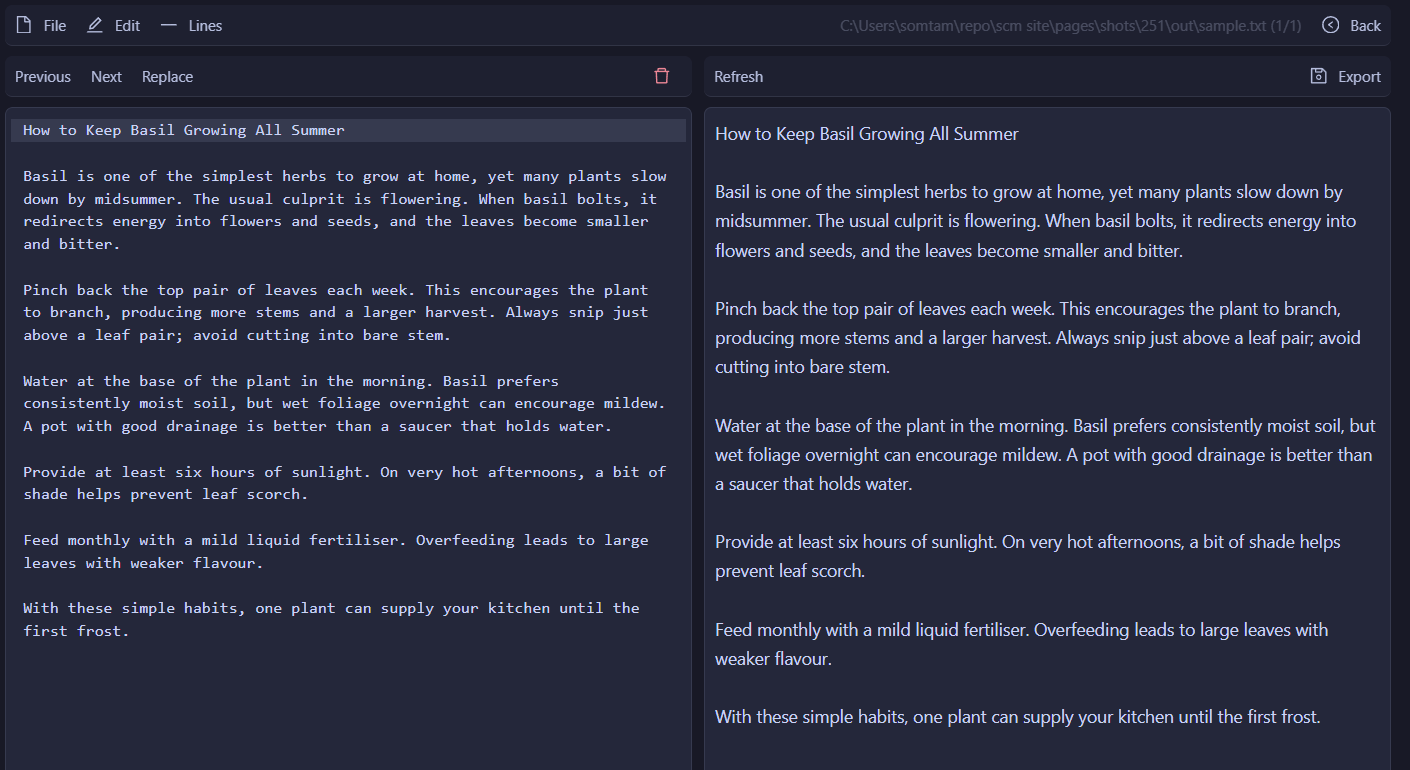
Open the preview to read the rewritten article
AI rewriter FAQ
What is an AI rewriter?
It sends your text to an AI model with a prompt that asks for a new version. The meaning stays, the wording changes.
How do I rewrite content with AI?
Pick ‘AI rewriter’ in the ‘Rewriter’ field of a task and choose an ‘AI model’. Then hit ‘Run’.
Does the AI rewriter rewrite paragraph by paragraph?
No, most tasks send the whole article in 1 prompt. Only Page Pipeline ‘Extracted content’ still sends chunks of about 250 words.
Can I rewrite a folder of text files?
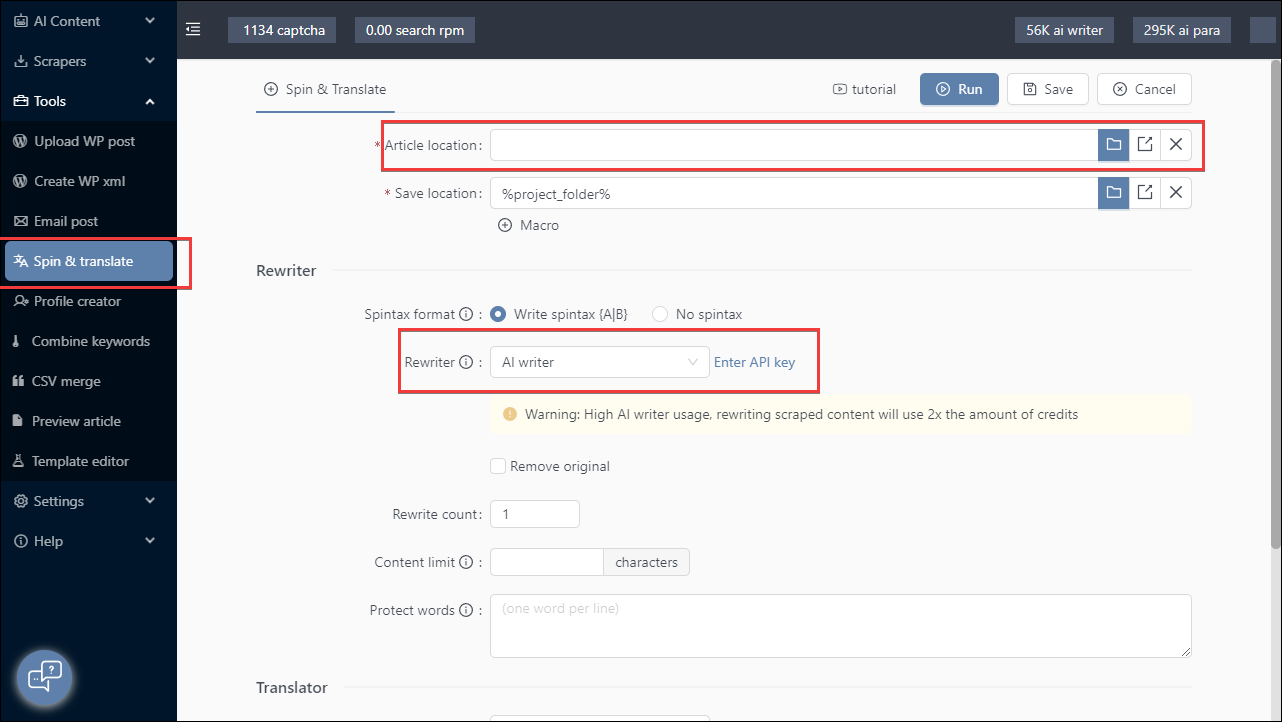
Yes, use Rewrite & Translate. Point ‘Article location’ at a folder of .txt files and it writes the rewrites to ‘Save location’.
Can I change the AI rewrite prompt?
Yes, click ‘Edit prompts’ next to ‘AI model’. The change applies to every task.