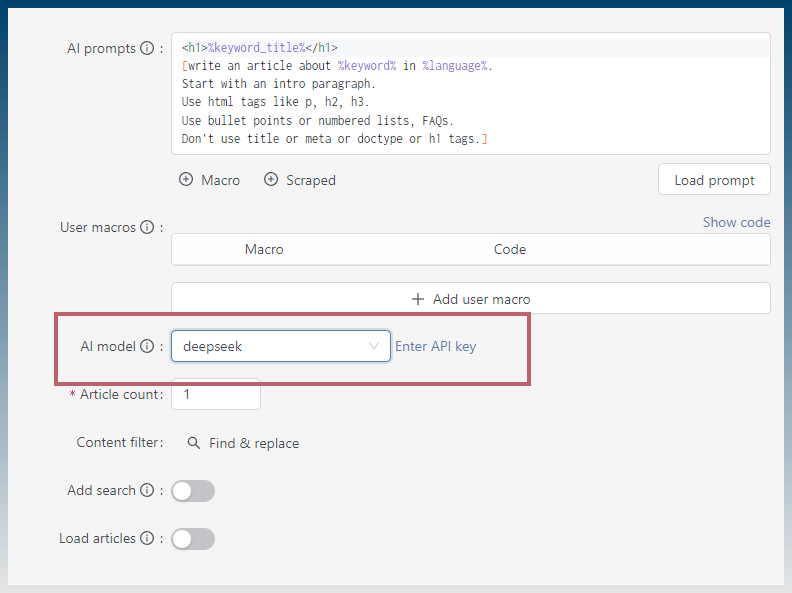
Get LM Studio
Configure LM Studio
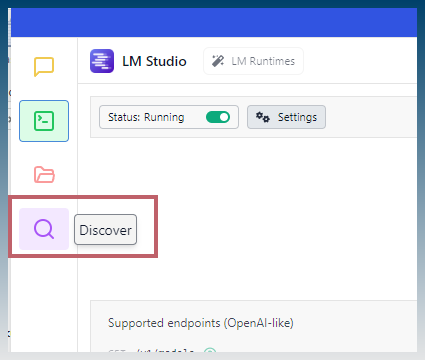
Click discover
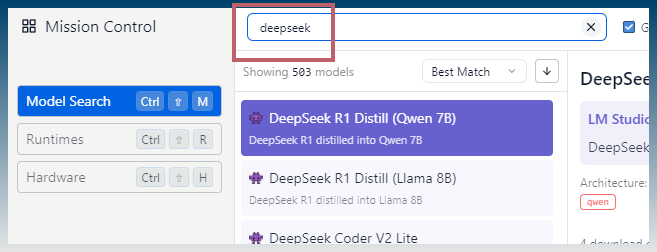
Search for deepseek
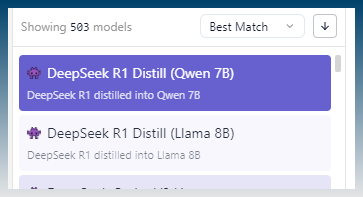
Choose 7B or 8B model
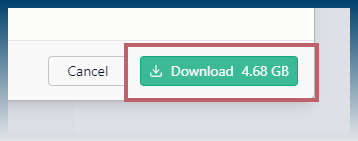
Download
Load
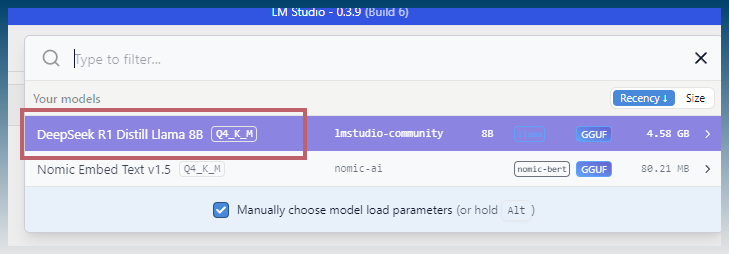

Start DeepSeek model
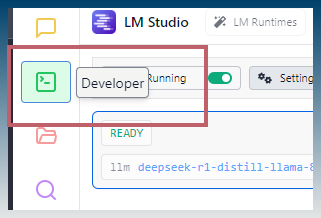
Click developer
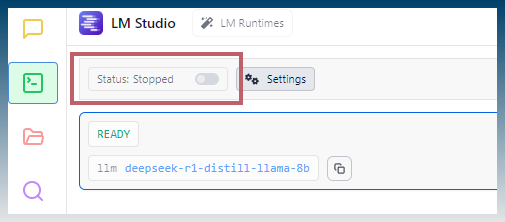
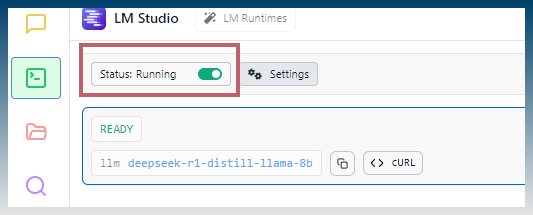
Start server
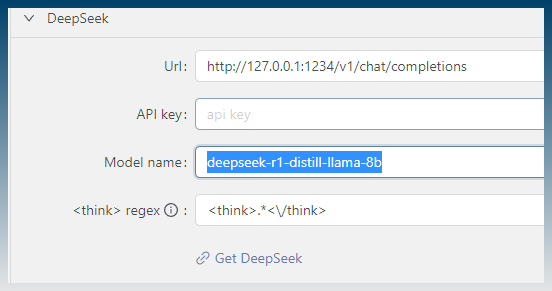
Configure SCM
Find API model name and server address details.
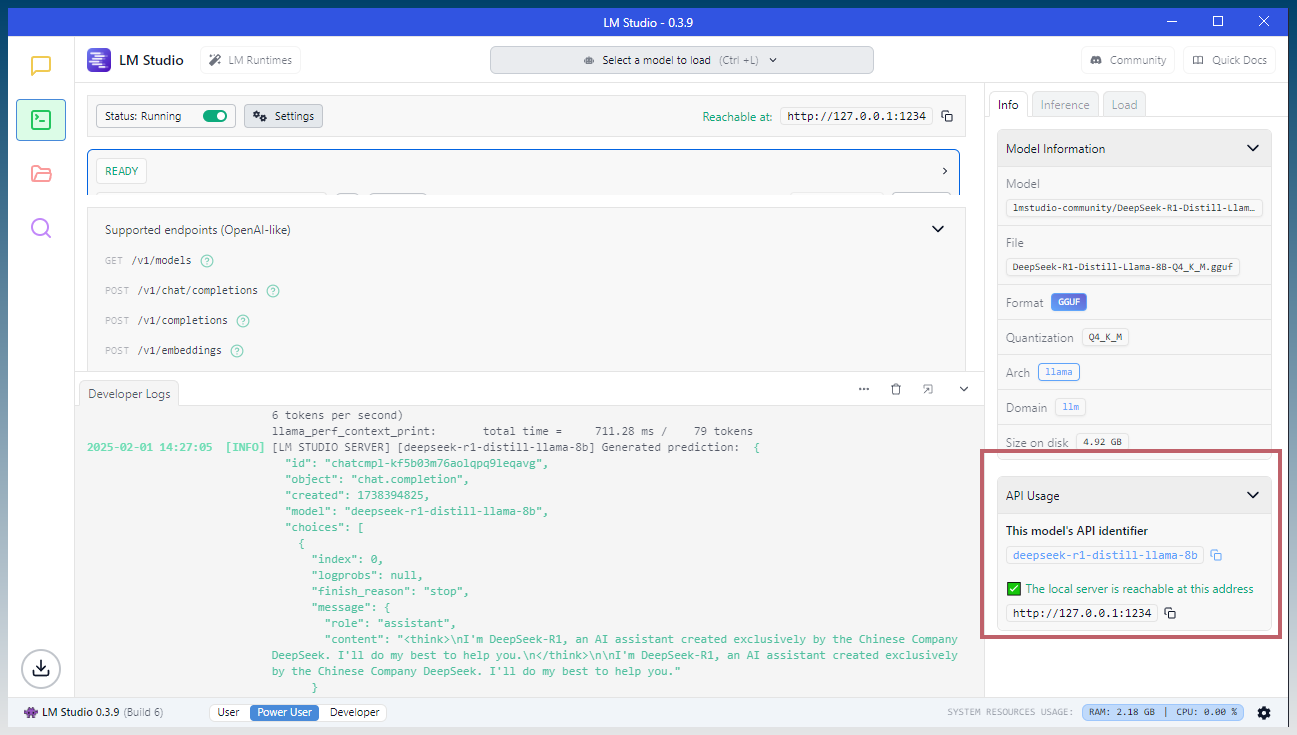
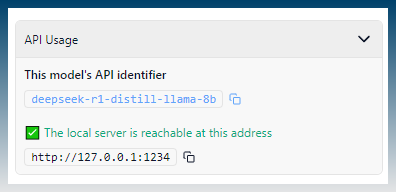
Use full path to API url. (add v1/chat/completions)
Eg: http://127.0.0.1:1234/v1/chat/completions
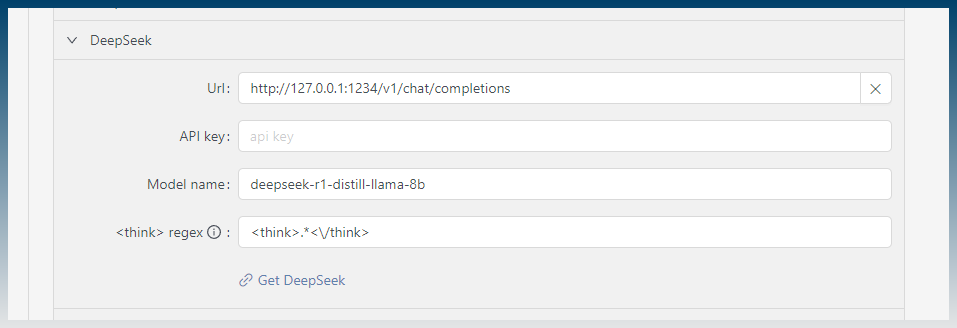
Copy paste model name.
Eg: deepseek-r1-distill-llama-8b
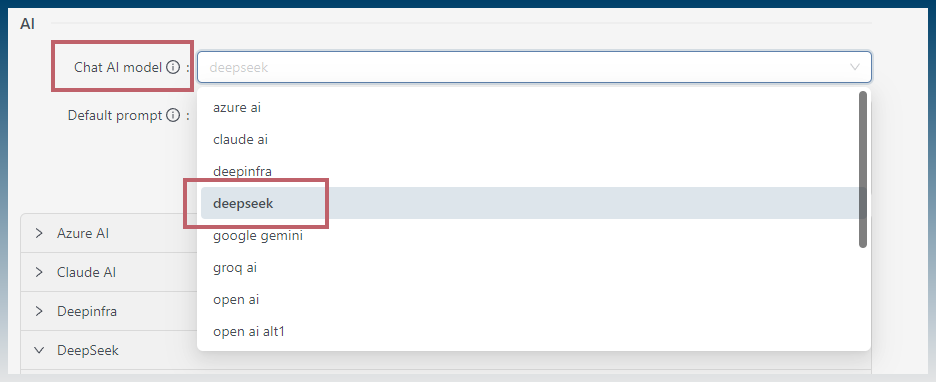
Test it in chat
Hello world!
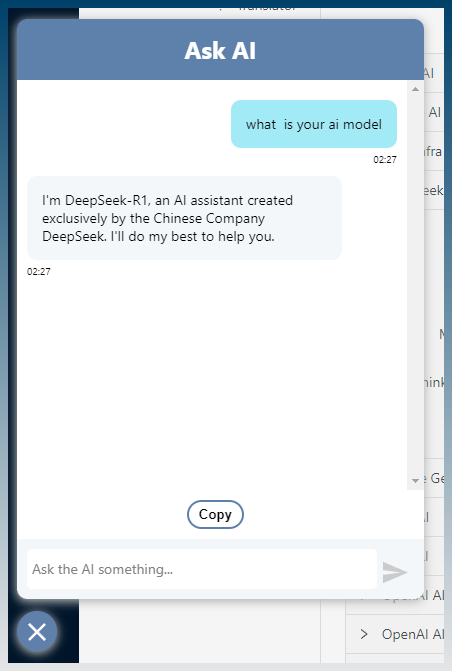
DeepSeek is running locally and can be used by SCM to create content.