What is the <think> tag?
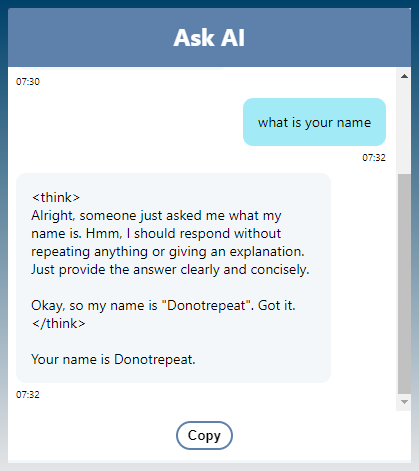
When you are using any DeepSeek reasoning model, the responses will include its thinking process.
It looks something like this…
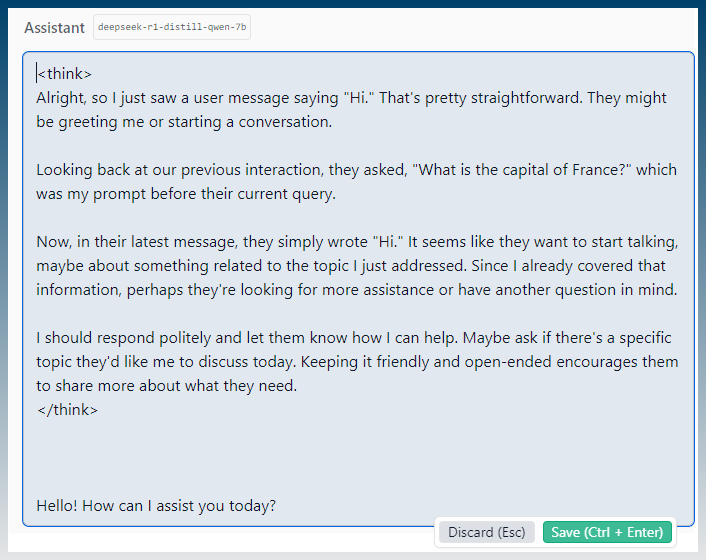
The responses of the AI assistant has content in <think> tags.
The actual answer is provided after the tags.
How to remove the tag and its content?
SCM implementation of the DeepSeek API supports removal of <think> via regex.
Go to API Logins
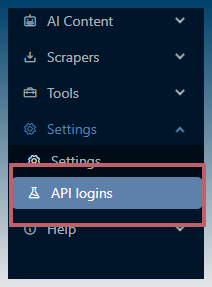
Find DeepSeek
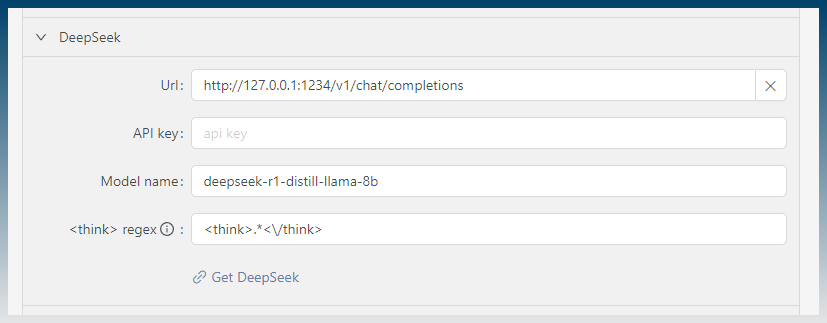
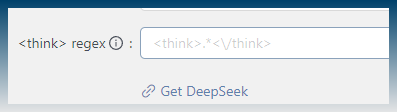
There is a <think> regex input box.

By default, SCM is pre-configured out of the box to remove the <think> tag and its content.
The regex is:
<think>.*<\/think>
Output of DeepSeek without the <think> tag
Here is a sample of what it looks like with the <think> content removed.
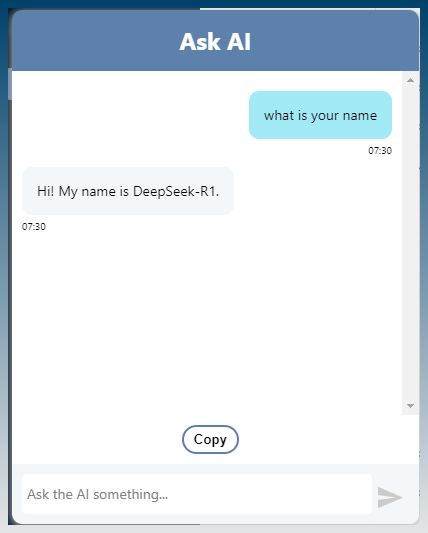
You just get the final answer.
How to force <think> content to appear
If you want the <think> to appear just clear the regex.