You can now load any extension you want into the SCM automated browser.
So for example, you can load a plugin that will auto solve all Google ReCAPTCHA’s for free.
You can load ANY plugin, but for todays example.
Go here:
Download the project ZIP and extract just the extension folder.
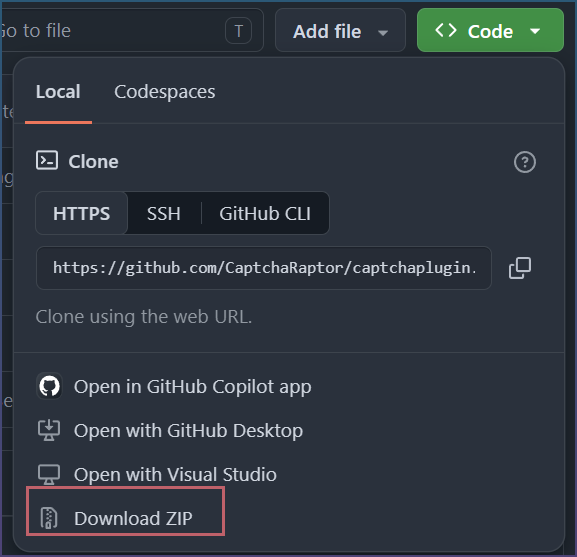
How to load extensions
Only unpacked extensions can be loaded.
You can’t install directly from chrome store.
Settings > Utility
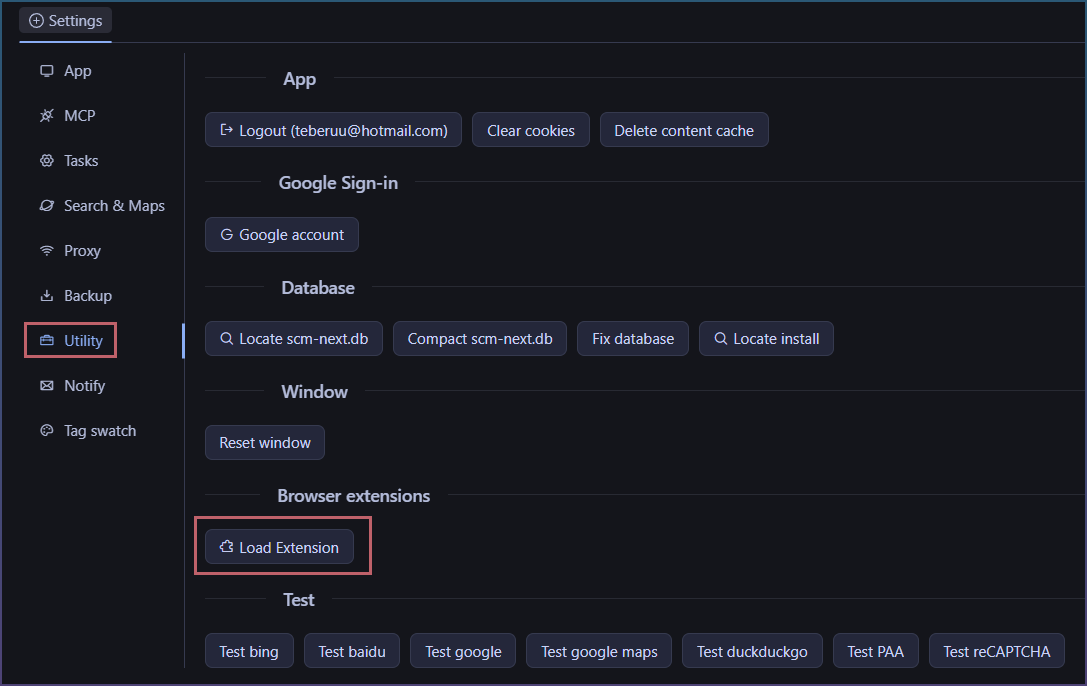
Select extension on your PC.
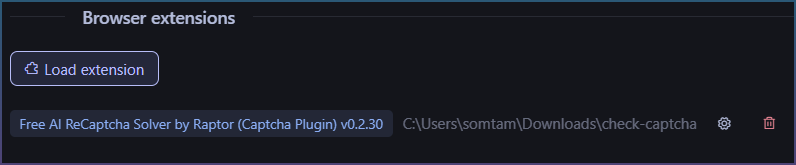
Loaded extension appears in the list.
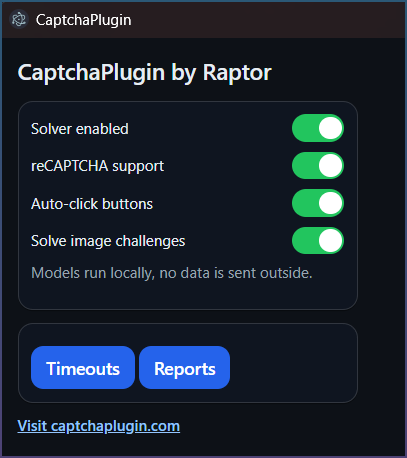
Options, to configure the plugin.
You can also delete it.
How to test extensions
There is a test ‘reCAPTCHA’ button.
Click it.
You can verify if it works.
