Fully Automated pSEO Pipelines (Seed → Clusters → Intent → Templates) - Are Ready!

Ok, I’ve just released the new major update to SCM.

This moves SCM closer to the pSEO integrated workflow, not individual tools.

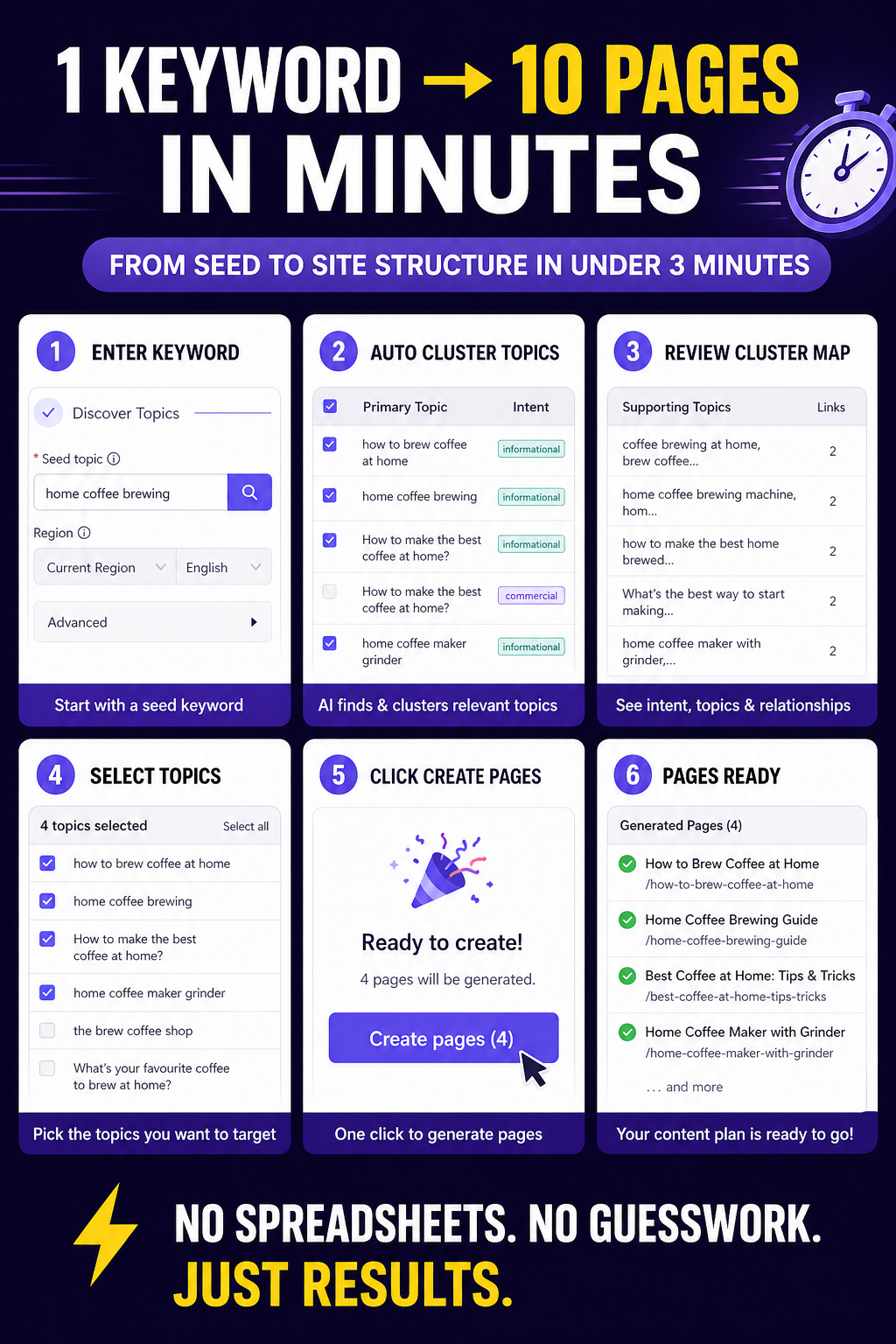
The new 1-2-3 autonomous workflow:

  1. Seed Expansion: Enter one seed topic. SCM will extract related topics from various online sources.
  2. Vector Clustering: The system now uses word embeddings to mathematically group topics into clusters.
  3. Priority-Weighted Intent Mapping: Every cluster is run through a classification system and automatically assigned an AI template.

Why this changes your pSEO workflow:

  • Intent-Logic Parity: You don’t need to manually assign templates to topics any more. The system “knows” if a cluster needs a commercial layout or a technical guide.
  • SERP Modeling: Instead of just “writing,” the new AI templates analyze the competitive landscape to ensure the output has the correct header hierarchy and info-density.
  • Semantic Accuracy: Using word embeddings ensures your site has actual topical authority, rather than just being a list of similar-looking keywords.

Recent Fix: I just tuned the intent logic to ensure “Near Me” and “Cost” queries are correctly prioritized as Transactional/Commercial rather than Informational.

The update is live! Update via app or on our download page.

Drop a seed topic here if you want to see example output from the clustering system.

Looking forward to your feedback on the clustering and intent accuracy.
1 Like

To kick things off.

I tested with this

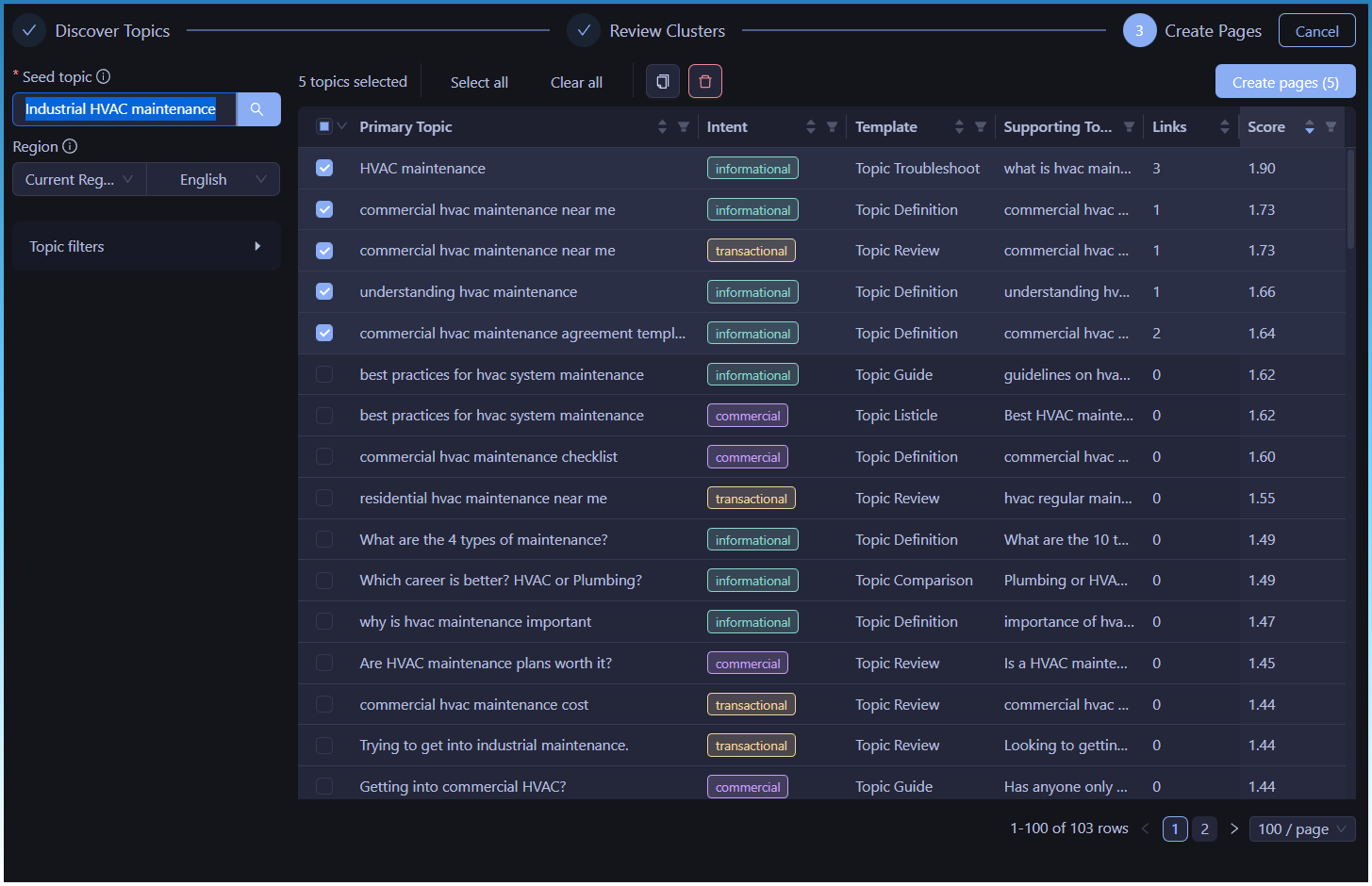
“Industrial HVAC maintenance”

Here is a quick step - by - step of the entire process

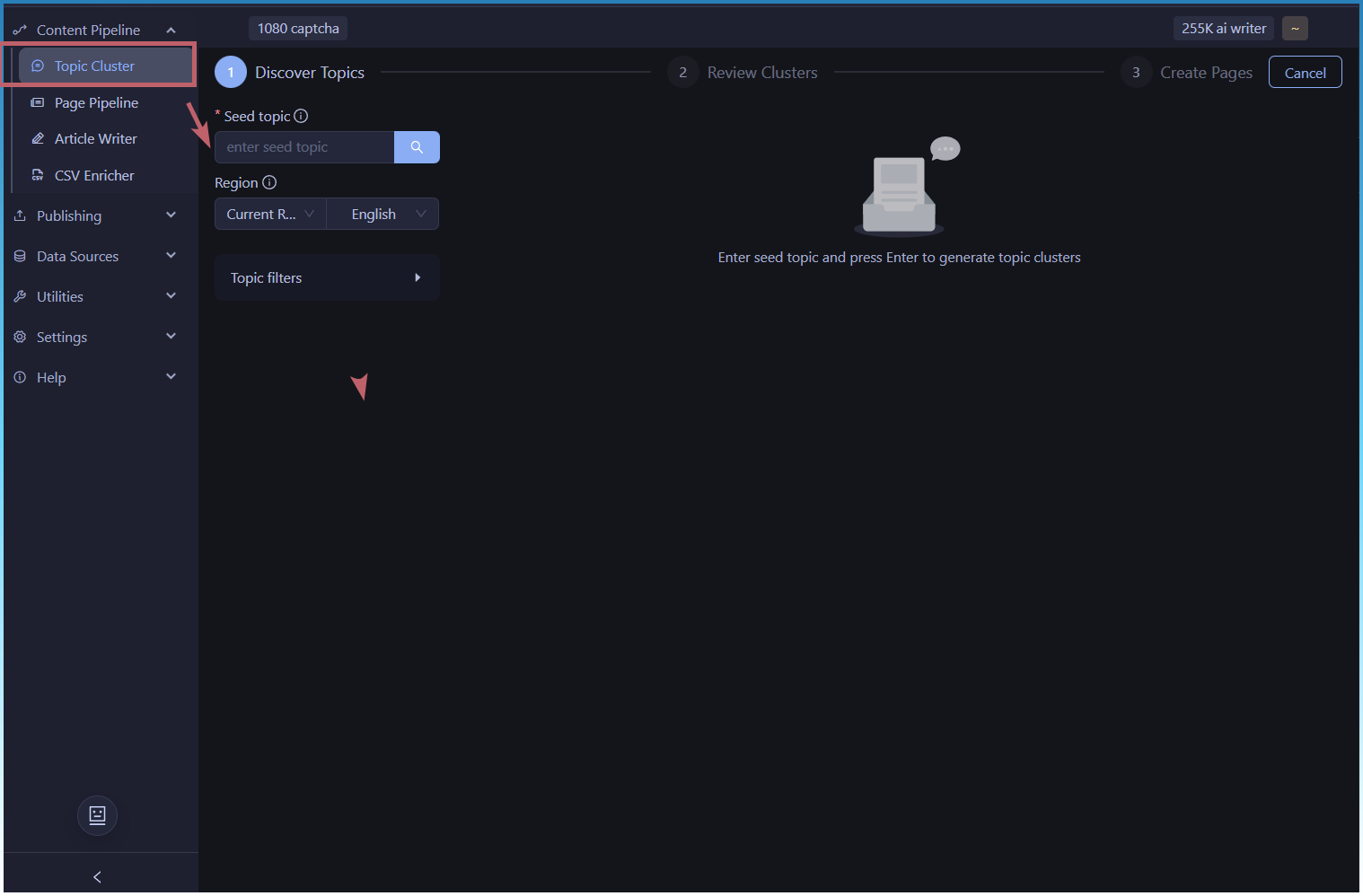
Find the new topic cluster tool

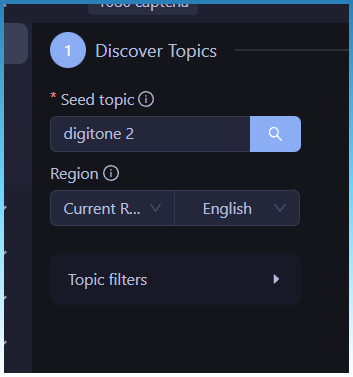
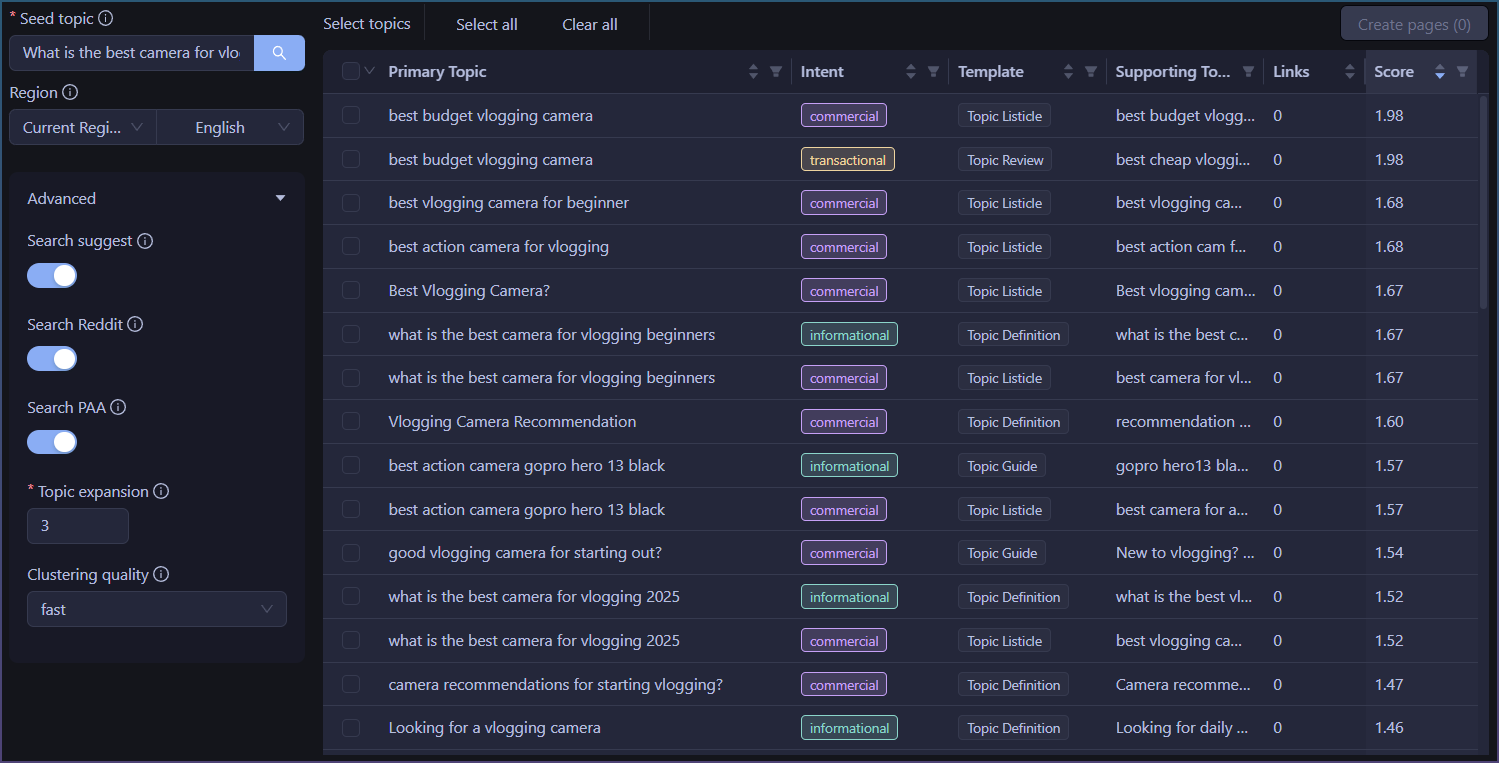
1) Enter seed keyword

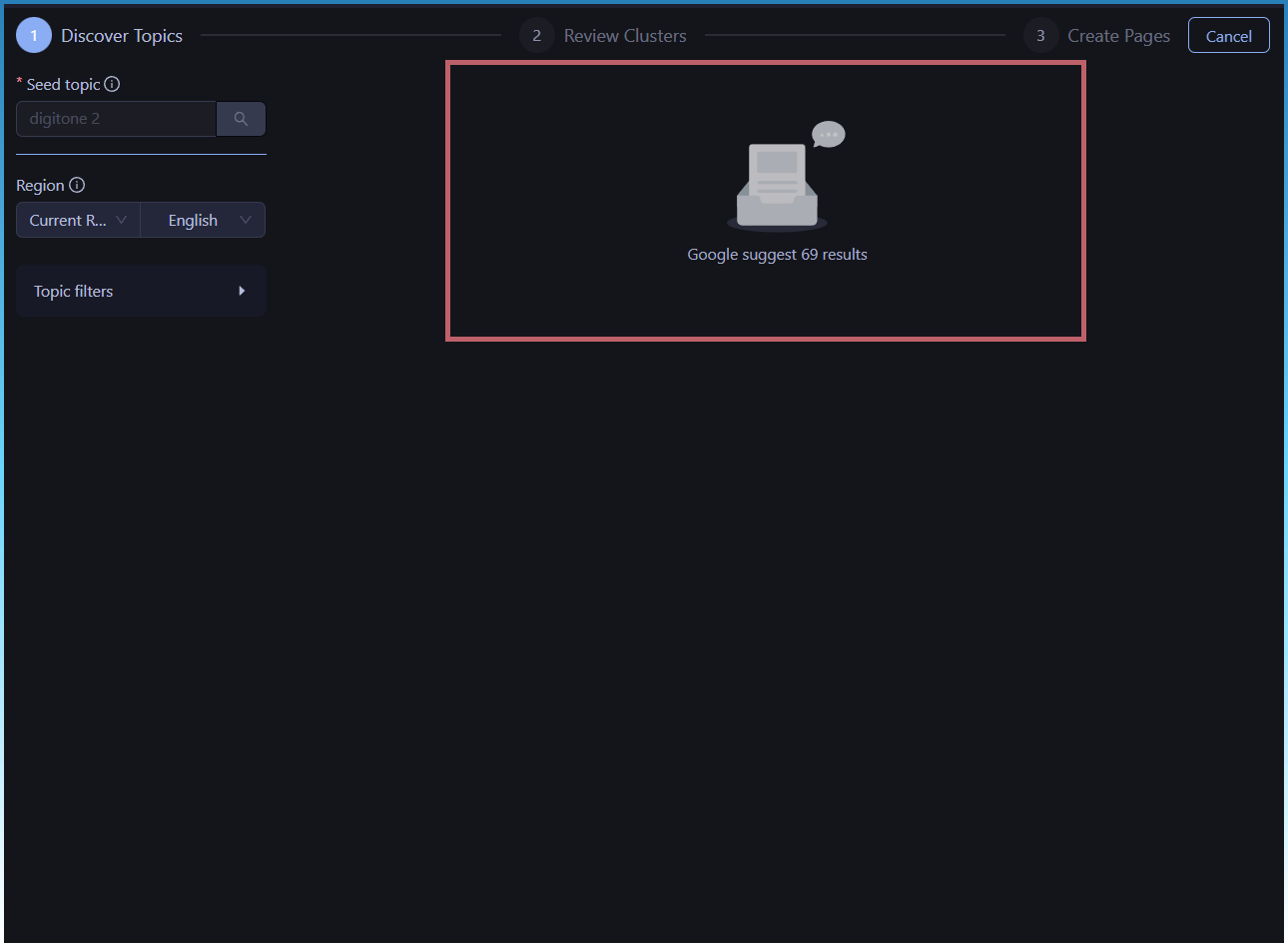
Search button will lock and progress of the topic cluster job will display

Wait for the process to complete.

The steps are

  1. Find topics from Search suggest, Reddit and SERPS.
  2. Cluster topics using word embeddings
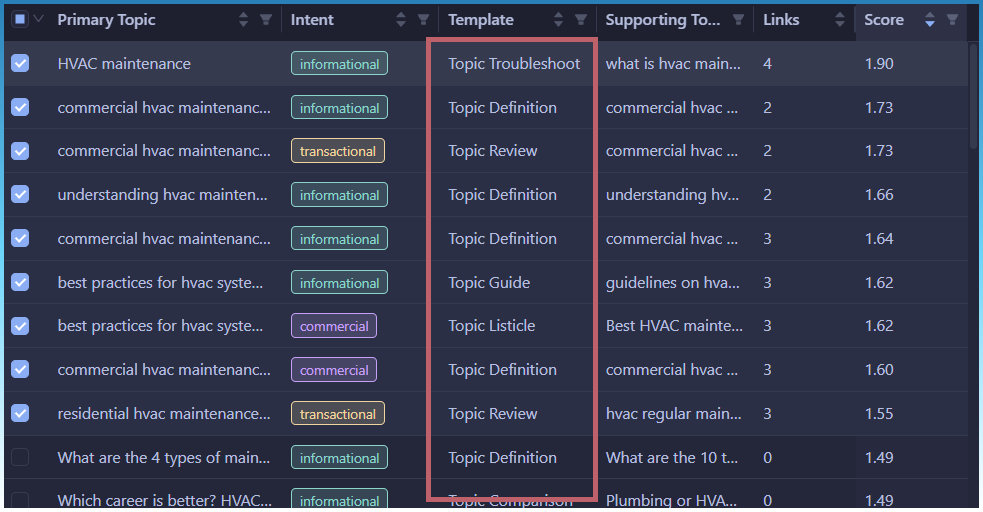
  3. Assign 1 of 7 AI templates

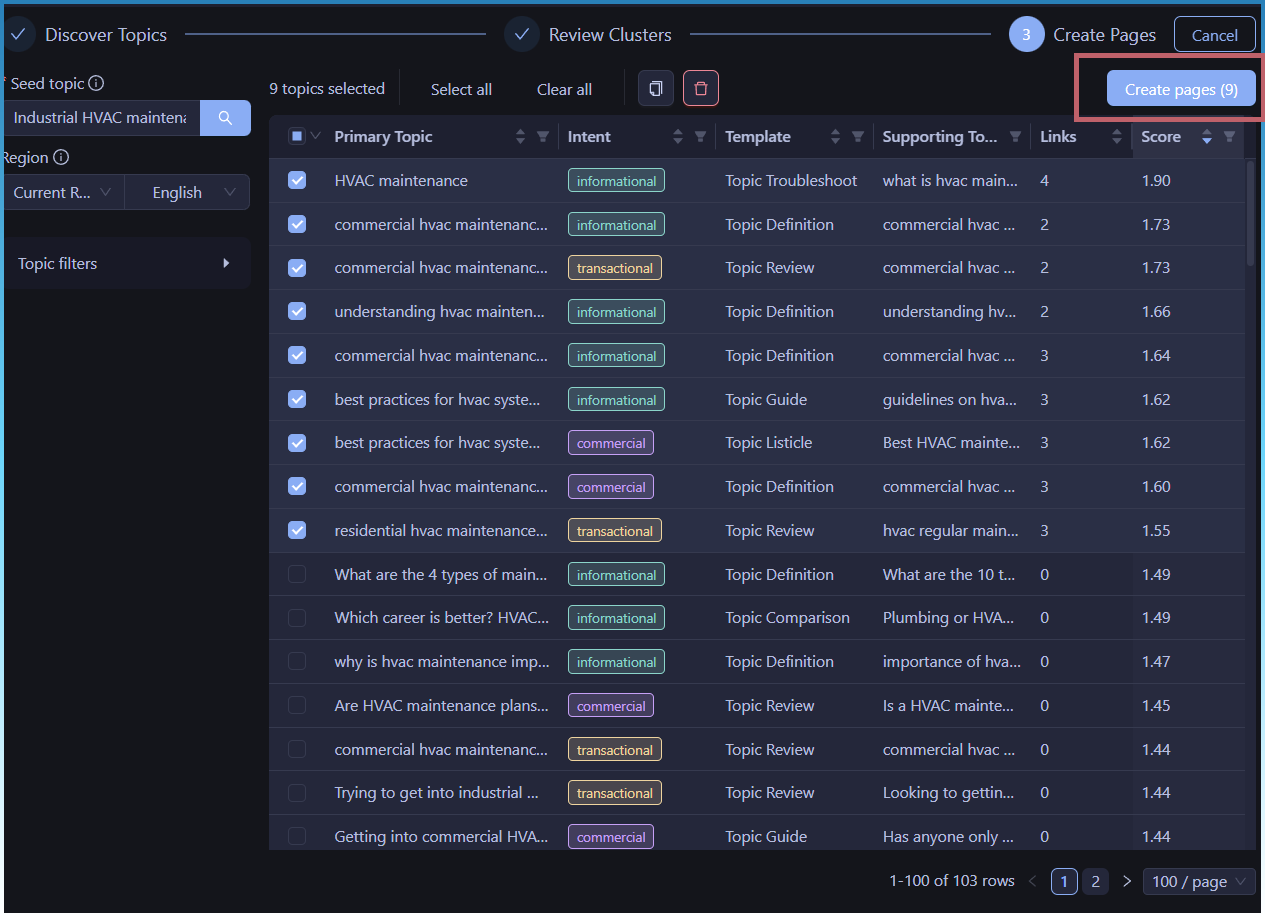
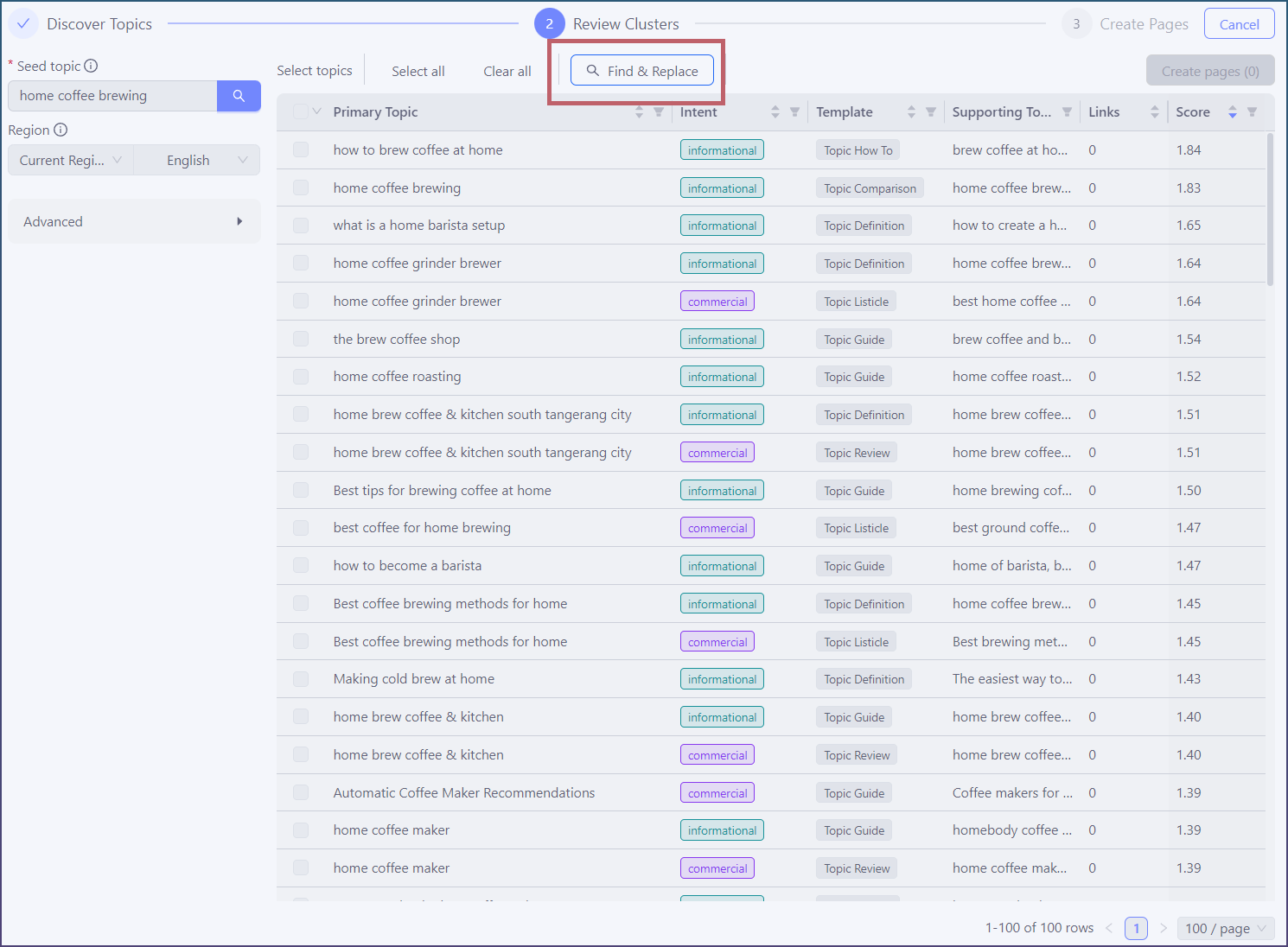
2) Select topic clusters to create pages for

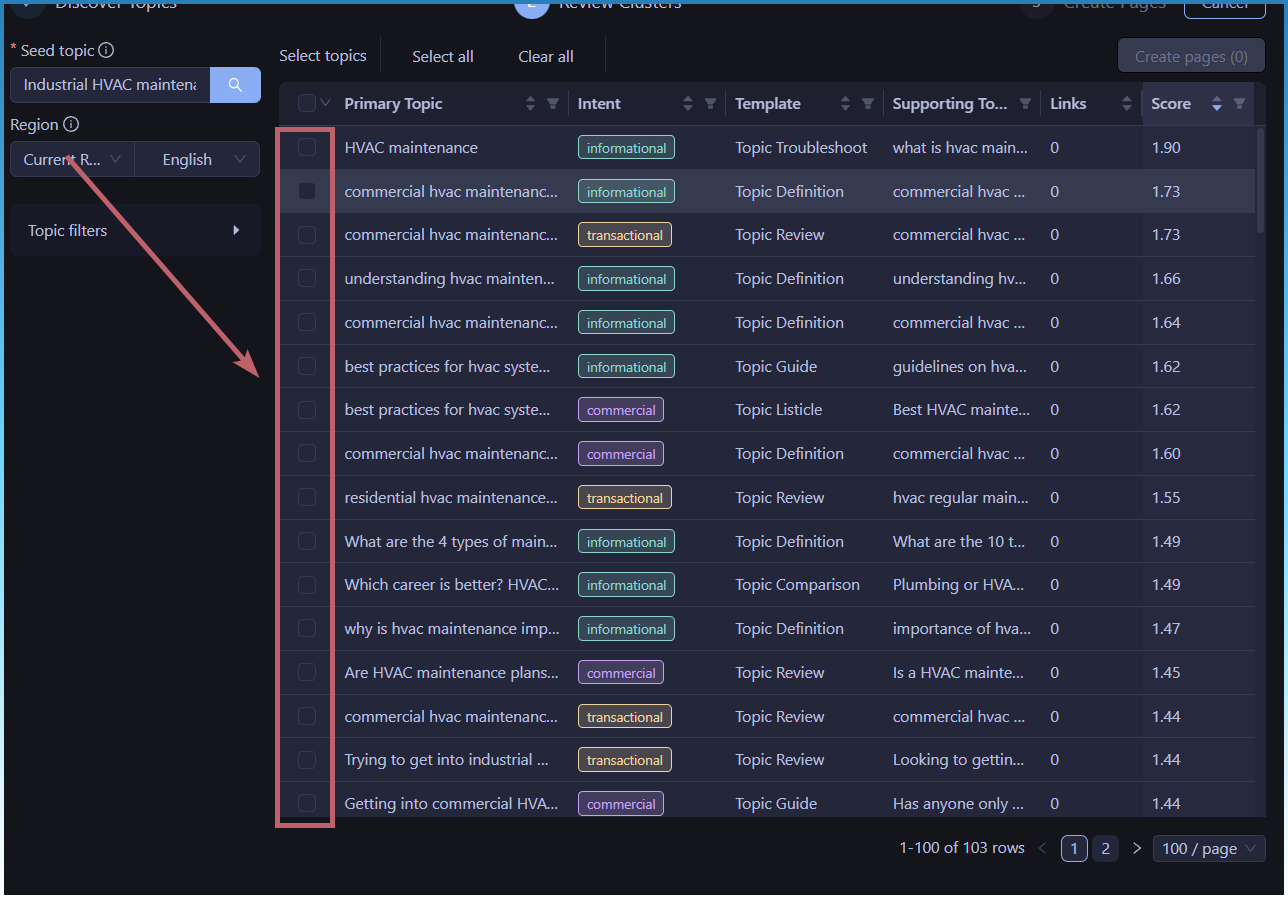
Now select topic clusters you want pages for

As you click on each topic cluster, the Links value will increase. This is showing internal links being added to the article.

The topic cluster tool will now interlink your pages. ie create a Topical authority graph.

This will help Google find your pages. You don’t need another tool for this, SCM will now interlink related pages for you!

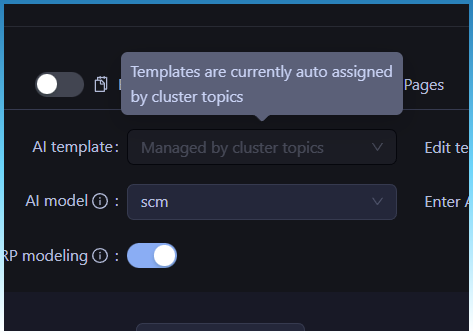
Note also AI templates are automatically assigned.

3) Hit create pages

Once you have selected the topics you want to create pages for, just hit create page.

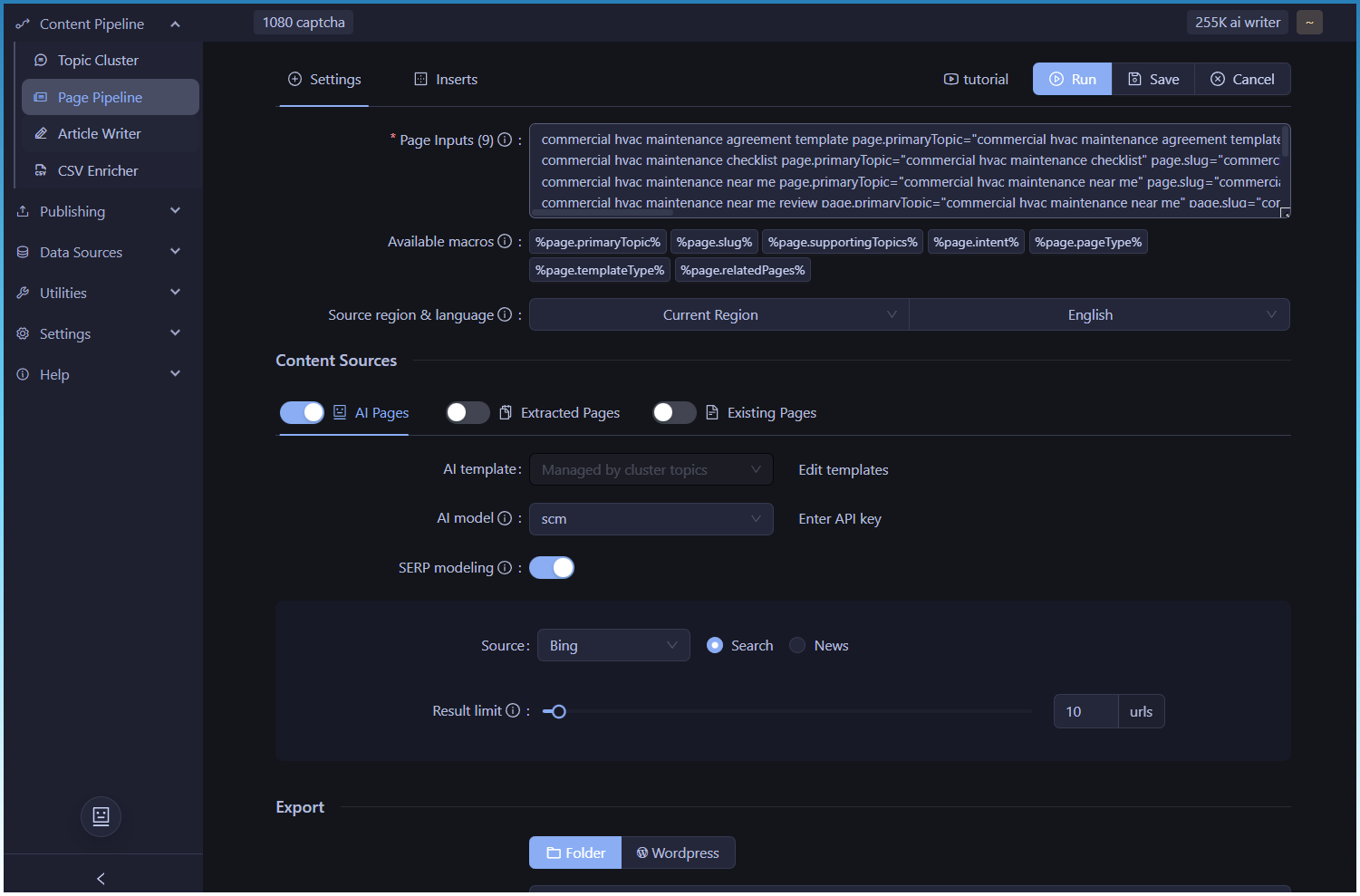
4) Generate pages

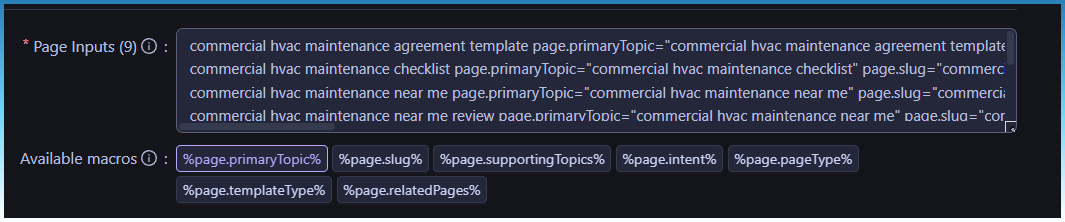
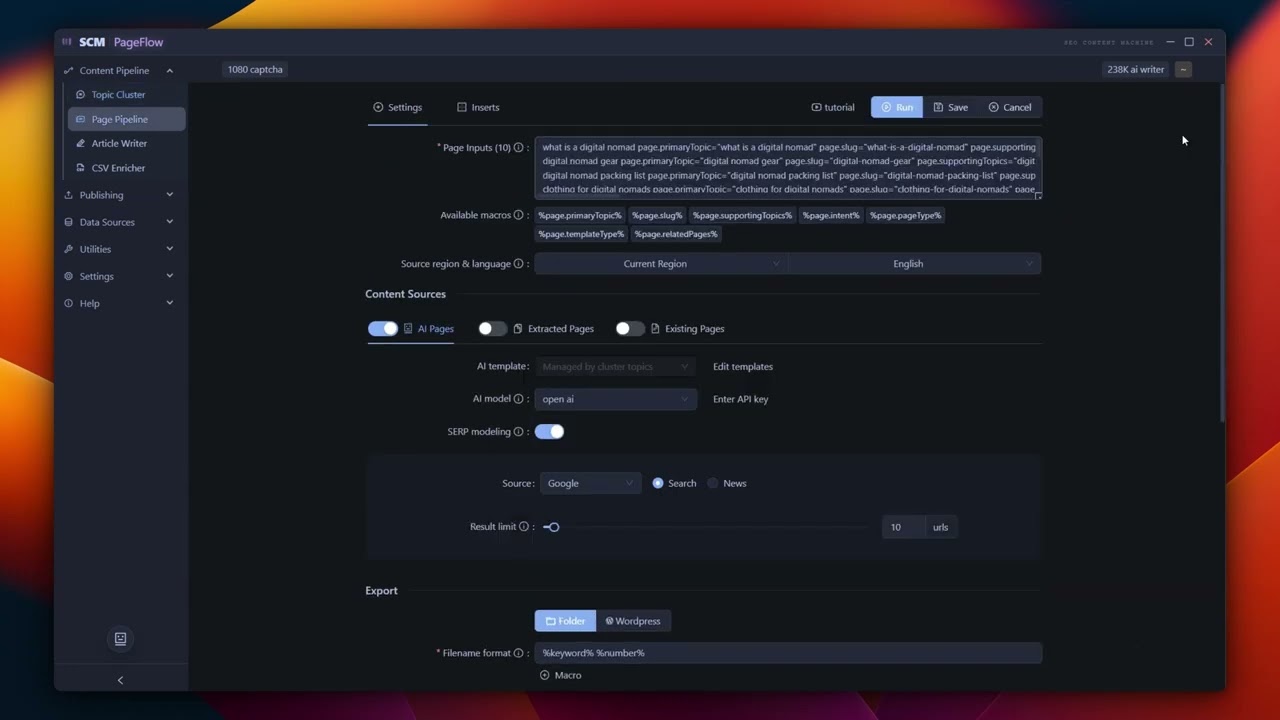
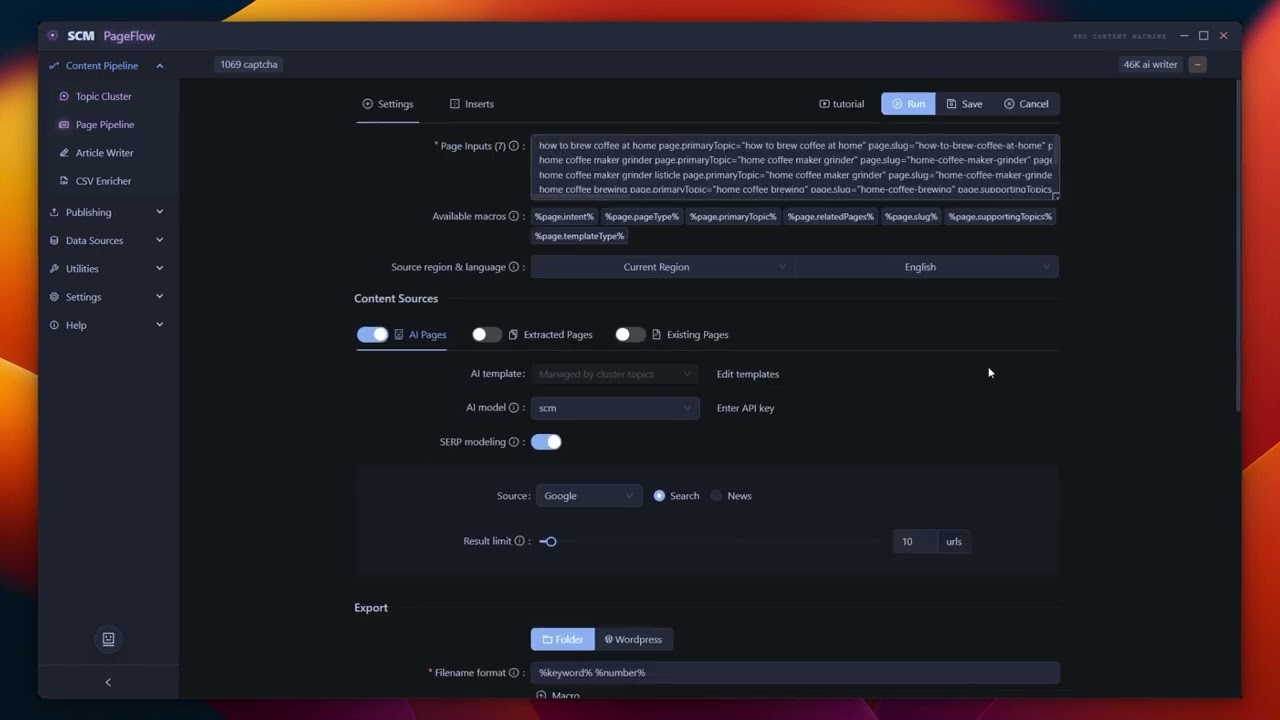
Selected topic clusters are prepared as page inputs to the page pipeline tool (formerly article creator)

You don’t need to select any AI templates. Its done for you!

You can see all the extra inputs we are giving to the AI models besides just a keyword.

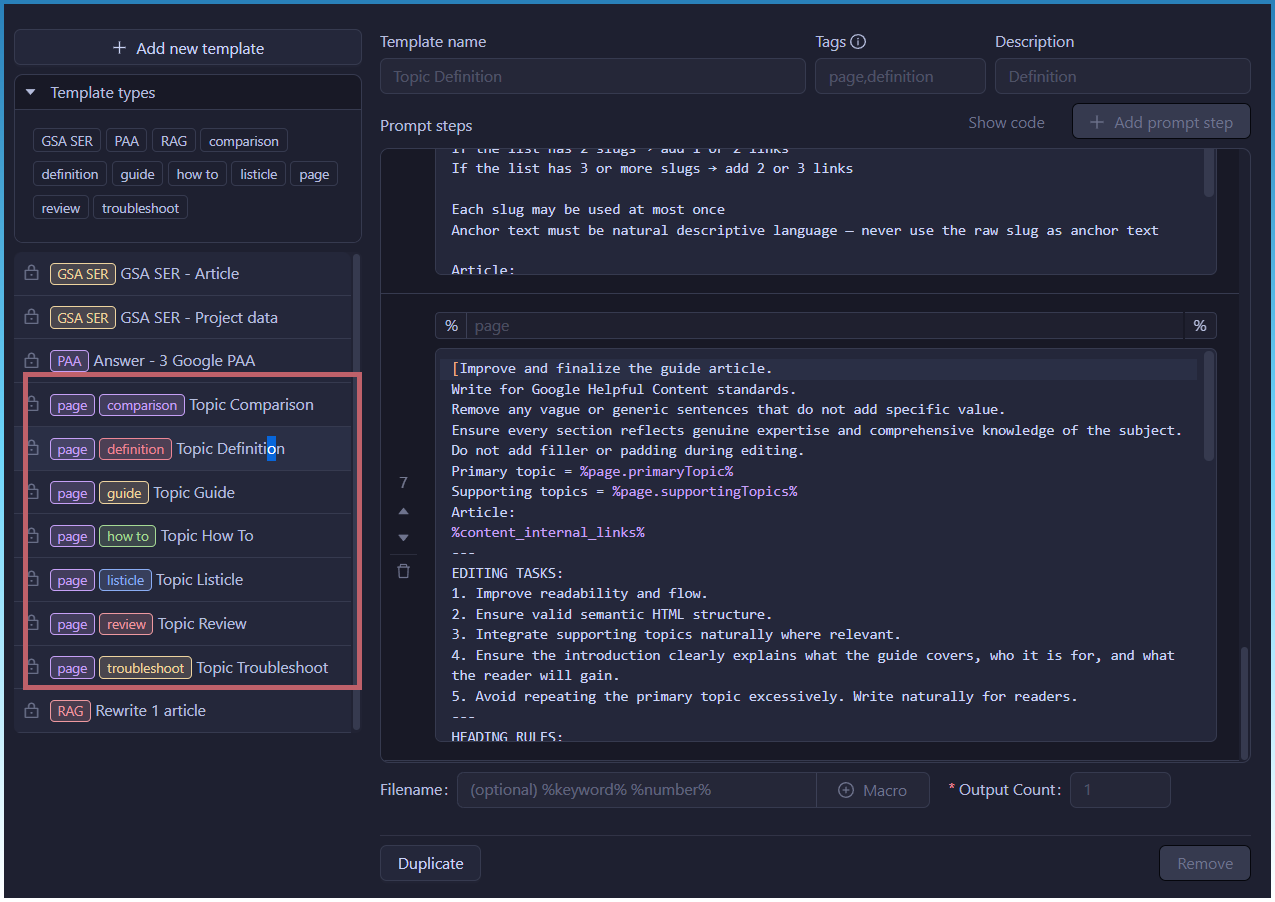
AI templates have been beefed up. Specifically tuned for Google HCU.

They are now 7 step chain AI templates.

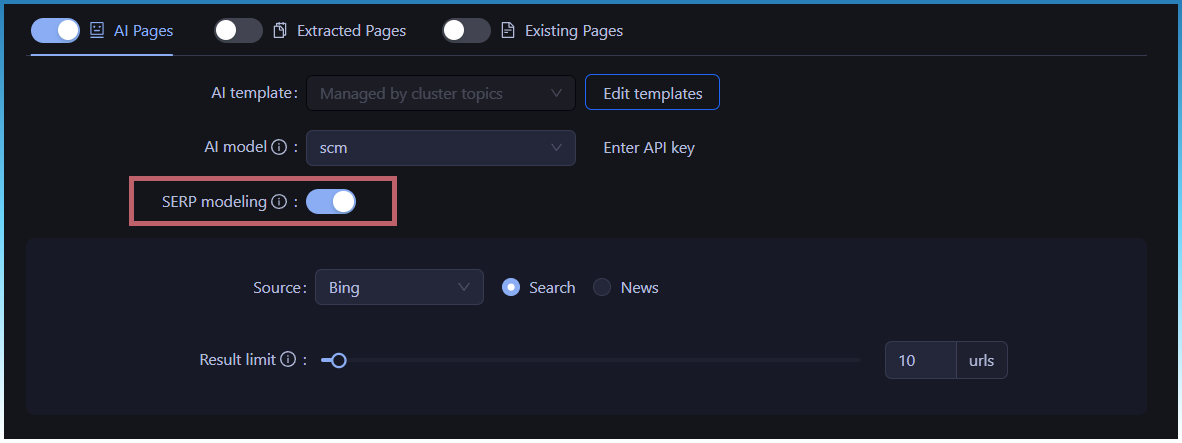
The new AI templates include SERP modeling

SERP modeling works by analyzing the headers, entity density, and structural patterns of the current top-ranking results.

This gives the AI a “blueprint” that ensures your generated content matches the exact information-density and layout Google is already rewarding.

Just hit RUN!

You have no gone from 1 seed keyword → Multiple topic cluster pages (with internal links) → Properly auto assigned AI templates → Ready to generate pages.

1 Like

Just a quick bug fix!

The login window was missing app header. :rofl:

Fixed an error with page pipeline getting stuck inf waiting if no keywords is processed, or already keywords was done and nothing left to do.

Now it will correctly detect empty queue and exit.

This was a bug because the page pipeline is now keyword multi threaded now! Which means it can run multiple keywords at once. You don’t need to split them by task anymore.

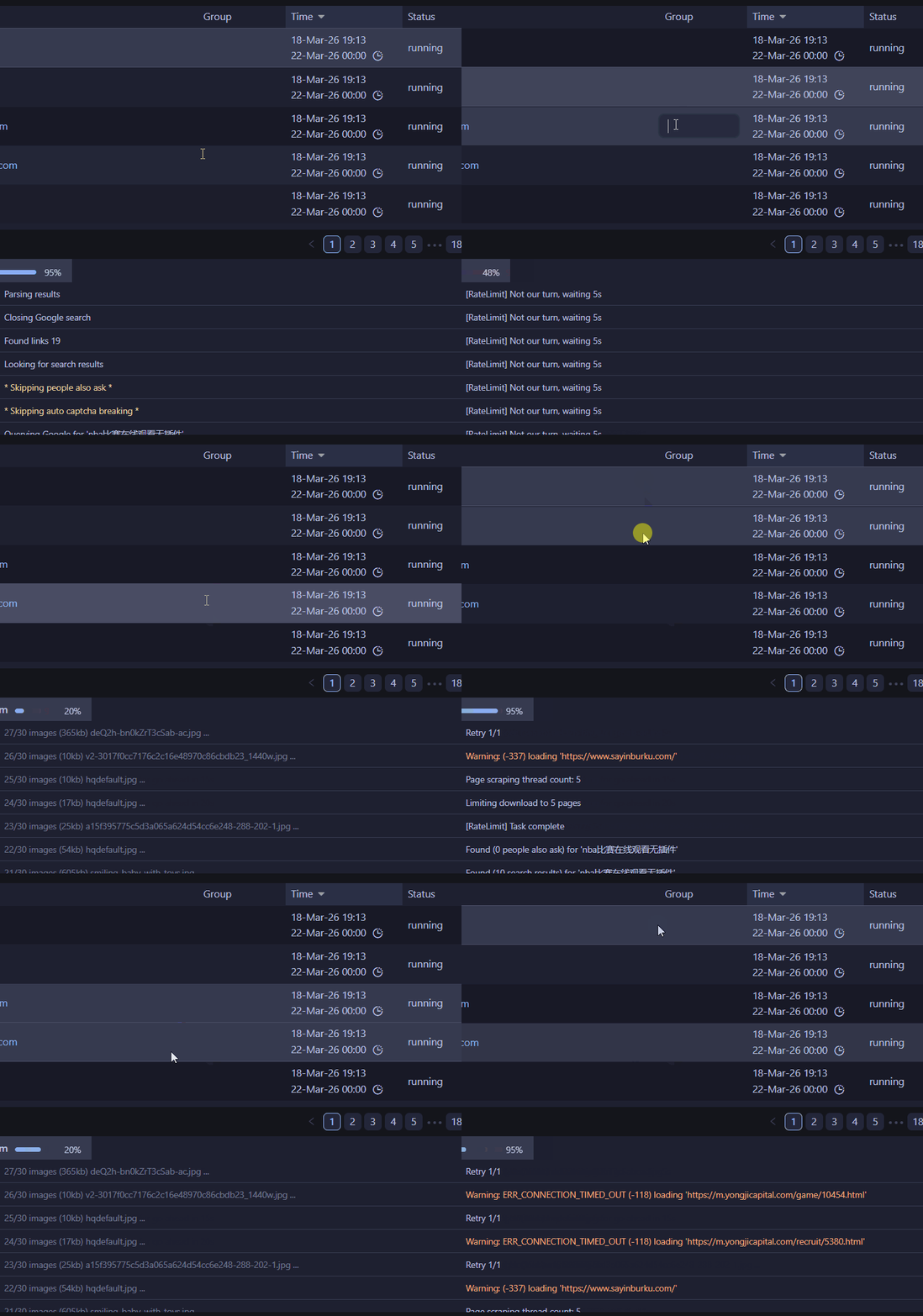
Some performance improvements are coming mainly for the task table.

Now when you click between tasks that are running with big logs, it won’t slow down.

fast grid

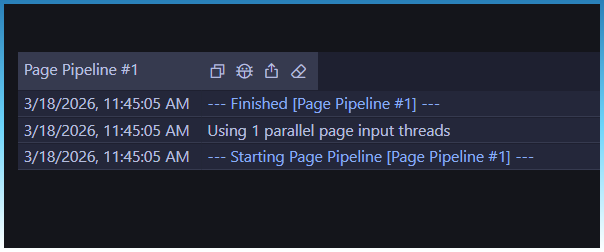
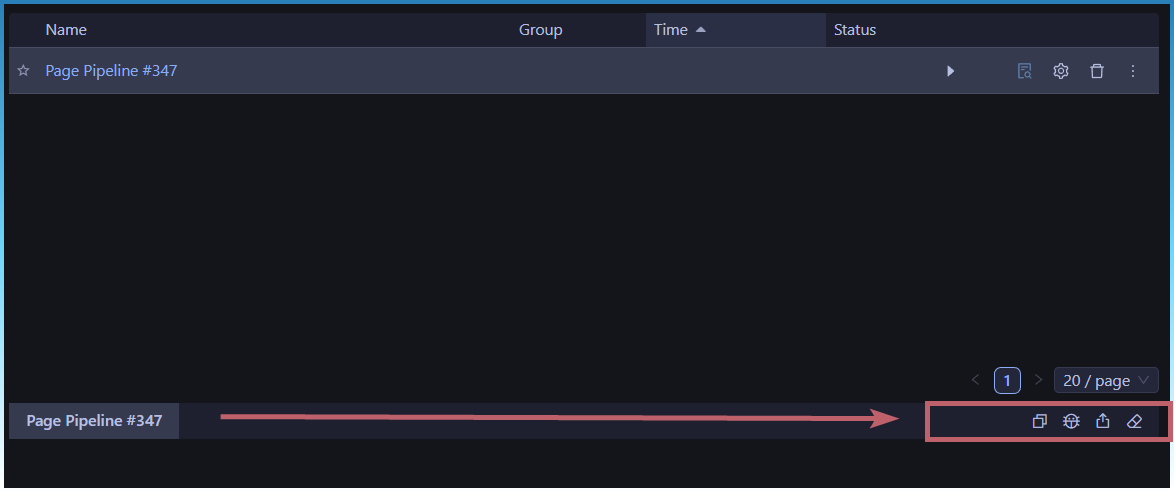
Eagle eye may have noticed also that the header itself has changed.

Action buttons on the right.

A post was split to a new topic: High memory and cpu usage post pageflow udoate

It looks amazing, congratulations!

But we have to remember that for it to work, you need excellent proxies to use with Google; that’s the big challenge.

Which proxies do you use that work well?

I’m using Oxylabs ISP, but it doesn’t work for this type of search.

1 Like

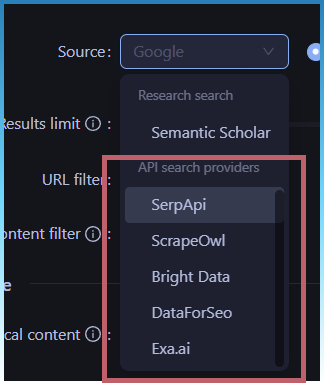
There are a couple of managed SERP services.

Any of these will do it for you cheaply if you don’t want to use proxies.

But the the page cluster workflow doesn’t really hammer Google that hard.

Most of the time is spent scraping and writing the articles.

You can also use Bing.

It works fine since we only use SERP modelling to pull enough data to give the AI model to work better.

Thank you so much. It works nicely with Exa.ai. Really appreciate the continuous development of the tool.

1 Like

I had to do some tweaking of the internal links engine, now its more likely to find links.

Also the click logic shows links linking to pages you selected. That way you know what page to select next.

I also fixed some bugs with the way pages are assigned slugs.

Here is a demo video showing how 1 seed topic turns into 10 clustered topic pages with serp modeling, internal links and intent detection to auto AI template assignment.

1 Like

For those of you needing to go back to an older version of SCM.

Please email or PM me for a link to it.

I have been spending some time reviewing the long times that some users are having creating clusters.

Upwards to 40mins in some cases!

The speed of clustering depends a lot on your CPU.

On a 9800x3d, clustering times are short. In 40-50secs.
On a low power device like N150, that turns into minutes at a time.

Here are some changes I made to help with that.

Tweaked clustering algo

The algo has been tweaked so that it scans with larger values first.
This already has immediate benefit of greatly decreasing scan times.

On my dev PC it turns 14 sec scans into 4 sec scans.

Clustering quality selection

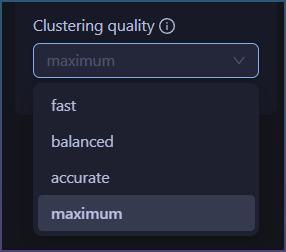
You can now choose a between default max quality clustering and fast clustering.

Fast represents each sentence using a compact summary. It captures the main idea but skips finer details, which makes processing much faster. This is useful when working with large datasets or when you just need broad topic grouping rather than perfect accuracy.
Maximum represents each sentence with much richer detail. It captures subtle differences in meaning, tone, and context, which leads to more accurate clustering. The tradeoff is that it requires significantly more computation and time.

In practice, fast mode may group together sentences that are only loosely related, while max quality mode is better at separating closely related topics into distinct clusters. The difference becomes more noticeable when your data contains nuanced or overlapping themes.

A simple way to think about it is: fast mode gives you a rough but efficient overview, while max quality gives you a more precise and refined understanding.

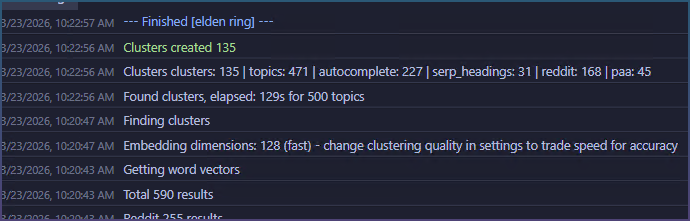
Low power PC - Accurate
660s

Low power PC - Balanced
347s

Lower power PC - Fast
129s

Clustering results - Maximum vs Fast

Fast

Max

Fast Max quality
Summary Quick topic map with high-confidence clusters. Best for getting an overview fast. Comprehensive coverage of head terms, long-tail, and nuanced intent. Best for content strategy.
Clusters generated ~40–50 ~100+
Head terms May miss core terms Fully covered
Long-tail topics Limited Extensive
Intent separation Merges similar intents Splits into distinct clusters
Audience segments Basic Granular (age, budget, use case)
Processing time Faster Slower
Best for Quick niche overview Full content strategy

Mid clustering abort

You can abort any time during the “Finding clusters” stage.

Progress bar while running

To help with long clustering times, a progress bar will update so you can see work in real time.

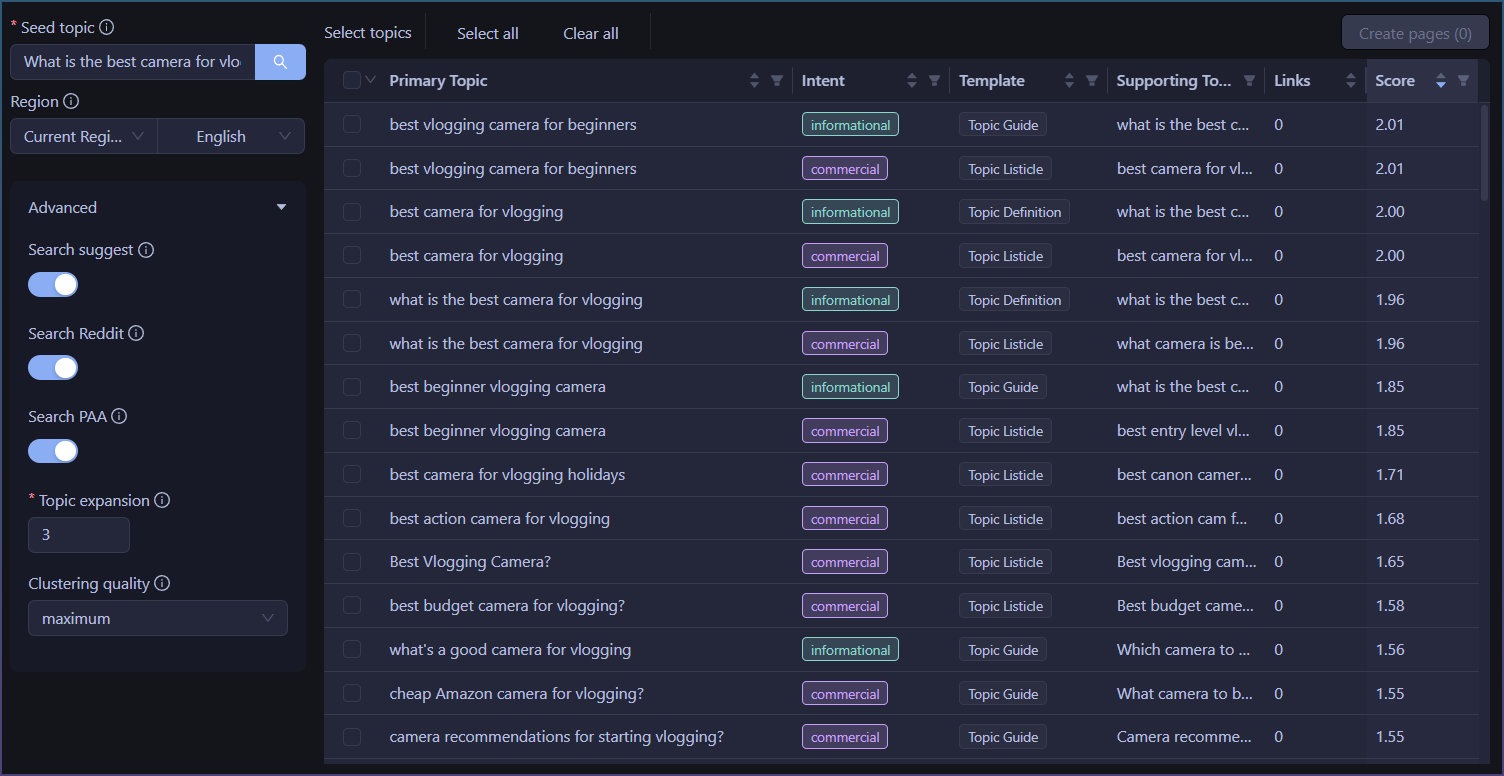
Extra topic source options

Now you can turn on/off individual sources

SERP expansion count

You can turn off or increase/decrease SERP headings used as topics
image

1 Like