
Hi. For some reason,SCM is running slowly, and sometimes I have to wait 3–4 minutes for parts to load in the task settings. What can I do about this, and how can I fix it?
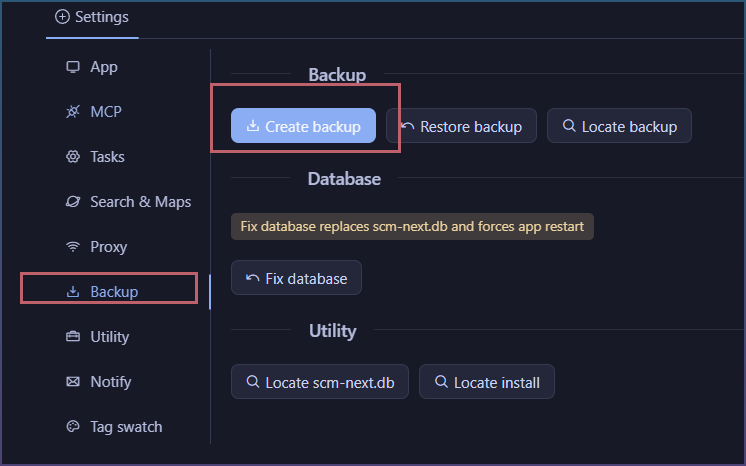
Can you go settings backup, then send me the zip?
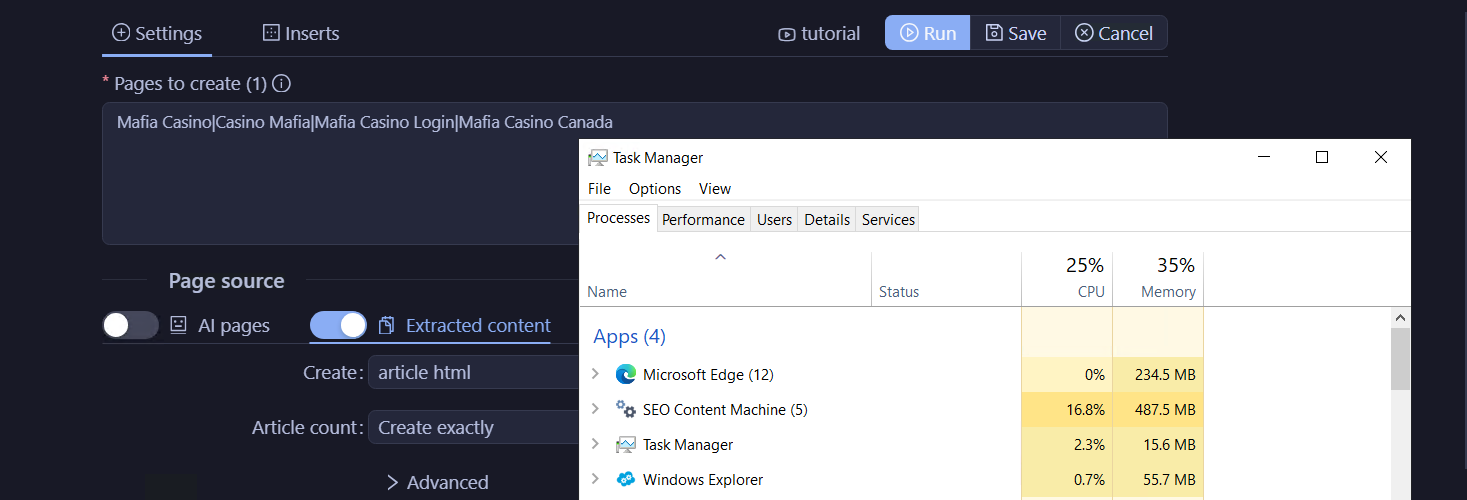
What is CPU usage when scm is up?
I’m not quite sure where to find them. Can you tell me where to find them?
So the UI freezes up and nothing happens?
Does the app show as ‘unresponsive’ in windows task manager?
I have new update, not sure if it fixes or not.
Ill need a copy of your backup to continue investigation.
Yes
No here
Thanks, I updated SCM. I’ll keep an eye on it and let you know how it goes.
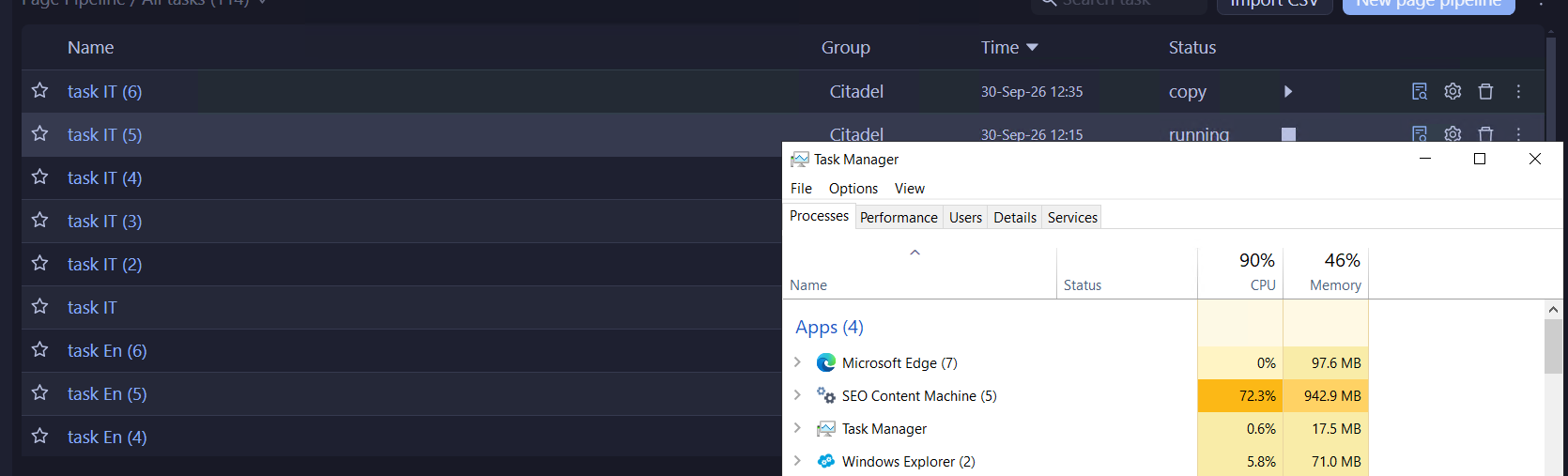
Hi. I guess the problem is on my end after all—specifically, with my device’s performance. When I have one task running and make a copy of it, this is especially noticeable in the load shown in Task Manager. Could this be because I’m making a copy of the task while it’s running? Or does it have nothing to do with actions like that?
And it would probably be interesting to hear from you what computer specs are needed to run at least a few tasks—or even more—without these kinds of problems. What do you think is needed?
I dug into copy code for tasks.
It does use unlimited threads for it, which on a small CPU might be causing excessive thrashing.
Ill cap it to 2 in next update, and we can see if that helps the task duplicate.
Hard to say what specs req, cause most of it seems not very intensive. The only thing that was, the topic clustering. Not what you are running now.
But if you tell me where it slows down I can investigate and optimize if possible.