-
The problem
Can’t add images in ai writer -
Simple solution
Allow image handling
Image button
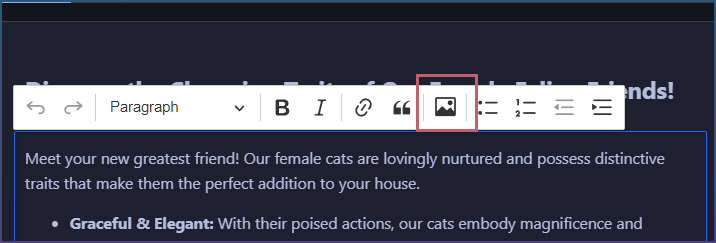
Opens form
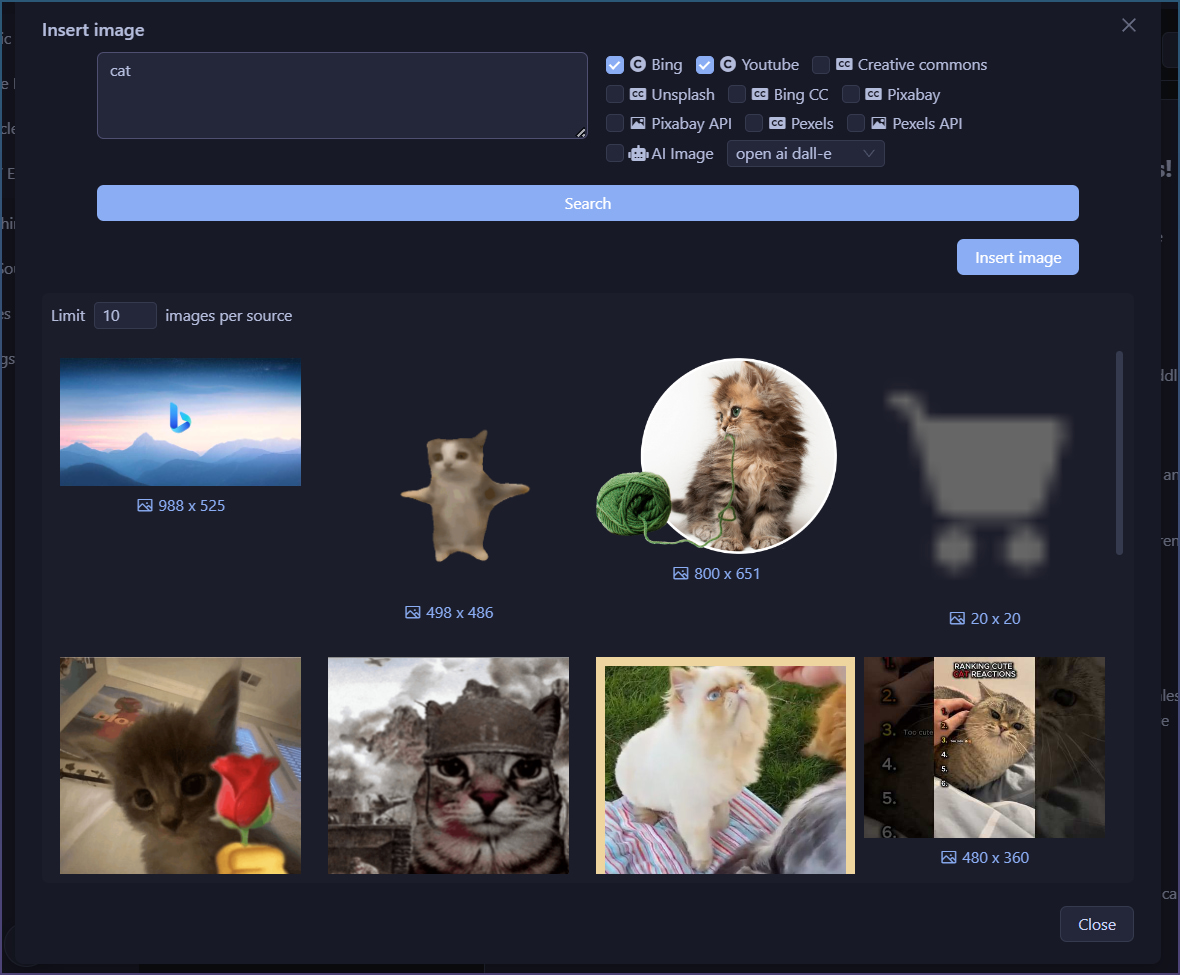
Select and press insert
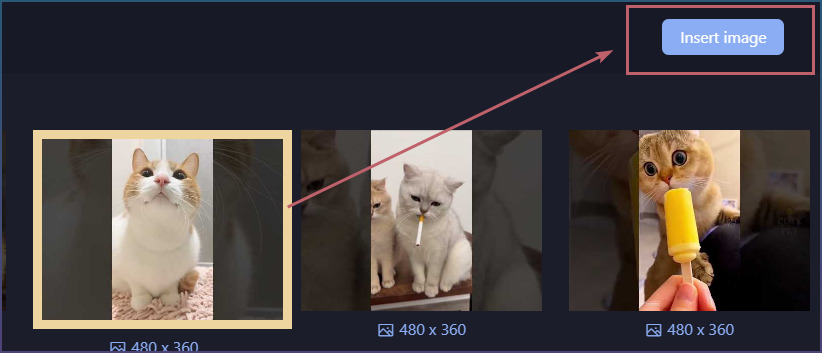
Done
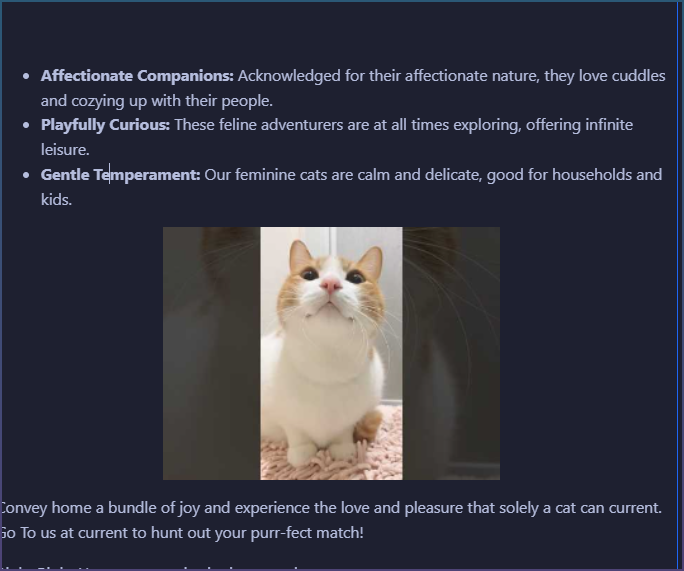
New image insert in Writing Canvas
Images now work inside editor itself.
- Click where you want image.
- Click image button in editor toolbar.
- Choose image.
- Image appears at that spot.
Why changed:
Image tools now live with text tools.
So image insert, alignment, caption, alt text, and size are all in same place.
After image appears:
Click image.
Small image toolbar shows.
Use it to change size or alignment.
This should feel more like normal document editing.